
AI scripts and presentation conversion
Generate scripts and video slides from prompts, links, or documents. Import PPTX files as editable video slides to reuse existing presentation materials.

AI video creation for teams producing training, explainers, and interactive learning.
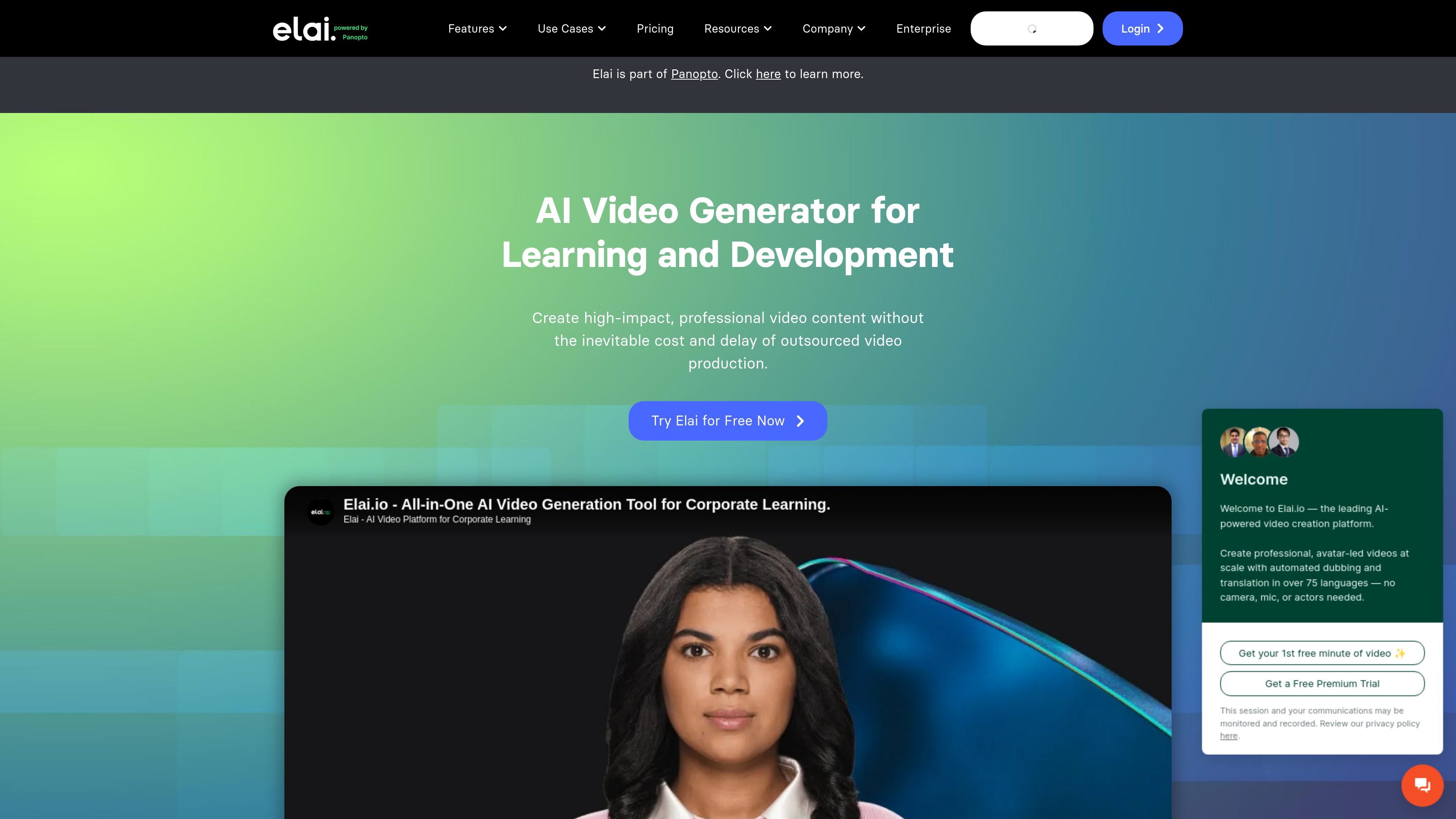
Elai is a browser-based AI video creation platform focused on learning and development. Part of Panopto, it turns written content into narrated videos with digital presenters, giving teams a way to produce and update training materials without arranging a filmed presentation.
Users can start with a script, prompt, article link, or PowerPoint presentation, then edit the resulting slides and presentation elements. The platform combines avatar narration with media, templates, and learner interactions to support both instructional videos and larger training libraries.
Generate scripts and video slides from prompts, links, or documents. Import PPTX files as editable video slides to reuse existing presentation materials.
Choose from more than 80 avatars or create a custom presenter. Place two avatars on a slide to build conversations for scenario-based learning.
Use more than 75 languages and a library of over 450 voices. Translate videos with one click or clone a voice for narration in 28 languages.
Add branching paths, clickable buttons, hotspots, and quizzes. Text and image answers, including multiple-answer questions, support different ways to assess learner understanding.
Record your screen inside the editor and combine footage with stock media, music, animations, and templates. Add captions or upload an existing voiceover.
Use variables and custom graphic elements to tailor video messages through the builder and API, supporting campaigns with recipient-specific content.
Turn internal course outlines and slide decks into narrated lessons, then use branching and quizzes to let employees practice decisions and test understanding.
Create sales training scenarios with avatar conversations so representatives can review messaging and practice responses to customer questions.
Produce compliance and technical instruction for employees, using scenario-based lessons to explain procedures and reinforce security decisions.
Combine screen recordings and narration in product walkthroughs, how-to videos, and explainers that guide customers through specific tasks.
The Free plan includes one user, one minute of video, more than 80 avatars, more than 75 languages, and all Creator features. Video minutes are deducted when videos are rendered.
Creator costs $29 per month, or $23 per month billed annually at $276, with 15 video minutes per month. Team starts at $125 per month, or $100 per month billed annually at $1,200, with 50 minutes per month. Enterprise pricing is tailored through sales.
Creator includes one user and Full HD video. Team includes three editors, three guests, and 4K output. Enterprise includes unlimited users, workspaces, SSO, and premium support.
One Selfie Avatar and one Voice Clone are included with the Team annual subscription; Enterprise includes three of each. Annual add-ons are listed at $199 for a Selfie Avatar, $200 for voice cloning, and $500 for a Studio Avatar.
The pricing comparison lists SCORM export for Enterprise. It also lists a Panopto integration and video analytics covering views, watch time, and engagement.
Os dados de tráfego são apenas para referência.
