
Search across connected repositories
Search files across linked cloud services, using business context as well as filenames and text. Filters help narrow results, such as locating contracts associated with a particular client.

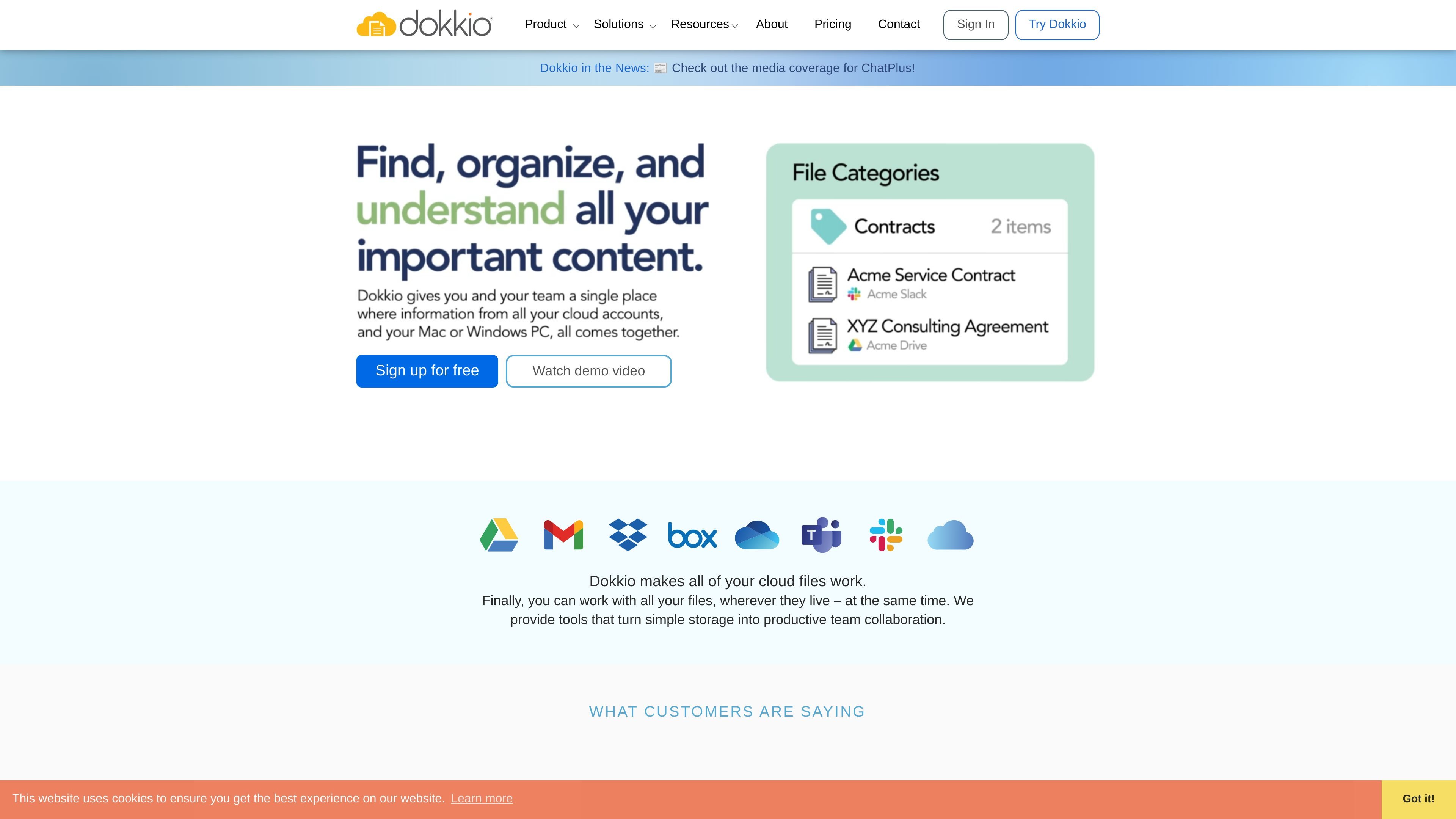
A file discovery and organization workspace for teams using multiple cloud services.
Dokkio is a cloud-file discovery and organization workspace for individuals and teams. It connects selected files and content from services such as Dropbox, Google Drive, Gmail, Box, Slack, and OneDrive in a shared web or mobile interface. Users can search across connected repositories, add organizational context with tags and categories, and group related files around projects or customers. A Chrome extension also supports saving and organizing web pages while browsing.
Search files across linked cloud services, using business context as well as filenames and text. Filters help narrow results, such as locating contracts associated with a particular client.
Add tags to files and folders, classify documents into categories such as Contract, and define searchable attributes such as Counterparty. Relate files to projects or customers to bring associated material together.
Machine-learning and AI features can suggest or apply file categories and business contexts. The product also describes automatic tags, suggested tags, entity detection, image recognition, image captions, and extracted screenshot text.
Dokkio can summarize documents and web pages. In its Sidebar extension, it can also surface pages related to a page currently being viewed.
The Chrome extension can bookmark, clip, or save web pages and screenshots of page sections, then tag captured content for later search.
Dokkio Sidebar 5 ChatPlus connects ChatGPT, Claude, and Gemini to context from a user's private documents, emails, and project files for answers, summaries, and insights.
Search connected repositories for a contract or other file and refine results using its client or business context instead of relying only on its filename.
Create a business context with shared attributes, then relate relevant files and folders from different repositories to assemble a project- or customer-focused view.
Use automatic categorization and tags to make new documents arriving through email attachments, Slack shares, or cloud storage easier to classify and retrieve.
Use Dokkio Sidebar to clip or save pages and screenshots as you browse, then use tags and search to return to the material later.
Use Sidebar ChatPlus to let supported chatbots draw on connected documents, email, and project files when generating answers or summaries.
The site names Dropbox, Google Drive, Gmail, Box, Slack, and Microsoft OneDrive. It also describes support for content from Microsoft Teams, web pages, and local computer files through its available interfaces.
Yes. Dokkio says users choose which channels and folders to connect and share with a team, and which to keep private. It also supports connecting multiple accounts, including multiple Slack accounts.
Dokkio describes a web app, a mobile web app for iPhone and Android browsers, Windows and Mac apps, and a Chrome extension called Dokkio Sidebar.
The pricing page lists a free plan and a Pro plan at $10 per user per month with annual billing; month-to-month plans are also available. Enterprise pricing is listed as contact sales.
Dokkio says it respects the security settings of connected cloud file repositories. Its business contexts can be used to share related files and folders without replacing those repository settings.
Os dados de tráfego são apenas para referência.