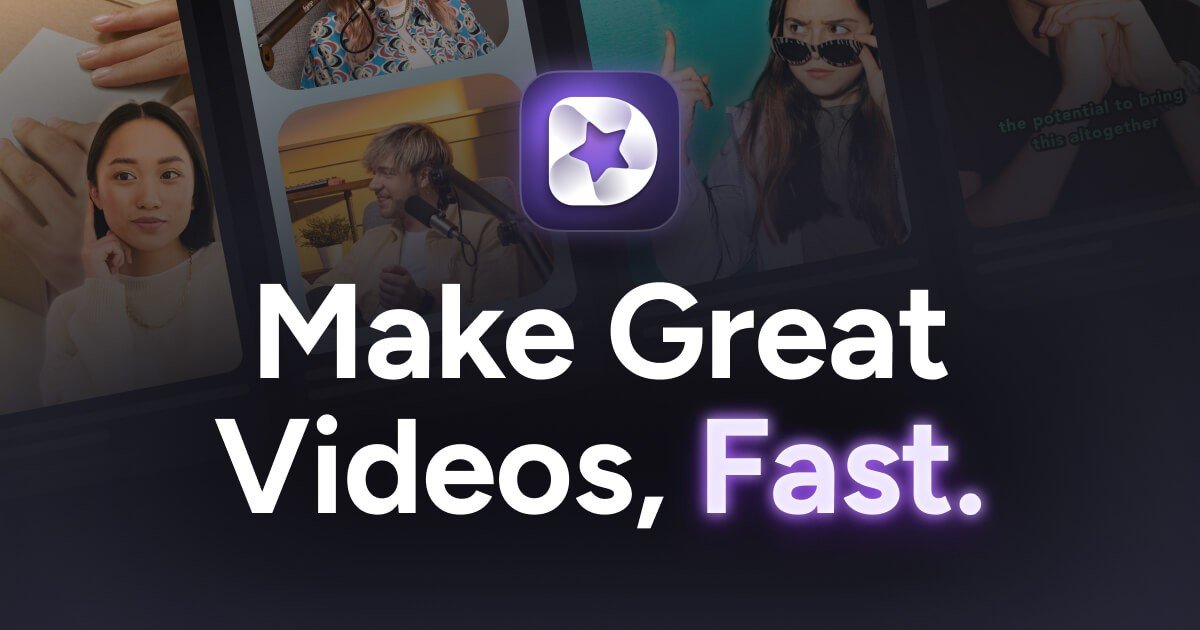
Detail is a video recording and editing app for iOS and macOS built around fast capture, automatic editing, and creator workflows. The site positions it as a way to record talking videos, podcasts, presentations, livestreams, and reaction videos, then turn that footage into ready-to-share output quickly.
The product combines recording tools with editing features such as teleprompter support, auto-editing, captions, green screen replacement, and multi-camera recording. The pricing page shows a free Basic tier for the iOS app and a separate Pro tier, while the home page highlights both the app’s App Store recognition and its focus on reducing manual editing work.
O que Detail pode fazer?
01
Teleprompter-assisted recording
Record talking videos with a teleprompter, your own script, a generated script, or no script at all. The teleprompter page says you can paste in a script and control speed, slow down, speed up, or pause while recording.
02
Auto Edit for talking-head video
Let Auto Edit assemble a talking-head video after recording, with silence removal, zoom cuts, titles, captions, music, and other edits. The talking-head page says it finds the best moments and creates shareable videos from long-form edits to short clips.
03
Podcast and interview workflow
Record a podcast or interview on a single iPhone, or invite a guest and connect a second device. The product also offers Podcast Auto Edit, which automatically creates long-form edits and short clips and switches speakers.
04
Mobile livestreaming
Turn an iPhone or iPad into a multi-camera livestreaming studio and stream with RTMP. The site names YouTube, Twitch, Instagram, and LinkedIn as supported destinations.
05
Live green screen editor
Remove a video background in a tap and place yourself in a different setting using the live green screen editor. This capability also appears in the pricing plan feature list.
06
Captions and reaction-video tools
Add, animate, and customize AI-generated captions, and import online videos by pasting a URL when you want to record over existing content. The site also highlights reaction-video workflows for videos saved on the phone or online.
Casos de uso
“Talking-head videos”
Record a scripted or semi-scripted talking video on your iPhone using the teleprompter, then let Auto Edit handle the cleanup so the result is ready to post sooner.
“Podcasting”
Capture an interview or solo podcast on one iPhone or with a guest on a second device, then use Podcast Auto Edit to generate long-form edits and short clips.
“Livestreaming”
Stream from an iPhone or iPad as a multi-camera setup when you want to broadcast to YouTube, Twitch, Instagram, LinkedIn, or another RTMP destination.
“Reaction videos”
Record a reaction video by importing an online video with a URL or using a video saved on your phone, then create a shared edit without separate screen-recording software.
“Presentations and explainers”
Remove a background in the live editor, add captions, and present from a scripted teleprompter when creating presentations or explainers.
Perguntas frequentes
What is Detail used for?
Detail is an iOS and macOS app for recording and editing videos. The source pages show workflows for talking videos, podcasts, reaction videos, livestreaming, teleprompter recording, captions, and auto-editing.
Is Detail free or paid?
The pricing page shows a free Basic plan and a Pro plan for the iOS app. The same page notes that Detail for iOS Pro and Detail Studio Pro on macOS are separate subscriptions.
What does the pricing page say is included?
The iOS app includes unlimited high-quality recording, editing, watermark video exports, remote recording, multi-camera recording, transcriptions, audio-only exports, automatic captions, a live green screen editor, a teleprompter, import videos, and responsive layouts. Pro adds watermark-free exports, AI-generated clips and content, AI framing, Podcast Auto Edit, and more caption styles.
Where can Detail livestream to?
The source specifically lists YouTube, Twitch, Instagram, LinkedIn, and RTMP as livestream destinations from iPhone or iPad.
What limitations should I know about?
The source pages do not provide full details on macOS feature parity, export formats beyond audio-only and video exports, or all available integrations. They also note that iOS Pro does not include macOS Pro.
Informações rápidas
Category
Video recording and editing
Platforms
iOS and macOS
Primary workflow
Record, auto-edit, caption, and share video content
Pricing
Free Basic plan; paid Pro plan on iOS
Livestreaming
YouTube, Twitch, Instagram, LinkedIn, and RTMP destinations
Site
detail.co
Análise de tráfego de Detail
Os dados de tráfego são apenas para referência.
Classificação do domínio
39
Alternativas ao Detail
D
Dina
www.dina.so
Dina é uma ferramenta para macOS de gravação de tela e edição de vídeo que aprimora automaticamente as gravações com zoom, movimentos do cursor, legendas, layouts e efeitos cinematográficos. Crie demos, tutoriais, apresentações e outros vídeos refinados, prontos para exibição.
C
CANVID
canvid.com
Gravação de tela para Windows e Mac com edição, legendas, limpeza de voz por IA e compartilhamento.
L
Loom
loom.com
Gravação de tela e mensagens de vídeo assíncronas para equipes
B
Berrycast
berrycast.com
Berrycast é uma ferramenta de gravação de tela e mensagens de vídeo para colaboração assíncrona no Windows e Mac.
V
Video Background Remover
videobgremover.com
Ferramenta de IA para remover e substituir fundos de vídeo sem tela verde, com prévia gratuita e exportação por uso.
V
Velo
usevelo.ai
Gravação de tela e mensagens de vídeo com IA para demos profissionais