
Metadata and caption translation
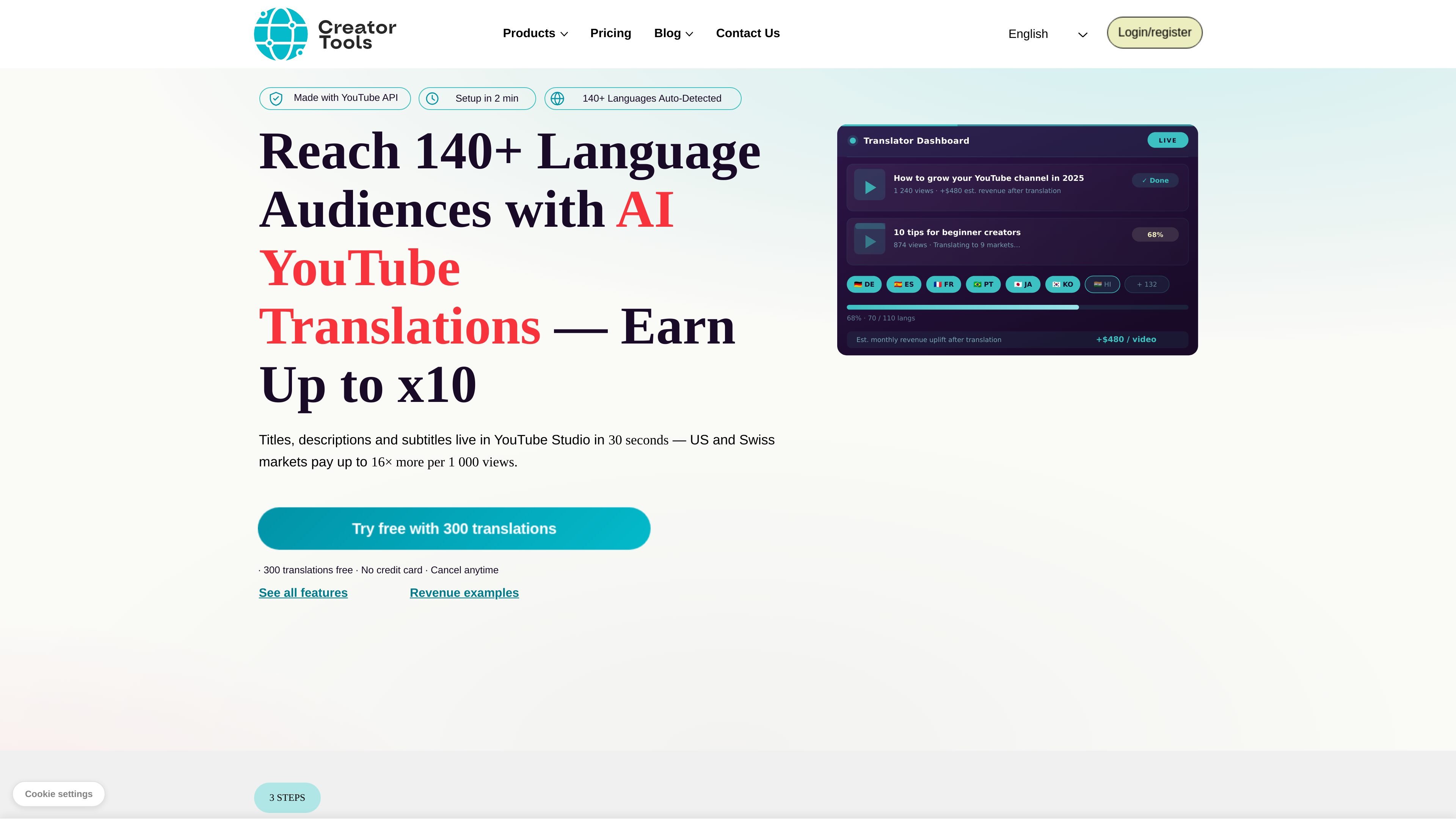
Translate YouTube titles, descriptions, and subtitles into 140+ languages and upload the results to the connected channel in YouTube Studio.

AI translation of YouTube titles, descriptions, and subtitles with direct upload to YouTube Studio.
Creator Tools helps YouTube creators localize existing videos for viewers in other languages. Connect a channel through OAuth, select videos and target languages, and translate titles, descriptions, and subtitles for direct upload to YouTube Studio. Its translation uses OpenAI and Gemini, with language groups, regional dialects, tone settings, and controls for preserving brand terms.
The wider Creator Tools service also offers separate AI comment replies and scheduled streaming of prerecorded videos. Translation can make content accessible to more audiences; it does not guarantee search placement, recommendations, or increased ad revenue.
Translate YouTube titles, descriptions, and subtitles into 140+ languages and upload the results to the connected channel in YouTube Studio.
Choose a tone such as friendly, scientific, or official, and regional variants such as American or British English. Song/Poetry mode asks the AI to preserve lyrical rhythm and emotional intent where possible.
Wrap names, hashtags, sponsors, or other phrases in [[double brackets]] to exclude those terms from translation.
Save target-language groups and extend them later. Only newly added languages count against the translation balance for an already translated group.
Additional creator services include AI replies to YouTube comments and scheduled live broadcasts using prerecorded video.
Select existing channel videos and target language groups to publish translated metadata and captions for international viewers.
Protect recurring product names and sponsors while changing the tone or regional dialect for each audience.
Use Song/Poetry mode for lyrical content, then check the translated meaning and phrasing in YouTube Studio.
Connect through YouTube OAuth so Creator Tools can access your video library and upload translations. Check the requested account permissions before authorizing the channel connection.
One translation is one video in one target language. Expanding an existing language group charges only for the newly added languages, rather than translating the whole group again.
The initial free trial lasts two weeks and allows one free account per user. Continued translation uses paid subscriptions. Check the offered starting allowance before signing up.
No. Subscription credits do not accumulate across billing periods, and cancellation loses the balance. Extra translations purchased alongside a subscription expire on the stated date, normally the next payment or non-renewal.
Translation can make titles, descriptions, and captions available to viewers in other languages. Views, recommendations, and ad earnings depend on the content and audience; they are not guaranteed by translating a video.
Os dados de tráfego são apenas para referência.
