
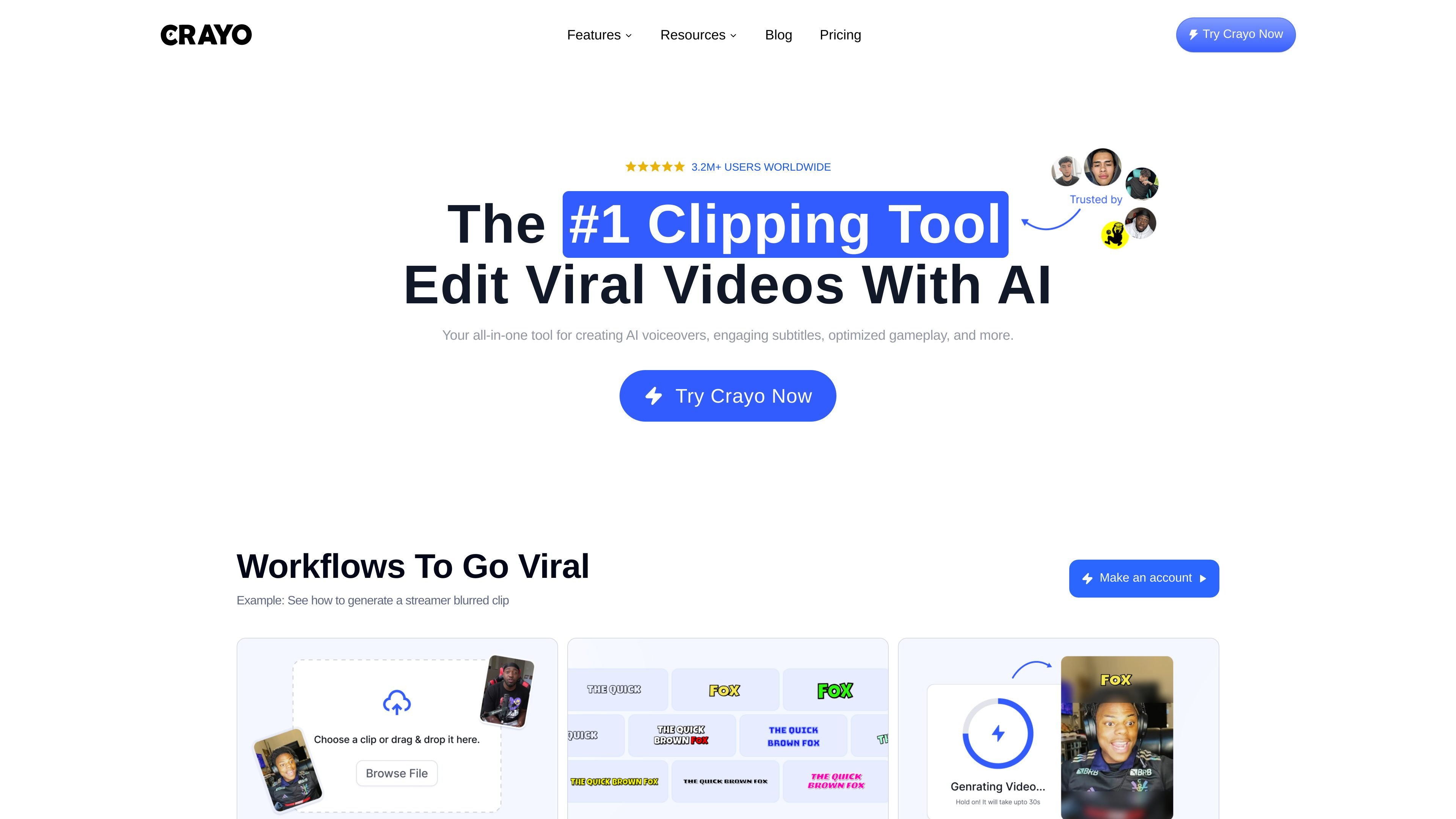
Automatic clipping
Turn a long upload into shorter clips and refine the selected moments in the editor.

Create short-form clips and story videos with AI narration, captions, and browser editing.
Crayo is a browser workspace for creating short-form videos. Upload a long recording to produce clips, build a chat-style story, or generate narration and images for a scripted video. Trim, crop, caption, and clean up the material in the editor, then export for short-form social formats. A REST API supports generation and rendering workflows in other products.
Turn a long upload into shorter clips and refine the selected moments in the editor.
Build chat-style stories or script-based videos with narration, scenes, and subtitles.
Generate voiceovers from a catalog of more than 100 voices and create images from prompts.
Trim, crop, style captions, enhance speech, and remove backgrounds or embedded subtitles from footage you are entitled to adapt.
Submit clipping or rendering jobs through the REST API and receive asynchronous results through polling or webhooks.
Create vertical clips from footage you own or have permission to reuse, then refine timing and captions.
Combine a script, generated voiceover, images, and captions into a short video.
Integrate generation, asset handling, and rendering into a product or an editor’s existing workflow using the API.
Crayo’s marketing FAQ says videos can be monetized, but its current Terms of Service limit service use to personal, non-commercial purposes. Obtain clarification of the applicable commercial license from Crayo before a monetized project. The terms retain users’ ownership rights in their content and require lawful, non-infringing use; exporting material does not grant rights in someone else’s footage or other assets.
Annual billing is $160 for Hobby, $327 for Clipper, and $664 for Pro. Their monthly allowances are respectively 250, 1,000, or 3,000 workflow credits; 2, 10, or 30 hours of export; 30, 120, or 180 minutes of voiceover; and 100, 300, or 500 AI images. Each plan includes the tools, with different usage and storage allowances.
A workflow credit covers one AI-generated video. API AutoClip charges one video credit per requested clip; images, voiceover, and exports use their own balances. Subscription credits reset each billing cycle without rolling over, while one-time top-up credits are separate.
Every account can create an API key. Chargeable generation requires a paid plan with available credits and storage, and uses the same balances as the app. There is no separate API plan.
Separate single-task browser tools, such as trimming, compression, and format conversion, work without an account. These are distinct from the account-based AI generation tools.
Cancel through account settings. Access continues until the current billing cycle ends. Crayo’s published refund policy states that sales are final and refunds are not offered.
Os dados de tráfego são apenas para referência.