
Find moments in long recordings
ContentFries analyzes a source video and identifies moments that can be cut into standalone clips, reducing the need to search through the full recording manually.

Repurpose long-form video into clips, posts and drafts for creators and teams.
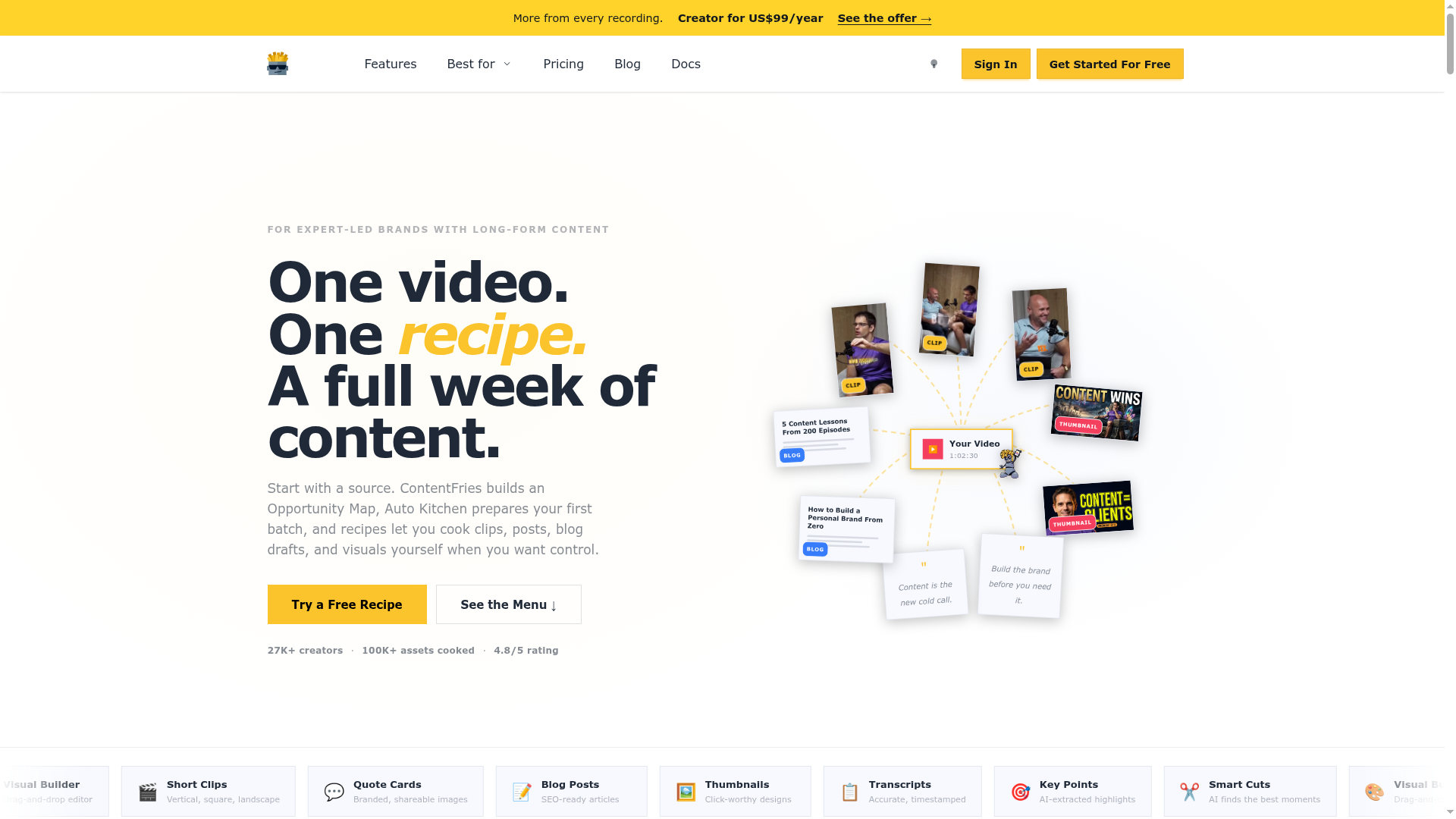
ContentFries is a video repurposing tool for turning a long-form recording into a reviewable set of publishing assets. Paste a YouTube or Vimeo link, or upload an MP4, then choose a visual style and the formats to generate. The workflow is designed for creators and small teams that already record lessons, podcasts, webinars, interviews or demos and need to distribute that material in more than one format.
A pack can include captioned short clips, thumbnails, quote posts and a blog outline that can be expanded into a full draft in the editor. Users can review and edit the outputs, then download them or schedule approved posts. ContentFries also supports making individual clips from shorter videos, for cases where the desired moment is already selected.
ContentFries analyzes a source video and identifies moments that can be cut into standalone clips, reducing the need to search through the full recording manually.
A pack can contain captioned clips, thumbnails, quote ideas and a blog outline. Carousels are available through the separate Make more workflow.
Choose a starting style for captions, posts and visuals, or describe a custom look. Reuse that style across later assets.
For a selected short video, adjust captions, timing, visuals, and layout in the editor, then export the clip.
Review generated assets in a shared grid, make edits, keep the pieces that fit, and download them or send approved posts to a schedule.
Turn the generated blog outline into a fuller draft in the editor rather than starting from a blank page.
Turn a lesson, webinar or talking-head recording into social clips, quote visuals and blog material to maintain visibility between launches.
Create clips, episode hooks, quote visuals and topic angles from recorded episodes for distribution across channels such as YouTube, LinkedIn and Instagram.
Use recurring demos, webinars or educational videos to develop clips, articles and campaign angles that extend thought leadership beyond the original recording.
Give a team working around one speaker or expert a repeatable way to prepare and review assets from each recording, instead of assembling outputs across multiple tools.
Paste a YouTube or Vimeo link or upload an MP4. You can also open a selected short video directly in the editor to adjust its captions, timing, and layout.
The first pack includes captioned clips, thumbnails, quote ideas and a blog outline. The outline can be turned into a full draft in the editor; carousels are available when making more.
Yes. Adjust captions, timing, visuals, and layout before export. Review and edit generated assets before downloading or scheduling.
Yes. You can select a supplied style or describe your own look, then reuse it for later assets.
Team capacity depends on the plan: Free includes one workspace and one seat, Creator includes three workspaces and three seats, and Scale includes unlimited internal workspaces and ten seats.
Creator is $39 per month with 650 monthly credits; Scale is $99 per month with 2,500. Annual Creator is $390 billed once. Pay-as-you-go starts at $4 for 40 credits without a subscription.
Free includes 150 permanent signup credits and 50 monthly credits that reset without rollover. Creator can roll over up to 1,300 credits and Scale up to 5,000. Purchased pay-as-you-go credits do not expire. Pack counts are estimates: source length, chosen formats, and extra exports change usage.
Os dados de tráfego são apenas para referência.

storylab.ai
Generate marketing copy, video scripts, and campaign drafts with AI.

www.postraid.com
Postraid is an AI-assisted social content creation and scheduling tool for turning a product brief into UGC-style videos, memes, and carousels. It helps founders, creators, and growth marketers review content ideas, organize selected assets, and plan posts for TikTok, Instagram, and YouTube.