
Continuous taste learning
Command Code learns from every accept, reject, and edit, then turns those signals into project-level skills and personal memory so later sessions follow the patterns you prefer.

Agente de programação com IA no terminal que aprende suas preferências com feedback.
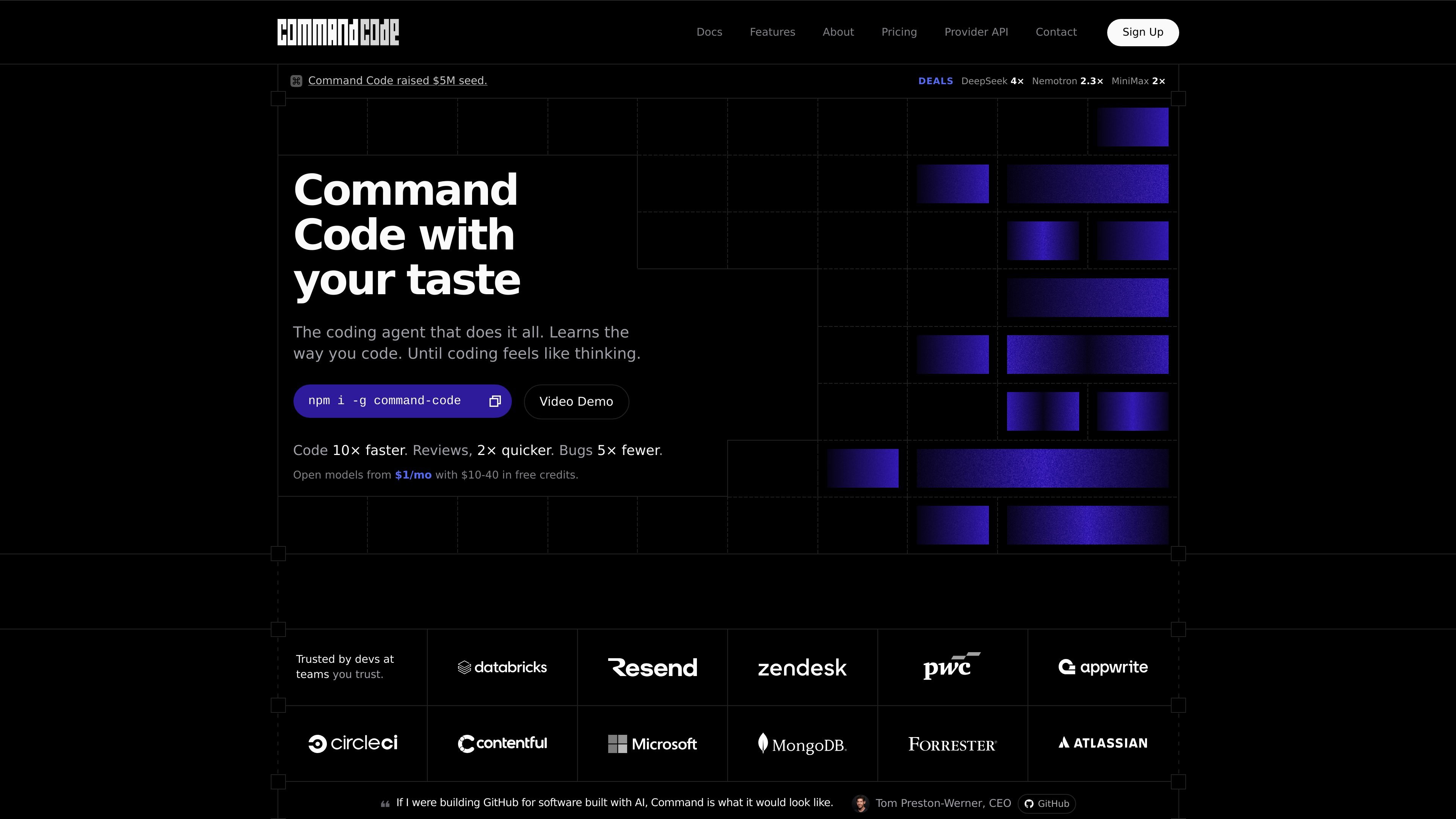
Command Code is an AI coding agent for developers who work in the terminal and want the assistant to adapt to their coding style over time. The site positions it as a frontier coding agent that ships, fixes, tests, and refactors while continuously learning from the user’s accept, reject, and edit decisions.
Its core workflow centers on taste-1, a meta neuro-symbolic model that distills those signals into project-level skills and personal memory. The product also supports interactive and headless modes, shared taste across teammates, and a CLI-first installation flow, making it a fit for individuals, teams, and API builders who want a coding agent that follows existing conventions instead of imposing new ones.
Command Code learns from every accept, reject, and edit, then turns those signals into project-level skills and personal memory so later sessions follow the patterns you prefer.
The product supports multiple working modes, including interactive CLI use, headless automation, plan-only analysis, and a background sandbox for heavier tasks.
The agent includes shell access, file operations, grep, extended thinking, and related tooling so it can work across code changes without leaving the terminal.
It supports custom `/agents`, persistent `/memory`, reusable `/skills`, `/commands`, MCP servers, plugins, and session sharing through `npx taste push/pull`.
The features page describes multi-directory workspaces, where sibling repos, shared packages, or infra folders can be added as first-class workspace roots.
The pricing and features pages describe support for open-source and premium models, including taste-1 and other listed providers, with no training on your code.
Use Command Code when you want an AI pair programmer that learns the naming, structure, and conventions of a specific codebase instead of starting from generic defaults.
Use the headless and background modes for tasks like refactors, fixes, or automation runs that do not require constant interaction.
Use the sharing workflow to push project taste to teammates or pull shared taste into another repo so a team can converge on the same conventions.
Use the multi-directory workspace support when work spans a monorepo, sibling repo, or shared infra folder and the agent needs context from more than one root.
Use the API-oriented plan if you are building against OpenAI- or Anthropic-compatible clients and want usage-based billing with provider docs.
Command Code runs as a terminal-based coding agent and continuously learns from accept, reject, and edit actions. The site describes it as a frontier coding agent that ships, fixes, tests, and refactors from the terminal while adapting to your coding taste.
The site says it supports the models listed in its docs, including Anthropic, OpenAI, Google, xAI, DeepSeek, Qwen, Kimi, GLM, MiniMax, and more. The pricing page also says the API plan is compatible with OpenAI and Anthropic clients.
Yes. The pricing page offers a Provider plan for API builders that uses OpenAI or Anthropic-compatible endpoints and supports bring-your-own-key behavior. The site also says new vendors are added regularly.
No. The site states that your code, skills, and memory stay on your machine and that Command Code never trains on your work.
Teams can share taste with `npx taste push` and `npx taste pull`, and the pricing page says team plans use pooled usage, shared billing, and central admin.
Os dados de tráfego são apenas para referência.

opencode.ai
OpenCode é um agente de programação com IA de código aberto para terminal, IDE e desktop, ajudando desenvolvedores a entender bases de código, planejar alterações e usar vários provedores de LLM.

pi.dev
Pi Coding Agent é um agente de programação baseado em terminal para desenvolvedores que buscam um fluxo de trabalho CLI extensível, com uso interativo e programático, instruções de projeto, ramificação de sessões e amplo suporte a provedores de modelos.

manaflow.com
Manaflow é um laboratório de IA aplicada de código aberto, focado em fluxos de trabalho baseados em terminal para agentes de programação. O site público descreve o gerenciamento paralelo de vários agentes em instâncias isoladas do VS Code.

ampcode.com
Amp é um agente de programação para fluxos de trabalho no terminal e editor, com modelos líderes, threads, subagentes, CLI, integrações e compartilhamento web.

devin.ai
Agente de programação com IA e engenheiro de software para equipes

hermes-agent.nousresearch.com
Agente de IA independente para desktop e terminal no macOS, Windows e Linux, com memória persistente, integrações de mensagens, automações agendadas e vários backends de implantação.