Coloring library
Browse drawings across subjects including mandalas, animals and portraits, with a drawing of the day among the available pages.

A coloring app for iPhone, iPad and Android with drawing libraries, creative tools and AI page generation.
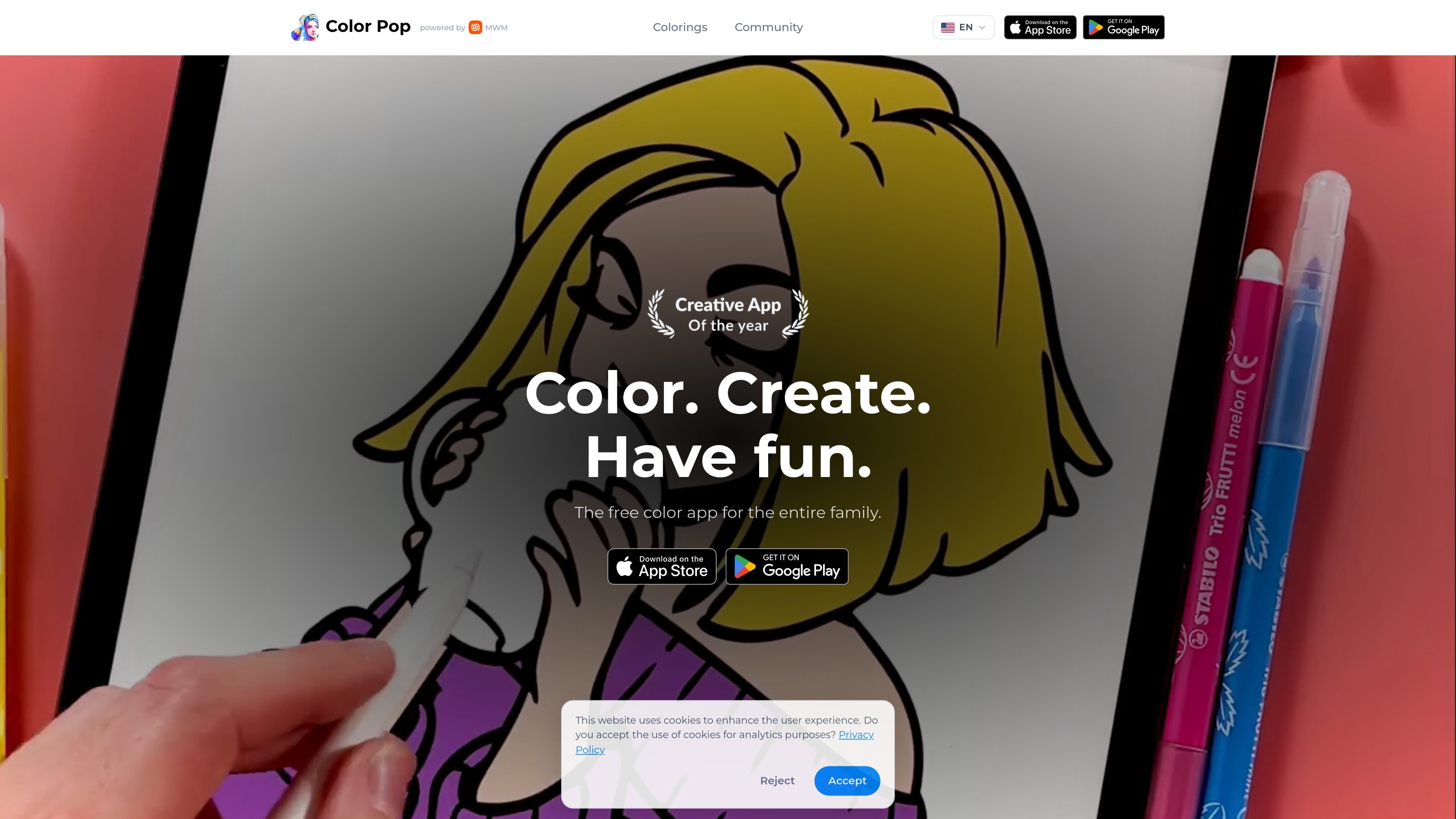
Color Pop is a digital coloring and drawing app for iPhone, iPad and Android. Users can color pages from a library of subjects such as mandalas, animals and portraits, or start with a blank canvas or pixel grid. Its toolkit includes drawing instruments, palettes, textures and effects, with options to create pages from text prompts or photos using the in-app Creator. Finished work can be saved or shared, and the app also includes a community for discovering and posting artwork.
Browse drawings across subjects including mandalas, animals and portraits, with a drawing of the day among the available pages.
Use the Creator to turn a written idea or selected photo into a coloring page. AI creation offers seven styles: Normal, Manga, Mandala, Comics, Pop Art, 3D Movie and Belgium BD.
Choose from pencils, markers, watercolor, airbrush and glitter. Zoom in, undo strokes, and choose whether to stay inside outlines or paint freely.
Build or use ready-made palettes, save color combinations, blend gradients and apply textures to change a drawing's appearance.
Draw on a blank canvas or fill a pixel grid to make artwork from scratch. Compatible iPads can also use Apple Pencil, with shortcuts depending on the Pencil model and settings.
Create a timelapse video of the coloring process, save it or share it through other apps. Discover artists, post eligible colorings and participate in community challenges.
Choose a ready-made page and work through it with colors, textures and different brushes during a quiet break or while traveling.
Describe a subject in the Creator, select an art style and generate a page to color. This workflow requires an account, internet access and an available coin.
Select a photo in the Creator to make a coloring page, then use the app's coloring tools to add a personal palette.
Start from a blank canvas or pixel grid rather than a library page, and draw an image from scratch.
Record the progression of a finished coloring as a timelapse, or share eligible completed work with the Color Pop community.
The app is available for iPhone, iPad and Android. Compatible iPads can use Apple Pencil; supported shortcuts depend on the Pencil model and settings.
In the Creator tab, choose AI Text to Draw, describe the subject and select one of seven styles. Generation requires an account, an internet connection and one available coin.
Each AI creation uses one coin. Coin packs are available in the Coin Store, and Premium includes a daily coin allowance. The app is free to download; some tools and content require an ad or Premium.
Yes. A coloring process can be saved as a timelapse video or shared through other apps. Finished AI pages can also be shared as an image or timelapse video.
Os dados de tráfego são apenas para referência.