
Save AI output in three formats
Supports plain text, Markdown, and HTML, so users can store unstructured notes, structured documents, or layout-heavy pages in a format that matches the content.

Clipnote é um bloco de notas conectado à IA para salvar, organizar e compartilhar HTML, Markdown e texto simples gerados em conversas com Claude e ChatGPT. Também oferece suporte a MCP, permitindo que a IA crie e atualize clips diretamente.
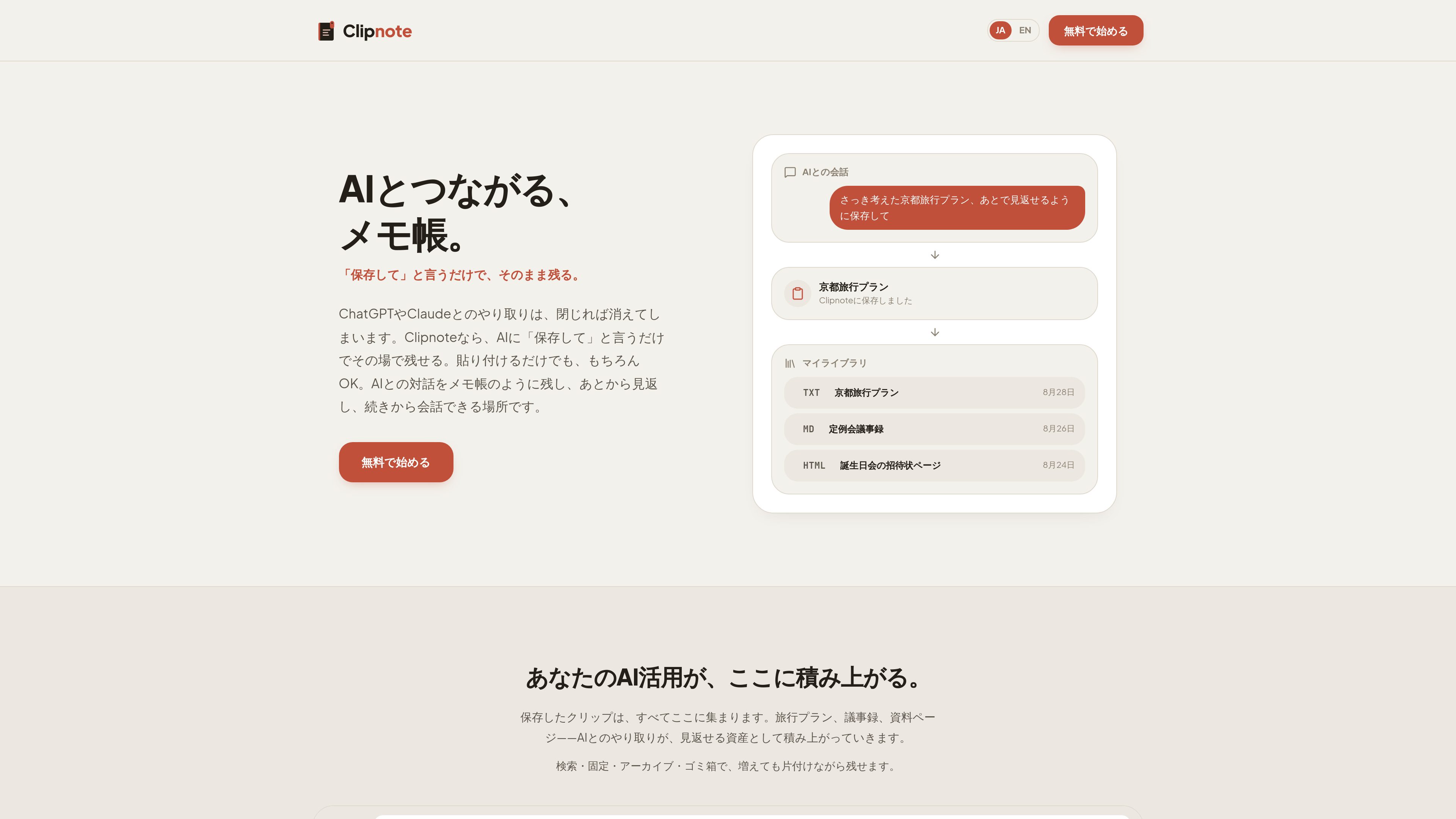
Clipnote is a web-based notepad for saving and organizing content generated during conversations with Claude and ChatGPT. It preserves HTML, Markdown, and plain text in a way that keeps the original appearance intact, so the result can be reviewed later without reformatting.
It is designed for people who want AI output to become something they can store, search, update, and share. Clips can be saved manually, created or updated through MCP, and published with a unique URL when they need to be shared with others.
Supports plain text, Markdown, and HTML, so users can store unstructured notes, structured documents, or layout-heavy pages in a format that matches the content.
HTML and Markdown can be stored and viewed as they appear, which is useful when the output includes headings, tables, layout, styling, or interactive elements.
The site says AI can create and update clips directly through MCP. It also describes asking the AI to save or rewrite content once connected.
Private clips can be switched to public, after which a browser-accessible URL is issued for sharing without exposing code.
Saved clips can be searched by title and managed with pin, archive, and trash actions, helping keep notes organized as the library expands.
When a clip is updated, the previous version is saved automatically. Deleted clips are kept in the trash for 30 days and can be restored during that window.
Use plain text clips for prompts, answers, and rough notes that would otherwise disappear once a chat tab is closed.
Markdown works well for agenda items, decisions, action items, and tables, making it suitable for meeting records and structured summaries.
Plain-text notes are shown for trip itineraries and brainstorming, which fits quick planning without needing formatting.
HTML clips can hold pages such as announcements, reports, or small interactive pieces, then be shared through a public URL.
If an AI conversation continues later, an existing clip can be updated in place, with the prior version preserved automatically.
The site says Clipnote supports plain text, Markdown, and HTML. The examples include travel plans, meeting notes, reading notes, report pages, and small interactive pages.
Yes. Public clips are given a unique URL, and the page says recipients can open them directly in a browser without viewing code.
No. The site says clips can also be saved manually by pasting content, and updates can be made without MCP. MCP is an additional way for AI to create and update clips directly.
Updated clips keep the previous version automatically. Deleted clips go to the trash, where they can be restored for up to 30 days.
The site explicitly mentions Claude and ChatGPT. For Claude it says all plans are supported, with Free limited to one custom connector. For ChatGPT it says Plus, Pro, Business, Enterprise, and Edu can connect when Developer mode is turned on in the web version.
Os dados de tráfego são apenas para referência.

www.theodorehq.com
Muse é um app nativo para Mac que permite salvar e organizar links, imagens, vídeos, PDFs e notas em uma biblioteca local e privada. Ajuda quem reúne referências visuais ou faz pesquisas a manter tudo em arquivos pesquisáveis e disponível no Mac.

glasp.co
Marcador de texto para web e PDF com notas organizadas e recursos de IA

znote.io
App de notas Markdown para arquivos .md executáveis com código, IA e resultados integrados

anki-decks.com
Crie flashcards com IA a partir de ficheiros, notas, vídeos do YouTube e temas, com repetição espaçada e exportação .apkg para Anki

contextberg.com
Contextberg é um aplicativo para desktop que registra no dispositivo telas, apps, navegadores, entradas e o histórico de agentes de IA para revisar ou retomar o trabalho. Por meio do MCP, pode compartilhar o contexto de trabalho selecionado com agentes compatíveis, como Claude Desktop e Cursor.

goodnotes.com
Goodnotes para notas manuscritas, PDFs, quadros e equipes