
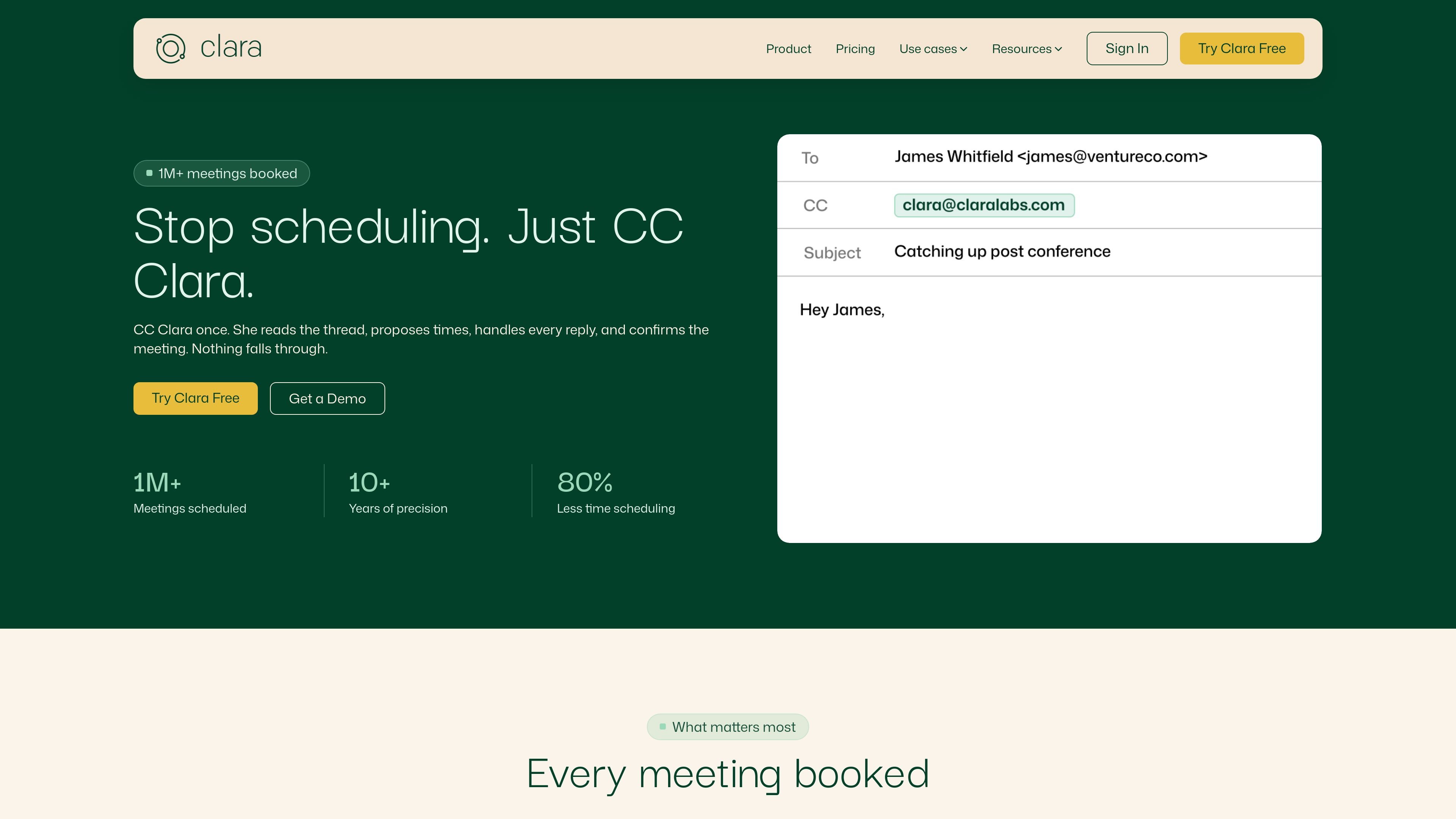
Thread-based scheduling
Clara works from the email thread itself. Copy her on a message and she handles the back-and-forth needed to get a meeting booked.

Clara é uma assistente de agendamento com IA que marca reuniões a partir de e-mails e funciona com calendários Google e Outlook.
Clara is an AI scheduling assistant that works from your email inbox to book meetings without requiring a separate scheduling link or manual coordination. The product is positioned as a way to offload the entire scheduling thread: you copy Clara on an email, and she handles the replies, timing proposals, confirmation, and rescheduling.
The site emphasizes privacy and control. Clara states that no human reads your emails, that the AI handles each thread end to end, and that it works with Google Workspace as well as Microsoft Outlook and Exchange. The product is aimed at people and teams that schedule regularly, especially where client communication, confidentiality, or high volume makes back-and-forth scheduling costly.
Clara works from the email thread itself. Copy her on a message and she handles the back-and-forth needed to get a meeting booked.
Clara reads responses, proposes times, follows up, and sends the final confirmation without requiring the user to switch to a separate scheduling flow.
The product supports Google Workspace and Microsoft Outlook and Exchange natively, so it works with existing inbox and calendar setups.
Users can define scheduling windows, buffer times, meeting types, priority contacts, and communication preferences, then have Clara apply them consistently.
Clara is designed to handle group meetings, internal coordination, multi-timezone calls, and rescheduling when a confirmed meeting needs to move.
Enterprise plans add custom domain email support, company-wide preferences, admin settings and dashboard access, delegate access, custom reminders, and data retention controls.
Recruiters can use Clara to manage high-volume interview coordination, follow-ups, and reschedules across many active candidates without juggling every reply manually.
Founders and executives can use Clara for investor meetings, board calls, and other high-stakes conversations where a polished scheduling exchange matters.
Law, finance, and advisory teams can keep scheduling in the email thread while avoiding human review of sensitive communications.
Agencies and client-facing service teams can delegate meeting setup and rescheduling so client communication stays in one thread and the assistant handles the logistics.
Teams that work across multiple calendars, time zones, and internal participants can use Clara to coordinate group meetings and confirm a time that works for everyone.
Clara works by being copied on an email thread. She reads the conversation, proposes times, tracks replies, follows up when needed, and confirms the meeting once everyone agrees.
Clara supports Google Workspace and Microsoft Outlook and Exchange natively, so it fits into the calendar and email tools people are already using.
Yes. You can set scheduling windows, buffer times, meeting types, priority contacts, and communication preferences, and Clara follows those rules consistently.
Yes. On Enterprise plans, Clara can schedule using a custom domain email address so recipients see an assistant that appears native to the organization.
Clara offers a free plan and paid plans, with a 14-day free trial and no credit card required to start. Canceling a paid plan does not incur cancellation fees beyond the current billing period.
Os dados de tráfego são apenas para referência.

hirekai.ai
Assistente executivo com IA para calendários, caixas de entrada, reuniões e tarefas

lindy.ai
Assistente executivo de IA para e-mails, reuniões, calendário e acompanhamentos

dule.ai
Dule.ai é um assistente de agendamento com IA integrado ao e-mail para marcar, acompanhar e reagendar reuniões.

fyxer.ai
Fyxer é um assistente de e-mail que organiza sua caixa de entrada, redige respostas com o seu estilo e registra notas de reuniões. Compatível com Gmail e Outlook, oferece um teste gratuito de 7 dias.

www.hellodeck.ai
Deck é um assistente de e-mail com IA que funciona a partir do próprio endereço. Coloque-o em cópia ou encaminhe mensagens, configure rotinas recorrentes e receba rascunhos privados, resumos e ajuda com acompanhamentos, sem instalar plugins nem conceder acesso à caixa de entrada.

withrobin.dev
Robin organiza recibos, reservas, notas, assinaturas e newsletters em visualizações da caixa de entrada, com ferramentas de calendário e reservas. Usuários Premium podem conectar um agente externo confiável pelo Robin MCP para ler e-mails, acessar eventos e redigir ou enviar respostas permitidas.