
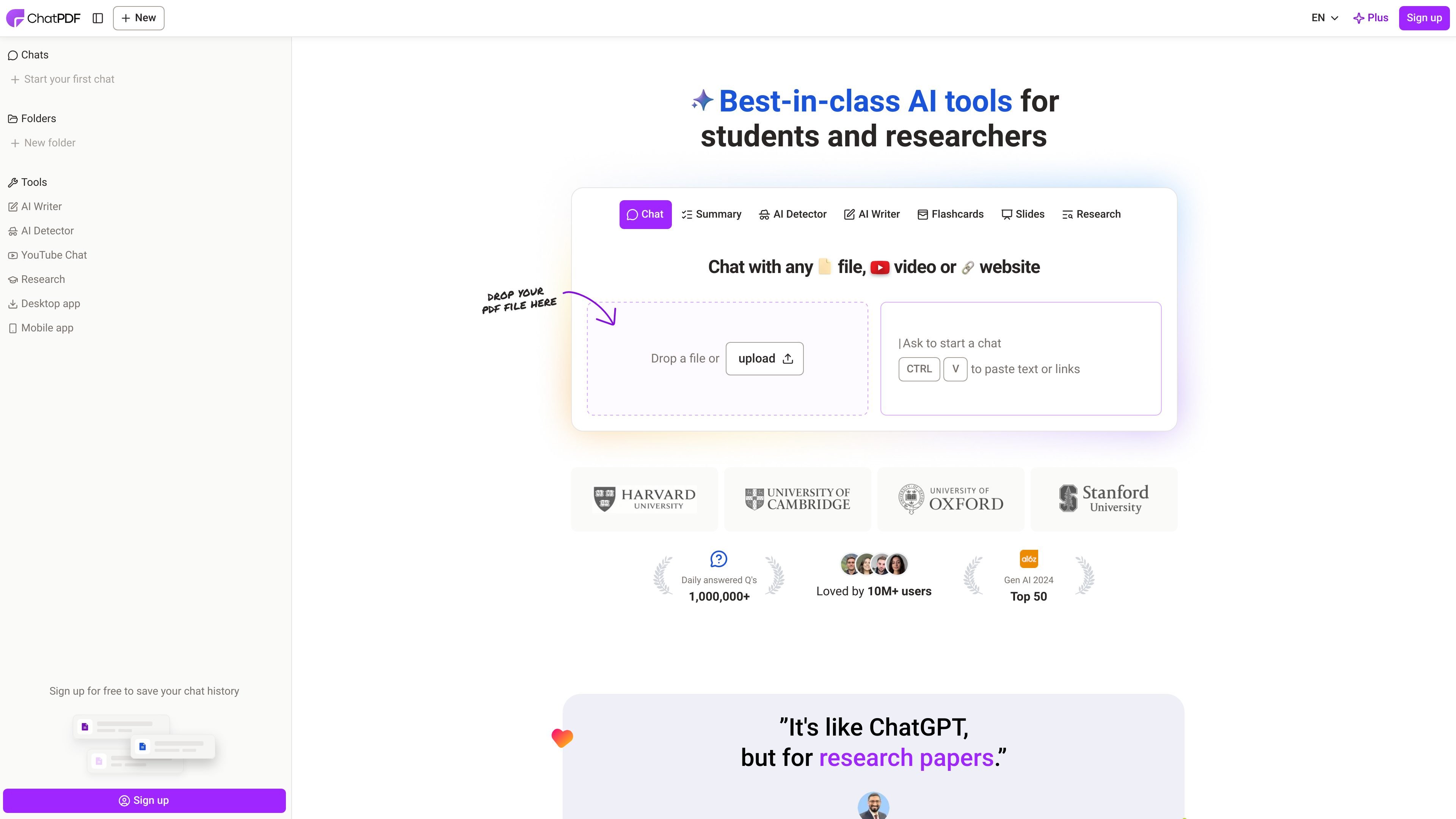
Chat with documents
Upload a document and ask natural-language questions to get summaries, explanations, and direct answers based on the file’s contents.

ChatPDF é uma ferramenta de IA na web para consultar, resumir, comparar e verificar com citações PDFs e documentos.
ChatPDF is a document AI platform built around conversational analysis of files. Its core promise is simple: upload a document, ask questions, and get answers with citations that link back to the source content. The home page positions it as a tool for PDFs, but the site also says it can work with other document formats and even with YouTube videos or websites.
The product is aimed at researchers, students, and professionals who need to extract information from long or dense material quickly. The site emphasizes summarizing academic papers, reviewing books, navigating contracts and reports, and comparing information across multiple documents in a single chat.
Upload a document and ask natural-language questions to get summaries, explanations, and direct answers based on the file’s contents.
Responses include citations that point back to the source PDF content, so you can check where an answer came from.
Create folders and chat with multiple files in one conversation to compare documents or connect related sources.
Use the side-by-side layout to keep the chat and document visible together while you review source passages.
ChatPDF accepts documents in any language and can answer in the language you prefer, which supports multilingual reading and translation workflows.
The site also presents adjacent tools for YouTube chat, AI writing with citations, and AI text detection within the same product family.
Upload research papers, journal articles, or books to summarize sections, locate key claims, and question the source directly while reading.
Use it to review lecture materials, homework resources, and study guides, then ask follow-up questions to reinforce understanding before an exam.
Analyze contracts, financial reports, manuals, and training documents by asking targeted questions instead of scanning the entire file manually.
Combine multiple PDFs in one folder when you need to compare versions, connect related references, or keep a project’s source files in one conversation.
Upload a document in one language and ask questions in another when you need to understand multilingual material without switching tools.
ChatPDF is a document AI tool that lets you upload a file and ask questions about its contents. The site describes it as useful for studying, research, analysis, and document understanding.
Yes. The home page says ChatPDF offers a free plan that lets you analyze 2 documents every day. The pricing page itself was unavailable, so only the free-plan details from the FAQ are confirmed.
No account is required to start using ChatPDF’s core features. Creating a free account unlocks saved history and multi-document chats.
ChatPDF supports PDFs and also lists Word, PowerPoint, Markdown, and text files. The home page also says you can chat with any file, video, or website, and there are dedicated tools for YouTube, AI writing, and AI detection.
Yes. ChatPDF says it supports multiple files in one conversation by creating a folder and adding files. It also offers clickable citations and a side-by-side view to help verify answers against the source document.
Os dados de tráfego são apenas para referência.

pdfgpt.chat
PDF GPT é uma ferramenta de chat com AI para resumir, pesquisar e fazer perguntas sobre documentos PDF. Oferece respostas com citações, pesquisa em vários PDFs e fluxos de trabalho multilíngues.

noedgeai.com
Processamento de documentos com IA para PDFs e imagens, exportação editável, tradução e processamento em lote via API

docalysis.com
Chat de documentos com IA para PDFs, processamento em lote e integração via API

paperchat.io
Plataforma web de chat com IA para pesquisar, resumir e extrair informações de documentos enviados, com respostas baseadas em fontes.

anygen.io
AnyGen é uma ferramenta de IA baseada no navegador para criar e aperfeiçoar documentos, slides e análises com resultados estruturados e editáveis.

honeybear.ai
Assistente de documentos com IA para pesquisar, resumir e conversar com arquivos e YouTube