
Video editing and templates
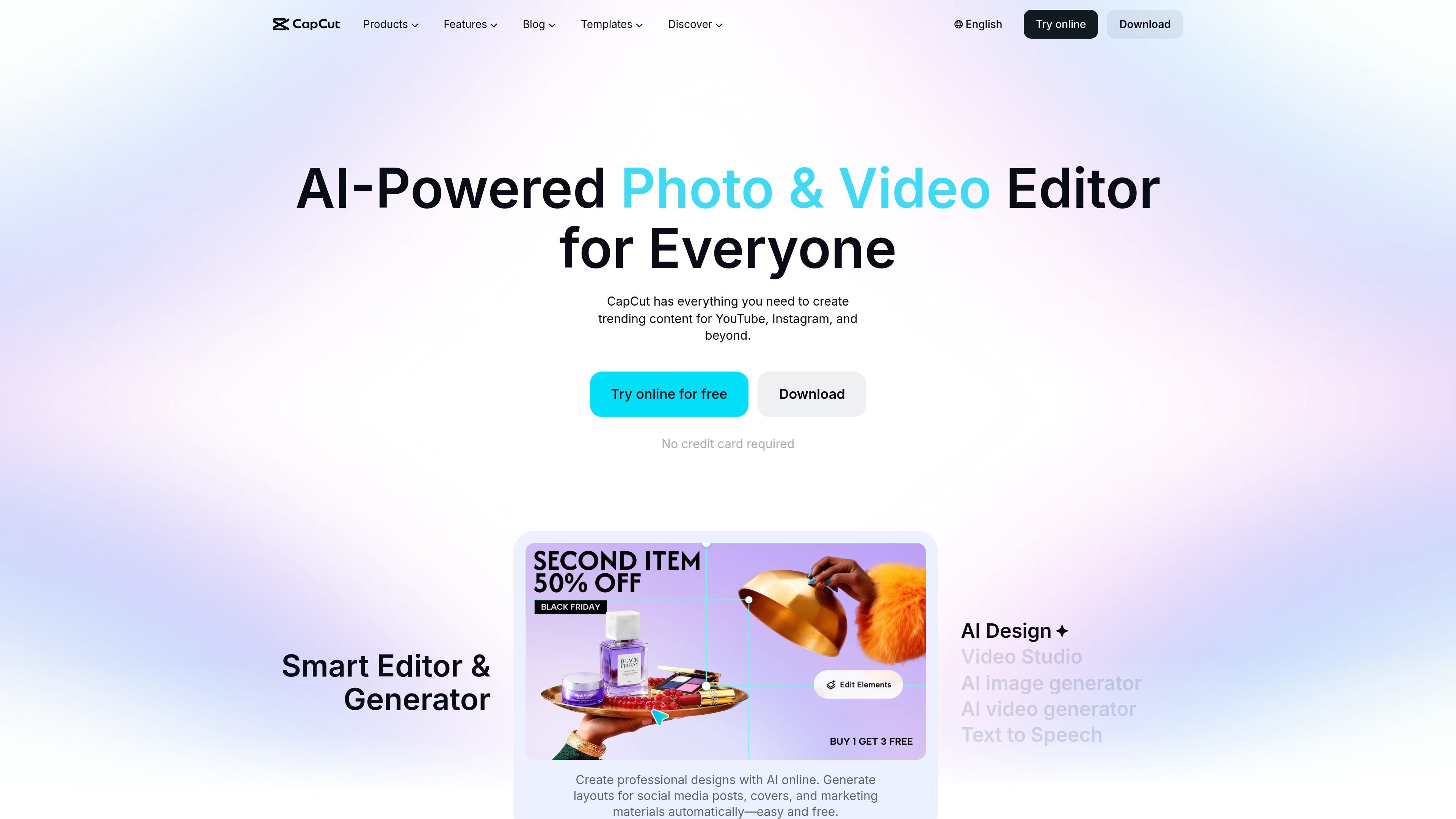
Edit video online with tools for cutting, trimming, transitions, subtitles, and effects. Ready-made templates provide a structured starting point for social clips and product demos.

A cross-platform video and image editor for creators, marketers, and teams.
CapCut is a video and image editing platform available online and as desktop and mobile apps. It combines conventional editing tools and templates with AI-assisted generation and editing for video, images, text, and audio. Users can import and edit footage, build videos from prompts or images, prepare social graphics, and export finished content. Its offering ranges from basic editing in a free plan to paid plans with expanded AI access, premium templates, storage, and team features.
Edit video online with tools for cutting, trimming, transitions, subtitles, and effects. Ready-made templates provide a structured starting point for social clips and product demos.
Generate videos from text, images, or keyframes. The Video Studio workflow can build a video from a prompt, including style and avatar elements.
Create visuals from text or reference images, then edit photos with cropping, filters, and effects. Dedicated tools include background removal, image enhancement, and resizing.
Convert text to speech with AI voices, extract audio from video, reduce background noise, and enhance voice clarity.
Record a device screen with audio to show a product or service in use; the product demo workflow describes resolution and frame-rate adjustment options.
Paid plans list monthly AI credits, premium templates, and 1 TB of storage. The Teams plan also includes a brand kit and Pro feature access for seats.
Assemble clips for YouTube, Instagram, TikTok, and Reels using editing tools, captions, effects, and templates tailored to social content.
Record a product walkthrough with screen footage and audio, then add narration, captions, transitions, and a call to action before exporting.
Prepare images for social posts, covers, ads, or product listings by resizing them, removing backgrounds, and improving image resolution.
Create voiceovers from written scripts or clean up recorded speech with noise removal and voice enhancement tools.
Teams can use the listed brand kit and shared Pro feature access when producing content across multiple seats.
Yes. The pricing page lists a free plan with basic editing tools and free templates.
The product is offered online and as desktop and mobile apps.
Import or record product footage, trim it, add transitions, captions, and music, record narration if needed, then review and export the video.
The listed Teams benefits include Pro feature access for seats, a brand kit, monthly AI credits per seat, premium templates, and 1 TB of storage.
Os dados de tráfego são apenas para referência.

deepdreamgenerator.com
AI image creation, editing, and video tools for artists and visual creators.

myedit.online
MyEdit is a browser-based AI platform for generating and editing images, video, and audio. It helps creators, marketers, and individuals move from an idea to a finished asset using AI tools, templates, and built-in editors without downloading desktop software.

rundiffusion.com
AI image, video, and editing tools in a shared workspace for creative professionals.

bylo.ai
Gerador de imagens e editor de fotos com IA na web, com GPT-4o, GPT-Image-1 e Nano Banana
melobytes.com
Online AI tools for creators experimenting with music, voice, images, and video.

dreamega.ai
Dreamega is an online AI creation platform that brings image, video, and music generation into one interface, with access to more than 50 models. It supports text-to-image, image editing, text-to-video, image-to-video, video-to-video, and text-to-music workflows.