
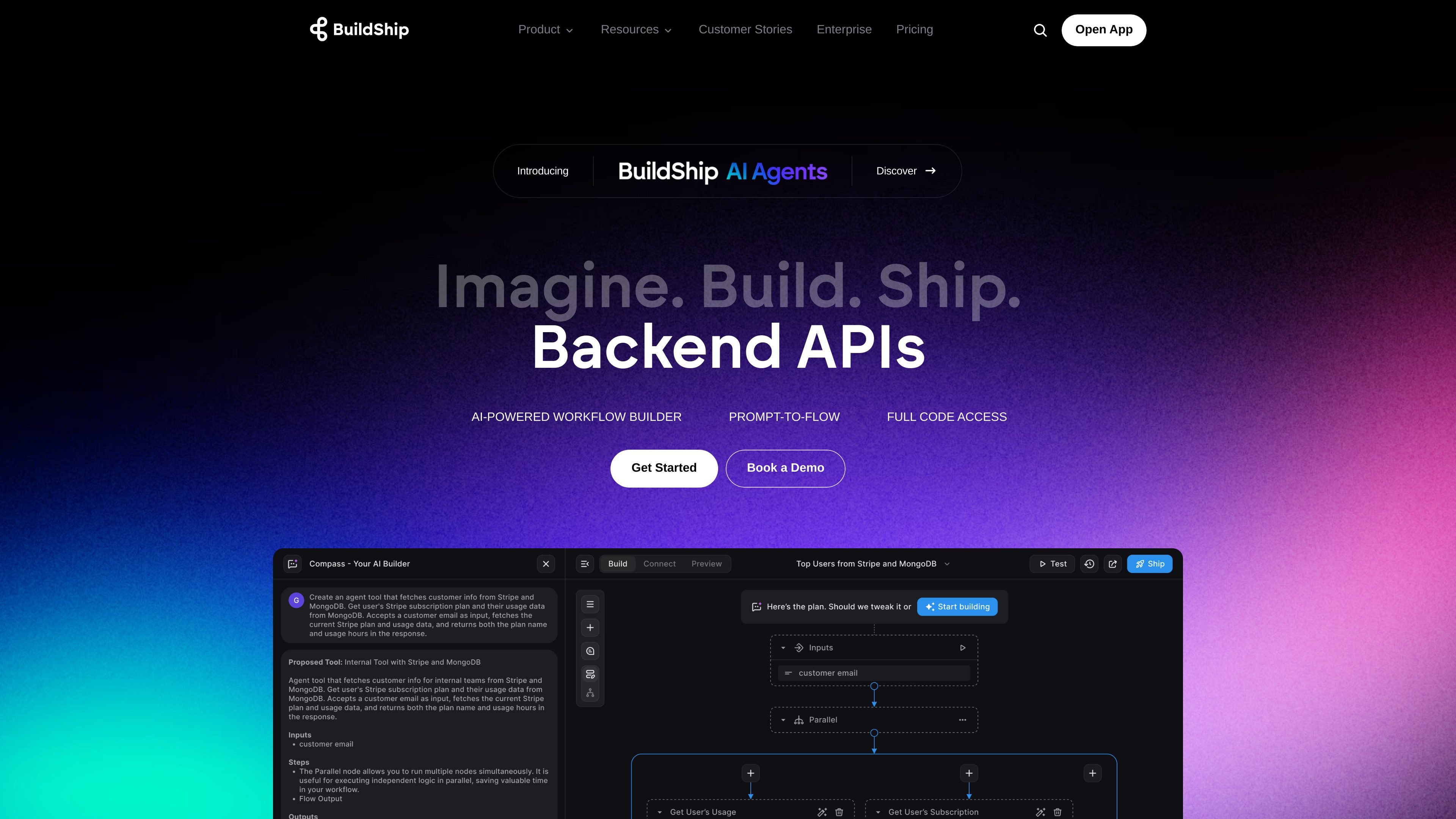
Natural-language flow generation
Describe a workflow and the AI Builder generates flow logic and nodes. It can also generate or modify individual nodes.

Build and deploy AI-powered backend workflows and APIs with visual tools and code access.
BuildShip is an AI-powered visual workflow builder for creating backend workflows, tools for AI agents, and APIs. Users can describe a flow in natural language, review and test the generated logic in a visual editor, then deploy it on BuildShip Cloud or export source code for self-hosting. It combines a no-code workflow interface with access to code for customization and debugging.
Describe a workflow and the AI Builder generates flow logic and nodes. It can also generate or modify individual nodes.
Connect inputs and outputs in a visual builder and test workflows end to end before deployment.
Use a library of more than 50 ready-to-use nodes, or upload an API specification to build integrations into a workflow.
Inspect and adjust code, add custom scripts, and debug workflow behavior when the visual controls are not sufficient.
Deploy with a click on BuildShip Cloud, or export source code to run on your own infrastructure.
Cloud execution is usage-based. Check the current pricing documentation for how nodes consume credits and for any exceptions.
Teams such as HR, finance, and marketing can build AI-assisted workflows to reduce repetitive operational tasks.
Develop and deploy API workflows visually, with the option to extend their behavior using code.
Connect data, tools, and agent workflows through nodes to create backend capabilities for AI agents.
Organizations with several platforms can coordinate backend processes such as onboarding, payment operations, identity checks, and account management through workflows.
Describe the desired workflow in natural language to generate its logic and nodes, then edit and test it in the visual builder.
Yes. BuildShip provides code access for fine-tuning, custom scripts, and debugging.
You can deploy on BuildShip Cloud or export the source code for self-hosting on your infrastructure.
Execution credits depend on the current node and runtime billing rules. Check the official pricing documentation and usage dashboard before estimating a workflow’s cost.
The pricing page lists keyless nodes that use an AI balance to run AI nodes without API keys or setup.
Os dados de tráfego são apenas para referência.