
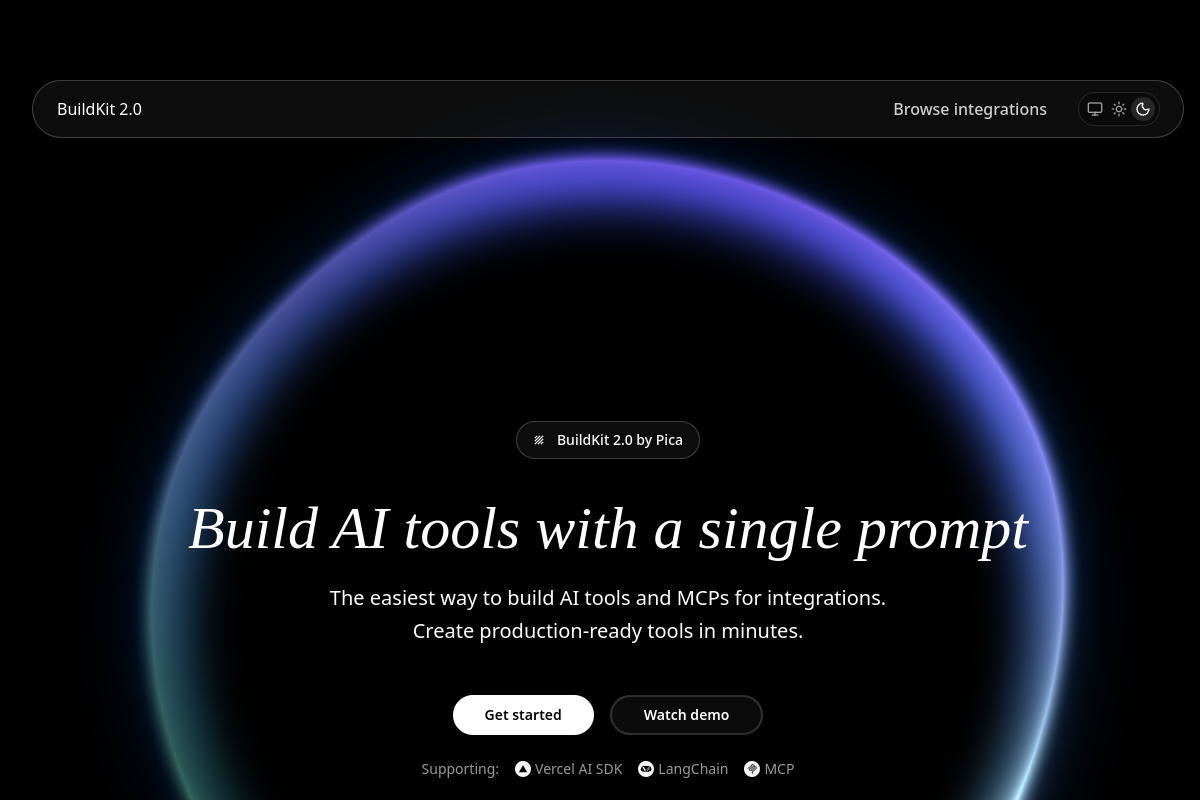
Prompt-based tool generation
BuildKit creates production-ready code for AI tools and MCP servers from a single prompt, reducing the manual setup work involved in wiring integrations.

O BuildKit da Pica gera ferramentas de IA e servidores MCP para integrações a partir de um único prompt, com suporte a fluxos Vercel AI SDK, LangChain e MCP.
BuildKit is a developer-focused product from Pica that helps users generate AI tools and MCP servers for integrations using a single prompt. The site describes it as a way to create production-ready code for integrations without manually writing boilerplate or handling authentication from scratch.
The product is shown in a tutorial for building a Gmail email-fetching tool and in an integrations catalog that spans services such as Gmail, Notion, Slack, Stripe, and many others. Its core purpose is to turn a selected integration and action into prompt text that can be pasted into an AI assistant or coding environment to generate the tool implementation.
BuildKit creates production-ready code for AI tools and MCP servers from a single prompt, reducing the manual setup work involved in wiring integrations.
The generated output is designed to work with Vercel AI SDK, LangChain, and Model Context Protocol, so it can fit different agent and assistant workflows.
The site presents a large integrations catalog with actions across many services, including popular apps and a long tail of beta connectors.
The tutorial and integration flow show support for connection setup, including linking an account such as Gmail before building the tool.
Users can follow a guided path that starts with picking an integration and action, then copying a generated prompt into their own AI assistant.
The integrations page organizes supported services and shows a sizable catalog of actions, which helps users search for a starting point instead of creating everything from scratch.
A developer can start from a supported integration like Gmail, choose an action, and generate code for a tool that fetches unread email content in an AI workflow.
Teams using Vercel AI SDK, LangChain, or MCP can convert the same integration idea into code tailored to their chosen framework or protocol.
Builders who need many third-party connections can browse the integrations catalog to find a starting point instead of wiring each service manually.
Developers onboarding an AI assistant project can use the guided tutorial to connect an account, install the MCP server, and verify that the integration is available before generating code.
BuildKit is presented as a way to generate AI tools and MCP servers from a single prompt, with output that can be used in Vercel AI SDK, LangChain, or Model Context Protocol projects.
The homepage walks through a setup flow that starts with selecting an integration and action, then copying the generated prompt into an AI assistant such as Claude or Cursor to produce the tool code.
The source shows a tutorial path for Gmail, plus an integrations catalog that includes tools such as Airtable, Asana, GitHub, Gmail, Google Calendar, Google Docs, Google Drive, Google Sheets, HubSpot, Linear, Notion, Slack, Stripe, and Trello.
The provided pricing page returns a 404, so the source does not confirm current plans, pricing, or whether a free tier or trial is available.
Os dados de tráfego são apenas para referência.

sim.ai
Sim é um workspace de IA de código aberto para criar, implantar e gerenciar agentes de IA, com fluxos visuais, Chat, acesso à API, integrações e ferramentas de colaboração.

sparkco.ai
Sparkco: infraestrutura open source para agentes de IA, ferramentas focadas no terminal, fluxos para mercados de previsão e planos de agentes de voz por uso com crédito inicial, SMS, transcrições e integrações.

seeles.ai
SeeleAgent é um agente de IA multimodal para criar jogos e recursos a partir de um único prompt, com testes no navegador, iteração na nuvem e exportação para Unity 6.

bridgemind.ai
BridgeMind é um kit de desenvolvimento de IA com planos por níveis que reúnem BridgeSpace, BridgeMemory, BridgeMCP, BridgeVoice e BridgeShot, oferecendo ferramentas, créditos e suporte estruturados para fluxos de trabalho assistidos por IA.

deerflow.tech
DeerFlow é um framework de código aberto baseado em LangChain para criar superagentes capazes de pesquisar, programar e criar usando ferramentas em sandbox, memória e subagentes. É voltado para tarefas longas e em várias etapas, como pesquisa aprofundada, análise e geração de conteúdo.

codewords.ai
CodeWords é uma plataforma de agentes de IA para criar e implementar workflows hospedados a partir de descrições em linguagem natural, com foco em agentes do WhatsApp. Automatize conversas, notificações e tarefas conectadas a ferramentas sem montar fluxos manualmente.