
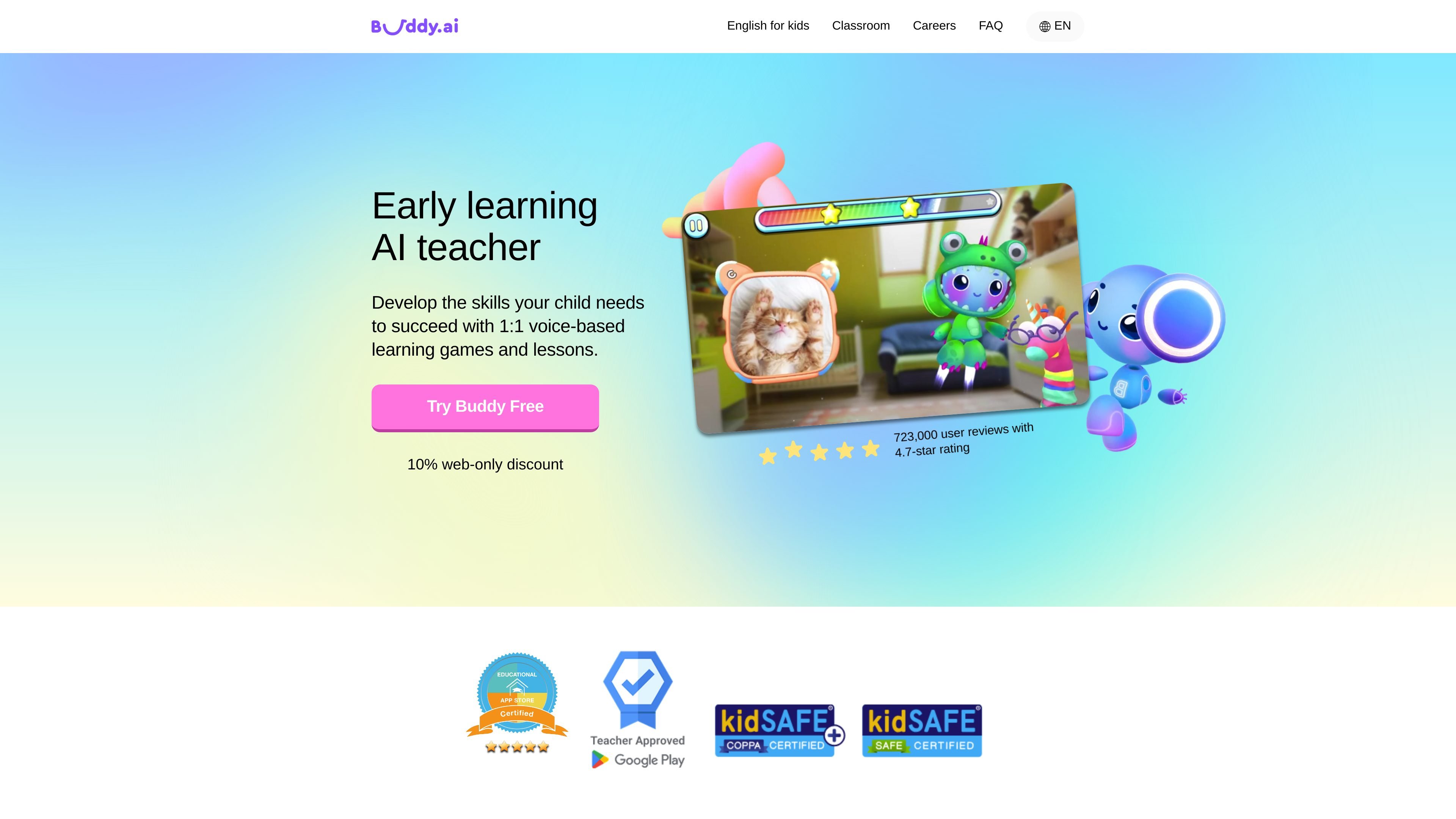
Voice-based interaction
The AI tutor listens and responds using voice recognition, giving children a way to practice speaking and listening rather than working only through text.

A voice-based English learning app for children, built around interactive lessons and games.
Buddy.ai is an English-learning app for children that teaches through voice-based interaction, structured lessons, and games. Children speak with an AI tutor, practice new language in interactive activities, and revisit concepts from earlier lessons. The curriculum is organized around familiar topics and early-learning skills, with programs described for preschool, kindergarten, and first-grade ages. Families can use the app at home, and teachers can use it for classroom practice or homework.
The AI tutor listens and responds using voice recognition, giving children a way to practice speaking and listening rather than working only through text.
Lessons move through a warm-up, introduction of new concepts, guided practice, and application questions that use concepts in context.
New concepts may be introduced with flashcards, 3D objects, animations, video fragments, or sounds, followed by exercises and conversational games.
The teaching approach includes asking children to recall earlier material and revisiting newer or more difficult concepts more frequently.
Preschool, kindergarten and first-grade program descriptions cover early language and related skills. For English practice, choose Pre-A1, A1 or A2 proficiency; changing the age setting alone does not change the lessons.
Practice in an ad-free learning environment. Continued access to the content library is provided through a subscription.
Families can use game-based lessons to practice basic English vocabulary, speaking and listening.
Children ages 3–5 can work on foundational language acquisition, early numeracy, and social-emotional development through guided activities.
Children in kindergarten and first grade can revisit literacy, math, basic science, and classroom topics through additional practice.
Schedule practice sessions and revisit words and concepts using active recall and spaced repetition.
Teachers can use Buddy for additional speaking practice in class or assign app activities as homework.
A parent or legal guardian installs the app, personalizes the child’s learning plan and completes the first lesson together. Adults create/manage accounts and provide consent. Use a quiet room, keep the microphone clear and wait for Buddy’s listening prompt before speaking.
The home curriculum describes ages 3–5, 5–6 and 6–7 for preschool, kindergarten and first grade. The English FAQ calls the app best suited to ages 4–10. Choose Pre-A1, A1 or A2 based on English proficiency; the child’s age setting alone does not change lesson content.
New users can try a sample flashcard game; a subscription is needed after completing it. The web monthly offer has a 7-day free trial and then costs $12.49 per month. The other web offers are $29.99 billed every 6 months or $49.99 billed every 12 months. They are total billing-period prices, not monthly equivalents.
Subscriptions renew automatically. The Terms require cancellation at least 24 hours before renewal. Manage store purchases through the corresponding store account; web purchases use Subscription Management in the app/account or purchase email. Activated web subscriptions are non-refundable under the Terms; store refund requests follow the store’s process.
Buddy runs on smartphones and tablets, not laptops, desktops or smart TVs. A parent account helps preserve and transfer progress to a compatible new device. Web activation is personalized for one end user and one device; activating it on a new device deactivates the previous device.
Before parental consent, the policy says speech is temporarily processed for the response and not retained afterward. With consent, recordings and transcripts may be kept for personalization and speech/response improvements, with a stated 15-year maximum. Parents can disable recording in Settings and request deletion; transcripts are deleted within 7 days and voice recordings within 60 days after a request.
Os dados de tráfego são apenas para referência.

deepenglish.com
Practice English through story lessons, AI conversation, and live group speaking sessions.

learn.aurakl.ai
Linforge is an AI English-speaking practice app for iPhone and iPad. It helps learners build speaking ability through live voice conversations, sentence-level pronunciation and grammar feedback, read-aloud practice, and Anki-based vocabulary exercises.

keysake.ai
Keysake is a Mac input method for Chinese speakers learning English. It shows relevant English expressions alongside Chinese text as you type and lets you save language from your own messages and notes for later review.

luxfall.online
Lexfall is an iPhone vocabulary app for advanced learners and native speakers who want broader command of English in general, academic, medical, legal, and business contexts. It delivers C1–C2 words through daily notifications and Home Screen and Lock Screen widgets, with contextual learning and spaced review.