
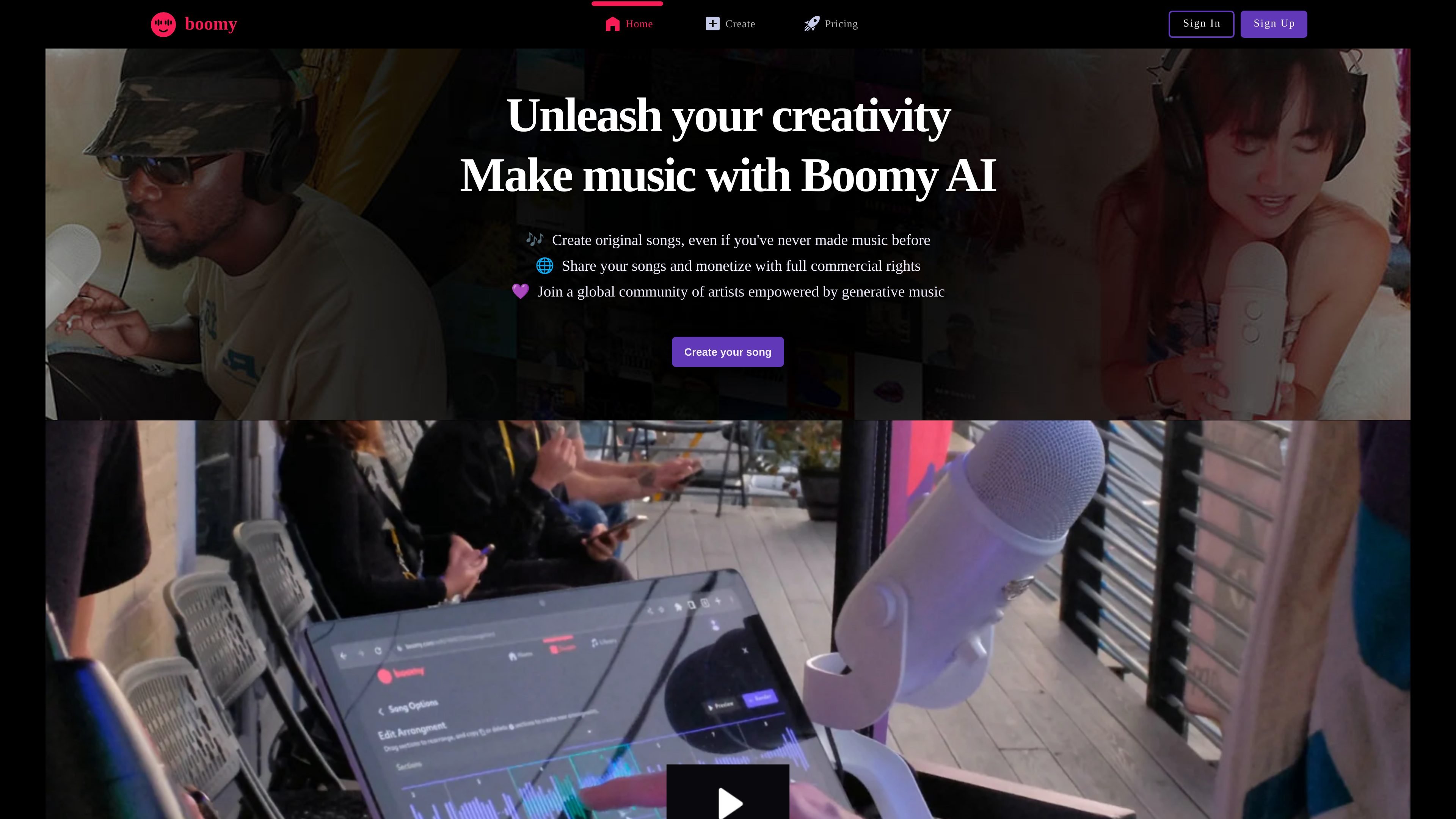
Style-based song generation
Choose a Style and generation settings, then compare the song options Boomy produces before saving or customizing one.

Boomy generates song options from a style and settings. Save and customize tracks, with commercial-use rights for Creator or Pro downloads.
Boomy is an AI music creation platform with a workflow for generating, saving and editing song ideas. Open Create > Song, choose a style and custom settings, then create options you can reject, save or customize.
Use instrument editing to refine a saved track. Free members work with instrument groups, while Creator and Pro members can change individual instruments. For commercial use or distribution, the documented route is to download songs during a paid membership and use a music distributor of your choice.
Choose a Style and generation settings, then compare the song options Boomy produces before saving or customizing one.
Open Instruments and Sounds to select a group, preview its sounds and re-roll the group. This group-based editing is available with Free membership.
Creator and Pro members can select an individual instrument, replace it and save that choice, providing more targeted control over a generated song.
Songs downloaded while subscribed to Creator or Pro receive commercial-use rights. Those downloaded songs can be distributed through a music distributor you choose.
Try a style and settings, listen to the resulting options and save a promising direction for further editing.
Preview different instrument groups or use paid individual controls to change a specific part of the track.
Download the song during Creator or Pro membership to obtain the documented commercial license before using it in a project or distributing a release.
Free members can select an instrument group, preview it and re-roll its instruments. Creator and Pro add individual instrument editing. Commercial-use rights are tied to songs downloaded during a Creator or Pro membership.
Open the song's pencil/edit control, then Instruments and Sounds. Free members select and re-roll an instrument group. Creator and Pro can select an individual instrument, choose a replacement and save the selection.
Boomy's copyright FAQ says it retains copyright by default. Creator and Pro grant commercial rights to songs downloaded while subscribed. That usage license is different from owning the copyright; the FAQ treats a copyright buyout as a separate request.
Boomy says commercial-use rights continue for songs downloaded while you were subscribed to Creator or Pro. This applies to those downloads and does not grant commercial rights to every song in an unpaid account.
Use a distributor of your choice after downloading your release during a Creator or Pro membership. Check that distributor's submission requirements and terms before sending the release.
Os dados de tráfego são apenas para referência.
