
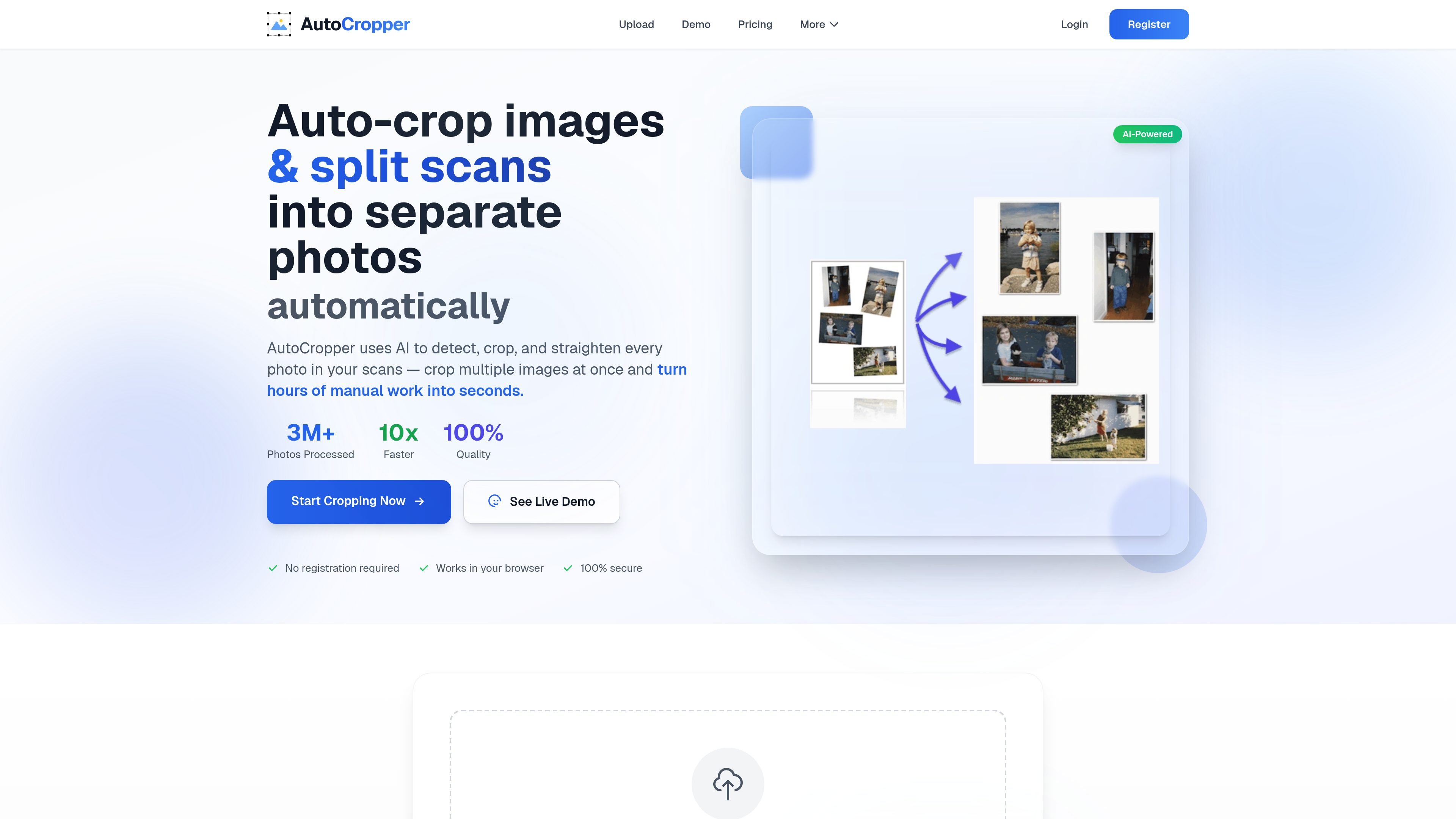
Batch crop multi-photo scans
Upload a single scan or many scans at once, then let AutoCropper detect and separate the individual images inside each file.

Ferramenta de IA no navegador para recortar e dividir digitalizações
AutoCropper is a browser-based AI photo cropper for splitting scanned pages into separate images. It detects multiple photos, cards, or other rectangular items on a scan, crops them automatically, and can straighten rotated content before export.
The product is aimed at people digitizing prints, albums, cards, slides, documents, or receipts. The site emphasizes fast batch processing, full-quality exports, and editing tools for refining individual crops when the automatic detection needs adjustment.
Upload a single scan or many scans at once, then let AutoCropper detect and separate the individual images inside each file.
The app identifies crop boundaries automatically and can straighten rotated images before export.
Supported uploads include JPEG, PNG, TIFF, PDF, and HEIC/HEIF, with conversion for processing where needed.
Exports are described as full quality with no compression, so the separated images stay at original resolution.
An editor lets you move, resize, rotate, and delete individual crops, or clear crops in bulk when the automatic result needs cleanup.
Pro plans preserve EXIF data and can encode hidden metadata such as title, description, tags, and dates.
Scan a page of printed photos, upload it, and let AutoCropper split the page into separate images for archiving or sharing.
Use the tool on sheets of trading cards, baseball cards, slides, or negatives to export each item as its own file.
Upload several scans together and batch crop them in one session when working through a large backlog of albums or shoeboxes.
Crop scanned documents or receipts into separate files when one scan contains multiple items.
Adjust crop boundaries, size, or rotation in the editor when automatic detection is close but needs fine-tuning.
AutoCropper runs in the browser and can be used without a download. The site says you can start using it instantly, with no registration required for the free workflow.
The free plan includes up to 5 uploads per day and full-quality export. Pro plans add unlimited uploads, batch crop and export, EXIF preservation, and priority support.
Yes. The pricing page says Pro Commercial includes a commercial license and can be used for paid client work.
AutoCropper accepts JPEG, PNG, TIFF, PDF, and HEIC/HEIF scans. The crop-scans page notes that TIFF, PDF, and HEIC are converted to images for processing.
AutoCropper detects photos, slides, cards, documents, and receipts in a scan, crops each area, and exports each item as its own full-quality file. The advanced editor also lets you adjust crop dimensions and rotation by hand.
Os dados de tráfego são apenas para referência.

bgsub.cn
BgSub é uma ferramenta online que remove ou substitui automaticamente o fundo das imagens no navegador, sem exigir o envio dos dados das imagens. Ideal para processar rapidamente fotos pessoais, imagens de produtos e materiais de marketing.

snapappraise.com
SnapAppraise é um serviço de avaliação de joias no navegador que estima o valor de uma peça a partir de fotos e mostra vendas comparáveis — um ponto de partida gratuito e rápido para vender, planejar seguros, dividir uma herança ou apenas por curiosidade.

www.leadjarvis.com
LeadJarvis é uma ferramenta de captura de leads para eventos com tecnologia de IA que digitaliza cartões de visita, enriquece dados de contato e envia acompanhamentos personalizados pelo WhatsApp e e-mail, agilizando a transferência de leads e gerando registros prontos para CRM.

cleanup.pictures
Ferramenta web de retoque de fotos para remover objetos, pessoas, texto e defeitos, com exportação gratuita em 720p, Pro em resolução total e API.

imagedescriber.online
Ferramenta de IA online para descrever imagens, extrair texto, gerar prompts e processar fotos em lote

erase.bg
Erase.bg é uma ferramenta de remoção de fundos com AI para imagens e vídeos curtos, que ajuda a criar fundos transparentes para pessoas, animais e objetos. Após o registo, oferece um plano inicial gratuito, pacotes de créditos pagos e opções empresariais para fluxos de trabalho de maior volume.