
AI pinboard builder
Describe a room to generate a composed starting board, then refine it through chat. The tool is intended to accelerate board preparation without choosing products or designing on the user’s behalf.

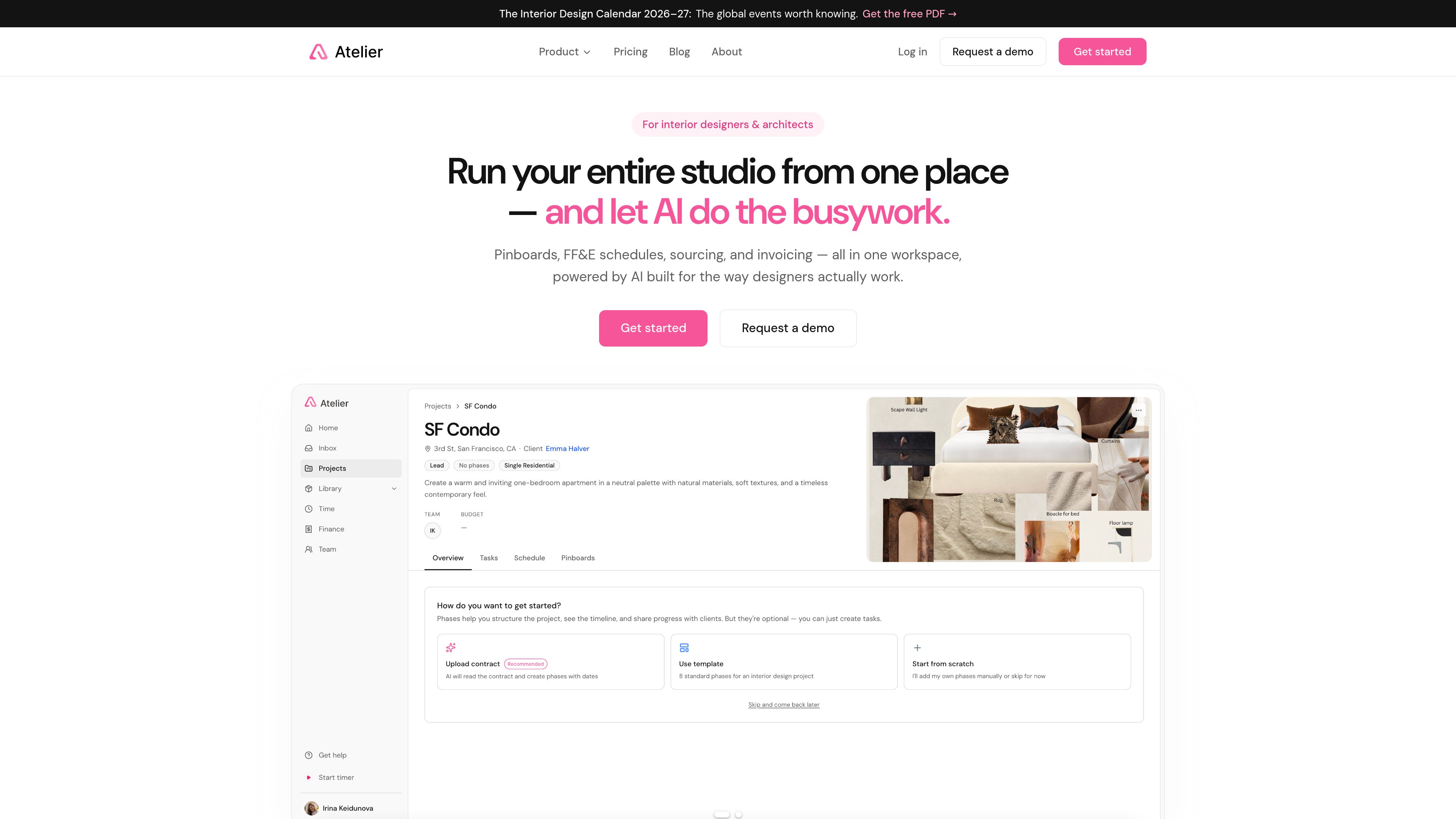
Atelier is an AI-assisted workspace for interior designers, architects, and design studios. It combines pinboards, FF&E schedules, sourcing, procurement, client approvals, proposals, and invoicing in one project workflow.
Atelier is an AI-assisted workspace for interior designers, architects, and design studios. It covers the project lifecycle from inspiration to invoice, combining pinboards, FF&E schedules, product sourcing, procurement, client approvals, proposals, and invoicing in one place.
Its AI features support operational work around the designer’s decisions: it can compose a starting pinboard from a description, extract product information from links, forecast and allocate budgets, and extract contract phases and dates. Designers retain responsibility for product choices, spatial planning, and final client decisions.
Atelier is aimed at residential and boutique commercial studios where the designer may also manage purchasing and project administration. It tracks procurement and generates proposals and invoices, but it is not an accounting system; the site says QuickBooks and Stripe integrations are on the roadmap and that studio books remain in QuickBooks or Xero.
Describe a room to generate a composed starting board, then refine it through chat. The tool is intended to accelerate board preparation without choosing products or designing on the user’s behalf.
Products selected by the designer can be extracted from links and organized into room-by-room specifications and a reusable library.
Track each FF&E item through specified, ordered, in transit, delivered, installed, invoiced, and paid states. The workflow includes trade discounts, client-facing markup, shipping, tax, and multiple trade accounts per vendor.
Share pinboards, schedules, proposals, and invoices through one live link. Clients can comment on specific items and approve or decline individual pins and schedule lines without creating an account.
The AI Budget Analyzer forecasts and allocates budgets across categories using project context, while the Contract Phase Extractor reads contracts into phases and dates.
Generate proposals and client invoices from project schedules, reducing the need to re-enter line items. Atelier tracks project money flows but does not replace a general ledger.
A designer can describe a room and use the AI Pinboard Builder to assemble a starting board, then refine the result in chat while keeping product and design decisions under their control.
After selecting products, the designer can drop supplier links into Atelier so product images, prices, and specifications are extracted into the product library and FF&E schedules.
A studio handling its own buying can follow each item from specification through payment, apply the relevant vendor trade account, and review markup, shipping, tax, and margin at line level.
Designers can send a live link to a board, schedule, proposal, or invoice. Clients comment and approve or decline items in context, leaving the decision attached to the relevant work.
Solo designers and growing teams can use one workspace for boards, schedules, procurement, billing, roles, approvals, and shared AI credits instead of maintaining separate tools for each stage.
The site positions Atelier for interior designers, architects, solo practitioners, and small or growing studios, particularly those working on residential and boutique commercial projects.
No. Atelier states that it does not pick products or design spaces. Its AI is used for supporting work such as composing starting boards, extracting product data, and forecasting budgets, while the designer keeps responsibility for taste, layout, and final decisions.
No. Clients can use a live link to view the current board, schedule, proposal, or invoice, comment on items, and approve or decline them without creating an account or installing an app.
No. Atelier generates proposals and invoices from schedules and tracks money through the project, but the site says it is not an accounting system. QuickBooks and Stripe integrations are listed as being on the roadmap, and the site refers to keeping books in QuickBooks or Xero.
The pricing page lists $39 per seat per month when billed annually or $49 per seat per month when billed monthly, with all features included and 150 pooled AI credits per seat each month. The trial lasts 14 days, requires no credit card to start, and subscription is required to continue afterward.
Os dados de tráfego são apenas para referência.
