
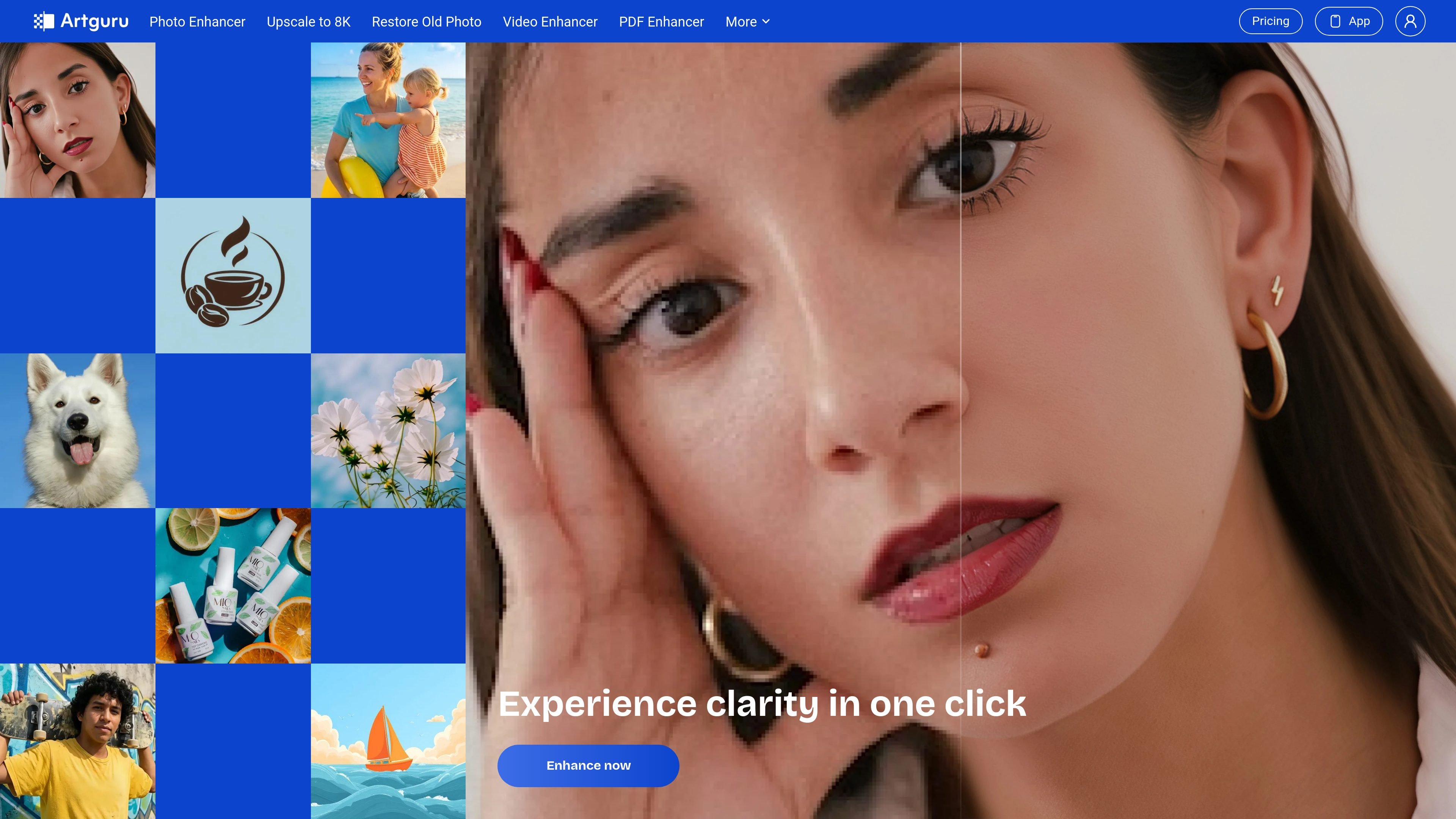
Text-to-image and photo-to-art
Describe an image and optionally choose a style, size, or reference image. Photo-to-art accepts an uploaded photo, a style, and optional positive or negative prompts.

Create AI images or turn photos into art, then enhance photos, videos, and scanned documents.
Artguru combines AI image creation with tools for improving existing media. Generate an image from a text description, use a reference image, or transform a photo into an artistic style. For existing files, choose photo enhancement, upscaling, old-photo restoration, video enhancement, or document cleanup.
The browser workflows let you upload or describe your content, process it, and preview the result before downloading. Image generation, enhancement, and commercial usage have different plan conditions, so the free HD photo-enhancement option does not give unrestricted access to every tool or output.
Describe an image and optionally choose a style, size, or reference image. Photo-to-art accepts an uploaded photo, a style, and optional positive or negative prompts.
Reduce blur and noise, improve detail, and choose 4K or 8K enhancement settings. Preview the result and download in supported image formats; available exports depend on your plan.
Choose restoration for faded photos, scratches, creases, or spots. General enhancement is suited to photos that mainly need clearer detail or higher resolution.
Video tools offer 1080p or 4K upscaling. Document enhancement accepts PDFs, JPGs, and PNGs to clarify scans before reading, printing, archiving, or a separate OCR workflow.
Process batches of up to 200 photos or documents in the supported enhancement tools. An authenticated, credit-based API provides programmatic photo enhancement and related image operations.
Create concept images or artwork from a text prompt, or restyle a photo as a sketch, watercolor, oil painting, or cartoon.
Enhance product photos or create campaign artwork using a paid plan or purchase that permits commercial use of the specific outputs.
Improve soft family or event photos, or use restoration for faded and damaged pictures, then inspect the result before saving.
Clean up scanned pages or photographed documents before printing or using a separate OCR tool, while checking that the text remains accurate.
Yes. You can generate and download an enhanced image in HD without signing in. Paid options increase usage limits and provide advanced settings or models. This free offer concerns photo enhancement, rather than every tool or high-resolution export.
Free-plan outputs are for personal, non-commercial use. Commercial use is permitted for outputs covered by a qualifying paid subscription or one-time purchase, subject to its terms. Paid rights do not extend to other outputs created under free or non-commercial tiers, and Artguru does not guarantee exclusivity or freedom from third-party rights.
The document upload interface lists a 100 MB limit. Supported inputs include PDF, JPG, and PNG, and the tool advertises batch processing of up to 200 files. It works best when blurred text remains recognizable; completely unreadable text may not be recoverable.
No. It improves the appearance and clarity of the input files. The workflow is upload, automatic enhancement, compare, and download; enhanced documents can then be used with an OCR tool.
Artguru's terms permit using inputs and outputs to operate and improve the service, including model training. Use already incorporated into a trained model cannot be undone. Account deletion or Clear your data generally removes or anonymizes associated personal information within about 30 days, subject to retention exceptions; service providers may process information.
Subscriptions renew automatically unless cancelled before renewal. Included credits and additional credits purchased during a subscription period expire at that period's end and do not roll over.
Os dados de tráfego são apenas para referência.
