
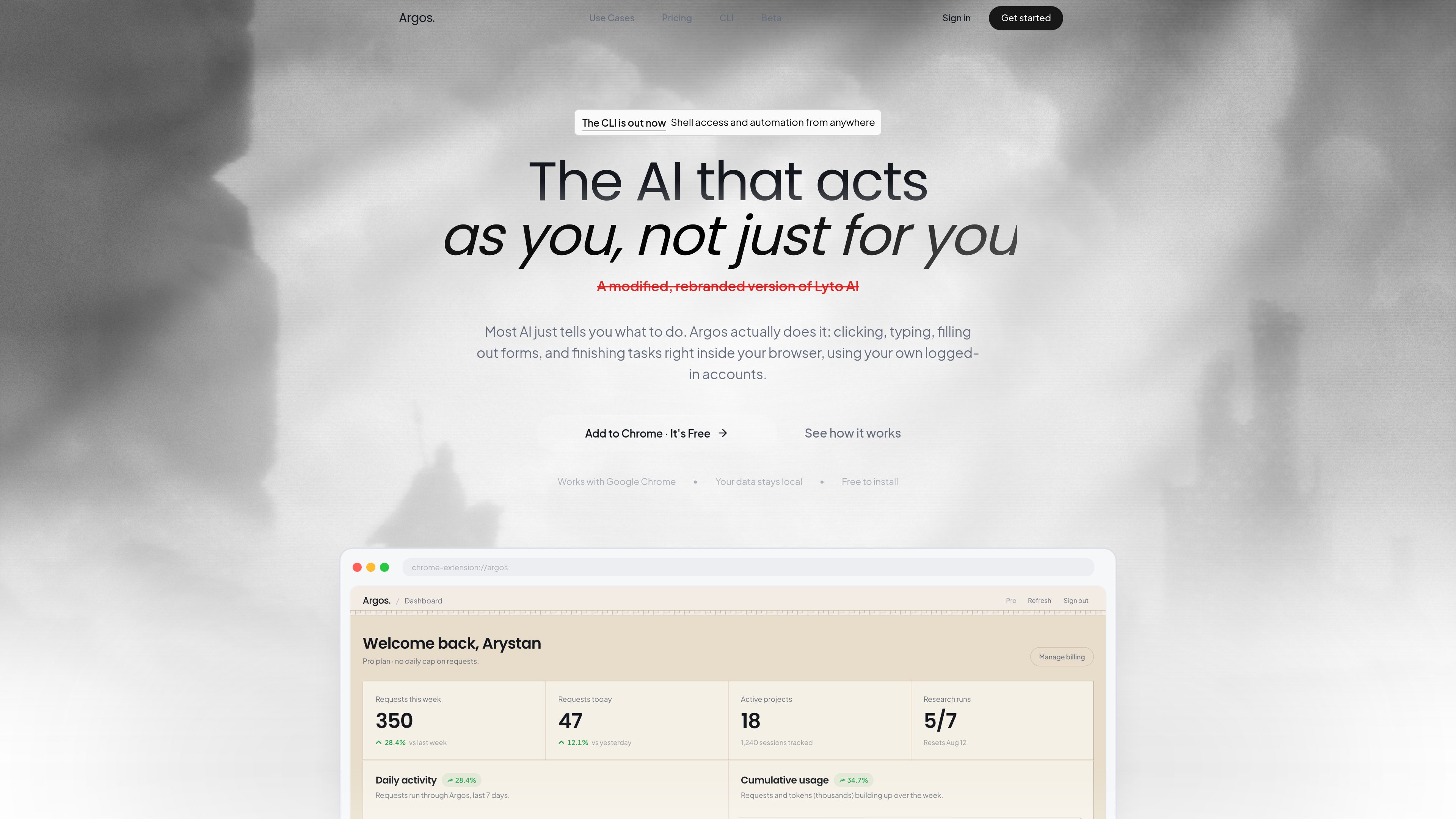
Direct browser interaction
Argos operates on live web pages, opening tabs, scrolling, clicking, and filling out forms in the browser rather than working in a detached chat window.

Argos é uma extensão do Chrome e uma ferramenta de automação para desktop e navegador que permite abrir abas, preencher formulários, pesquisar temas e concluir tarefas no navegador com sessão iniciada. Também inclui uma CLI que pode ser executada localmente e controlada pelo Telegram.
Argos is a Chrome extension and desktop automation tool that helps users complete browser-based work inside their own logged-in accounts. It is designed to click, type, scroll, fill forms, open tabs, and finish tasks directly on the page instead of only suggesting what to do.
The product also includes a CLI for local-machine automation. That mode pairs a desktop agent with shell access and a real browser profile, and the site says it can be controlled from Telegram or from the browser extension, with output such as files and reports sent back when the task is done.
Argos operates on live web pages, opening tabs, scrolling, clicking, and filling out forms in the browser rather than working in a detached chat window.
The homepage says the agent can handle tasks in real time while the user watches, or continue working in the background and return a finished result later.
The product says it works with Google Chrome and uses the user’s own logged-in accounts, so it can act within existing sessions instead of starting from scratch.
The CLI runs on the user’s machine with access to the shell, files, and installed tools, which supports more general local automation beyond browser clicks.
The CLI page says users can text their computer from Telegram in plain language, receive files back in chat, and monitor work from anywhere.
The homepage highlights use inside Gmail, Google Docs, and Google Sheets for drafting email, writing documents, and turning raw data into spreadsheets with charts.
Users can ask Argos to gather information from websites, LinkedIn, news, and company pages, then compile a short briefing before a call or writing session.
The site gives examples of scanning company sites and pulling pricing or comparison data into a report or table, which is useful for prep work that normally requires repeated tab switching.
Inside Gmail and Google Docs, Argos can draft messages or documents and help format them in the user’s own account, which fits recurring communication and writing tasks.
The CLI page shows a workflow where the agent sorts downloads into project folders and returns the result, which is useful for housekeeping on a personal computer.
With the desktop agent online, a user can send a command from Telegram and have the computer execute it, then return files or status back through chat.
Argos acts inside Chrome to open tabs, scroll, click, type, fill forms, and complete tasks on live pages using the user’s own browser session.
No. The site also describes an Argos CLI that runs on a local computer with shell access and a logged-in browser, and it can be controlled from Telegram.
Yes. The homepage says it can handle tasks in real time or continue working in the background while the user is away.
The homepage specifically calls out Google Chrome, Gmail, Google Docs, and Google Sheets. The CLI page also mentions Telegram as a way to send commands.
No. The pricing URL provided in the audit returns a 404 page, so no plan names, prices, or limits can be confirmed from the supplied evidence.
Os dados de tráfego são apenas para referência.

superset.sh
Superset é uma ferramenta para desktop que permite executar vários agentes de programação com AI em paralelo na sua própria máquina. Separe o trabalho em Git worktrees isolados, revise alterações e avance nas tarefas sem esperar por um agente de cada vez.

agent-browser.dev
agent-browser é uma CLI de automação de navegador para agentes de IA, com Chrome, snapshots ref e binários multiplataforma.

browseros.com
BrowserOS é um navegador de IA de código aberto com agentes locais para automatizar tarefas na web usando instruções em linguagem natural. Compatível com macOS, Windows, Linux, extensões do Chrome e integrações MCP.

www.skippr.ai
Skippr é uma plataforma de agentes de IA ao vivo para onboarding, demonstrações, suporte e fluxos de trabalho internos. Pode ser incorporada ao seu produto ou usada em sessões ao vivo para responder a perguntas e concluir tarefas com os utilizadores.

hoplite.sh
Hoplite é uma plataforma de agentes de programação que executa tarefas em ambientes de desenvolvimento isolados e pode abrir pull requests quando elas são concluídas. Foi criada para equipes que desejam delegar o trabalho em repositórios a agentes, com feedback e aprovações em tempo real.

www.agentconnect.md
AgentConnect permite que as equipes integrem agentes ACP como Claude Code, Codex e Gemini CLI ao Slack, Telegram, Discord e GitHub, para que eles possam assumir tarefas nos mesmos canais em que as equipes já colaboram. É open source e pode ser hospedado por conta própria, com funções, ferramentas, memória e gatilhos configuráveis para fluxos de trabalho com agentes.