
Semantic file organization
Add files and Albus categorizes them into a structured library, reducing the need to create folders manually. Users can also change the folder structure with a command.

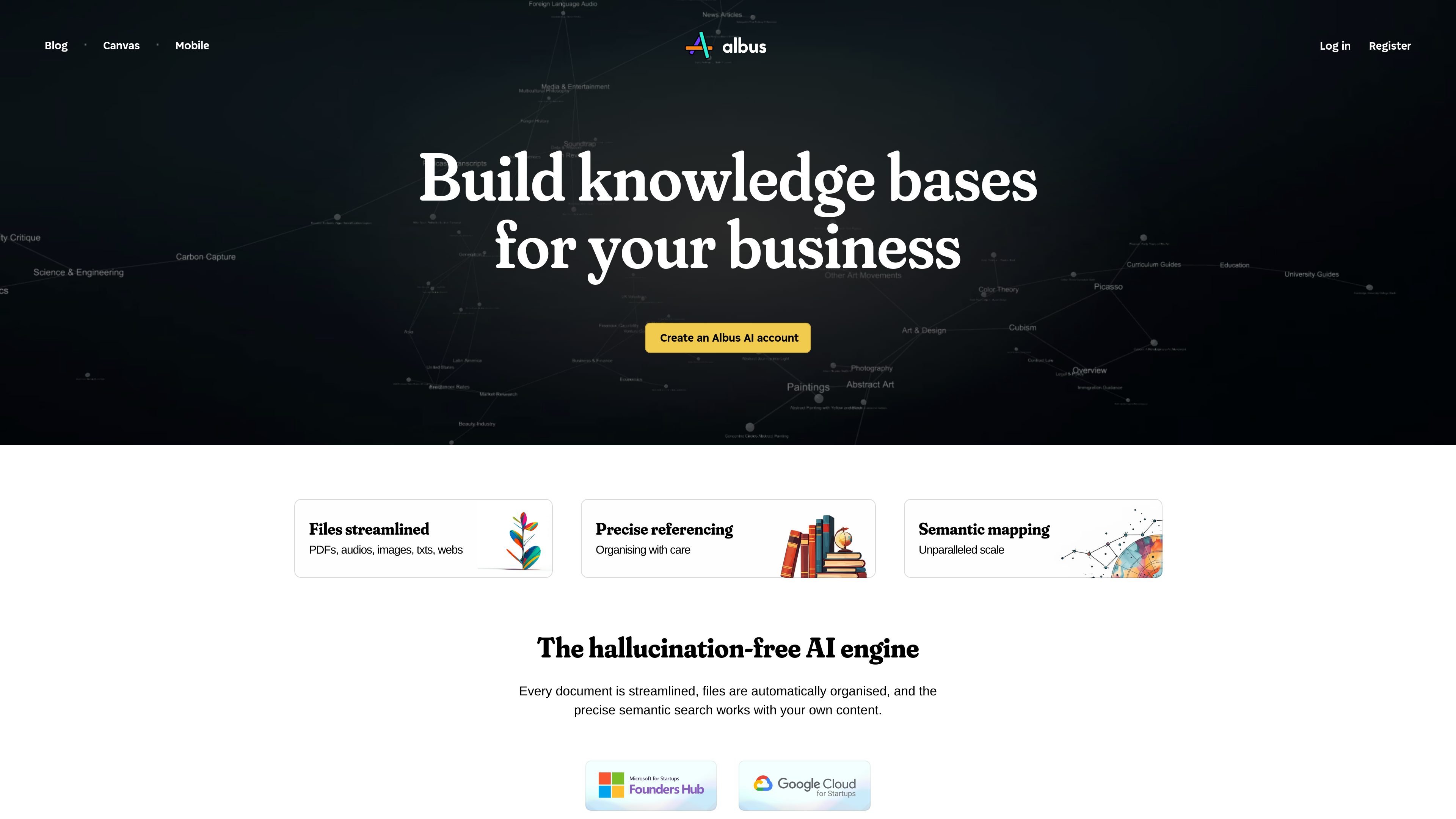
An AI workspace for organizing, searching, and exploring personal and business documents.
Albus is an AI workspace for organizing and exploring a library of documents and other files. It semantically indexes content so users can search across materials by meaning, rather than relying only on folder names. Search responses can include page and section references to help users locate relevant passages. Albus also supports AI research and creation workflows, including document questions, web search, image generation, and audio generation.
Start by adding supported files and choosing the plan’s library and model capabilities. For document questions, enable insights and review the answer alongside the cited passages. A reference helps locate evidence; it does not guarantee that an AI interpretation or generated content is correct.
Add files and Albus categorizes them into a structured library, reducing the need to create folders manually. Users can also change the folder structure with a command.
Semantic indexing supports searches across PDFs, images, audio, Word documents, Markdown files, and web articles.
Ask questions about the library and receive answers that point to relevant pages and sections.
Upload PDF, TXT, or DOCX files, enable insights, and ask questions about their contents. Document insights are limited to 10,000 characters per document and 30 MB per file.
The platform includes real-time web search, conversation and canvas modes, image generation, and audio narration; usage allowances or limits apply to some capabilities.
Search across stored documents and media for a concept, then use page and section references to open the relevant source.
Bring PDFs, web articles, images, and other supported materials into one semantically organized library for exploring a topic.
Enable insights on a PDF, TXT, or DOCX file and ask focused questions about its contents, subject to the stated file limits.
Use the workspace's image-generation and audio-narration capabilities alongside research and content work; applicable usage limits vary.
Albus accepts PDF, TXT, and DOCX documents for insights. The insights workflow is limited to 10,000 characters per document and 30 MB per file; do not apply that limit automatically to every library-search or media feature.
Upload the document to your board, enable insights, then use the message icon in the document's bottom section to ask questions.
Yes. Library answers can include page and section references to relevant passages. Open and read the cited material to check whether it supports the answer.
Albus supports web search, conversation and canvas modes, image generation, and audio narration. Capabilities and allowances depend on the selected plan and model; review the included limits before choosing a workflow.
A limited Free plan is available. Standard Albus Pro is advertised at $20 per month before taxes, with usage limits and optional additional allowances. Choose the plan’s models and file capabilities rather than assuming the Free tier includes every Pro feature.
Os dados de tráfego são apenas para referência.

harbor.my
Harbor is a private, cross-platform notes and capture app for organizing notes, documents, scans, photos, handwriting, and audio in one searchable archive. It is designed for people moving from Evernote or building a personal second brain they can export and keep under their control.

notion.com
An AI workspace for organizing knowledge, managing projects, and automating team work.

waper.ai
waper is a personal agent that works across connected apps, watches chosen sources, and keeps documents and saved material in a searchable knowledge base and library.