
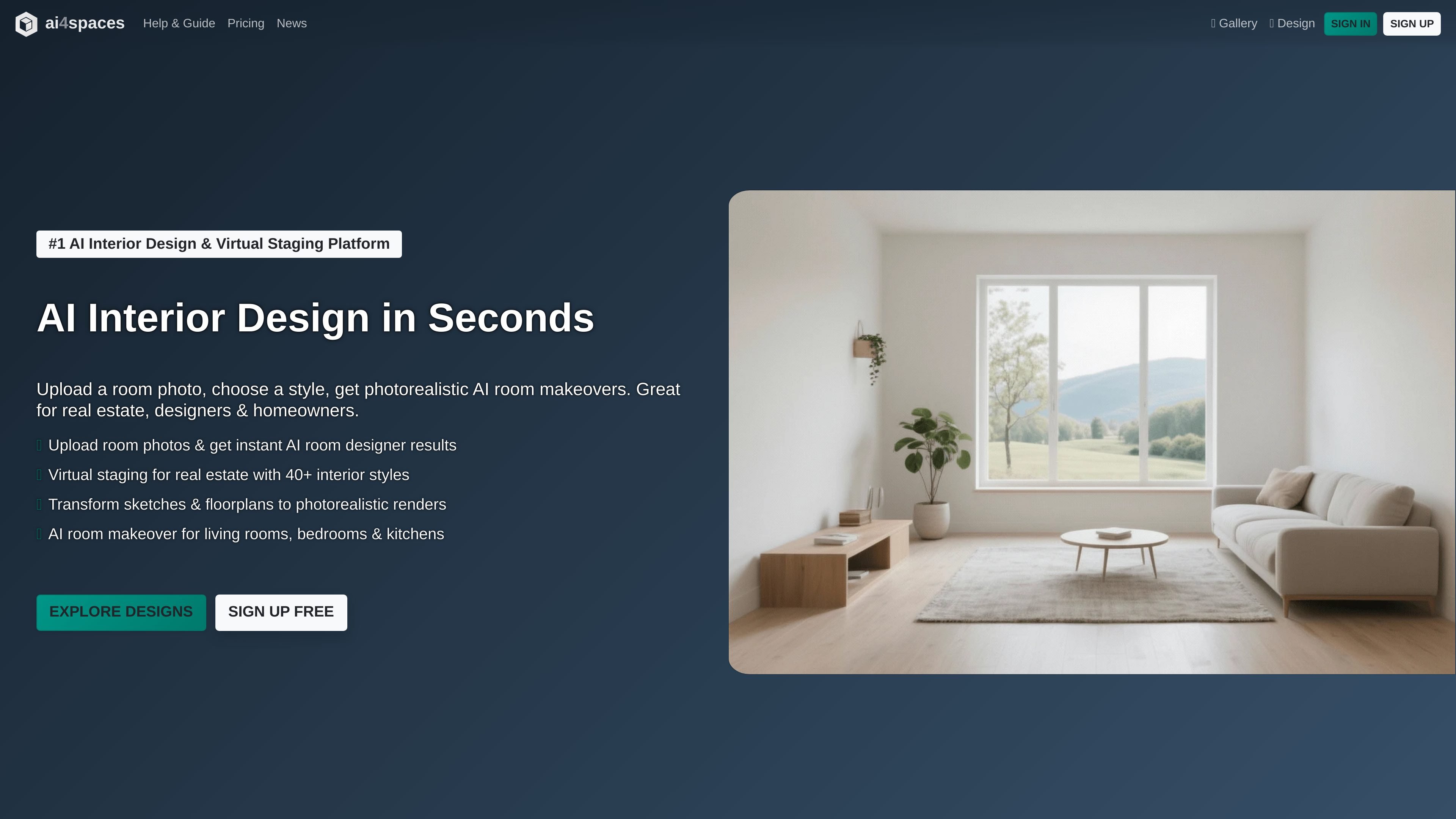
Generate room designs
Choose a building and room type, select a style, and create a new design image. The guide describes horizontal, square, and vertical aspect ratios, plus fields for specifying details or elements to avoid.

AI tools for redesigning spaces, staging rooms, and turning sketches or plans into visual concepts.
ai4spaces is an AI-assisted interior design and visualization product for creating and editing images of rooms, buildings, and architectural concepts. Users can generate designs from selected space and style settings, or transform an existing room photo, render, or sketch. Its purpose is to help homeowners, interior designers, real estate professionals, and architecture teams explore visual options and prepare concept imagery.
Choose a building and room type, select a style, and create a new design image. The guide describes horizontal, square, and vertical aspect ratios, plus fields for specifying details or elements to avoid.
Upload a room photo, render, or sketch and request changes such as restyling, furnishing, color updates, adding or removing elements, or structural modifications. An image-similarity control adjusts how closely the result follows the source image.
Build a reusable style by describing its name, mood, defining elements, and elements to avoid, or ask the AI to generate a style from an inspiration prompt.
Turn hand sketches, line drawings, 3D viewport captures, and floor plans into visual outputs such as photorealistic renders, elevations, and isometric views.
Specialized image tools include inpainting, outpainting, recoloring, background removal, and image upscaling.
Generate video from a static image with selectable camera motions, or create an immersive 360-degree view from a reference image.
Homeowners can compare interior styles and changes for a living room, bedroom, kitchen, or other space using an existing photo or a newly generated image.
Interior designers can explore alternatives from room photos or sketches and use generated visuals to communicate possible directions to clients.
Real estate professionals can furnish or restyle room imagery to show prospective buyers a visual concept for an empty or dated space.
Architects, designers, and developers can turn sketches, floor plans, or 3D captures into render, elevation, or isometric concept visuals for review.
The documented workflows accept room photos, renders, sketches, hand drawings, 3D viewport captures, and floor plans, depending on the tool.
Yes. The transformation workflow includes a Change Style option and an image-similarity slider that controls how much of the original image structure to preserve.
Yes. Select a transformation type, provide instructions, and, where applicable, set colors, materials, lighting, structural changes, or reference uploads.
The architecture workflow supports photorealistic renders from sketches or 3D captures, as well as elevation and isometric views from floor plans.
Generated images can be downloaded at their original resolution or reused as input for further modifications. The guide also describes publishing images to the community gallery.
Os dados de tráfego são apenas para referência.