
Custom instructions
Add custom instructions to steer the model toward specific naming patterns or formatting rules for your own workflow.

AI Renamer renomeia arquivos pelo conteúdo com IA local ou na nuvem.
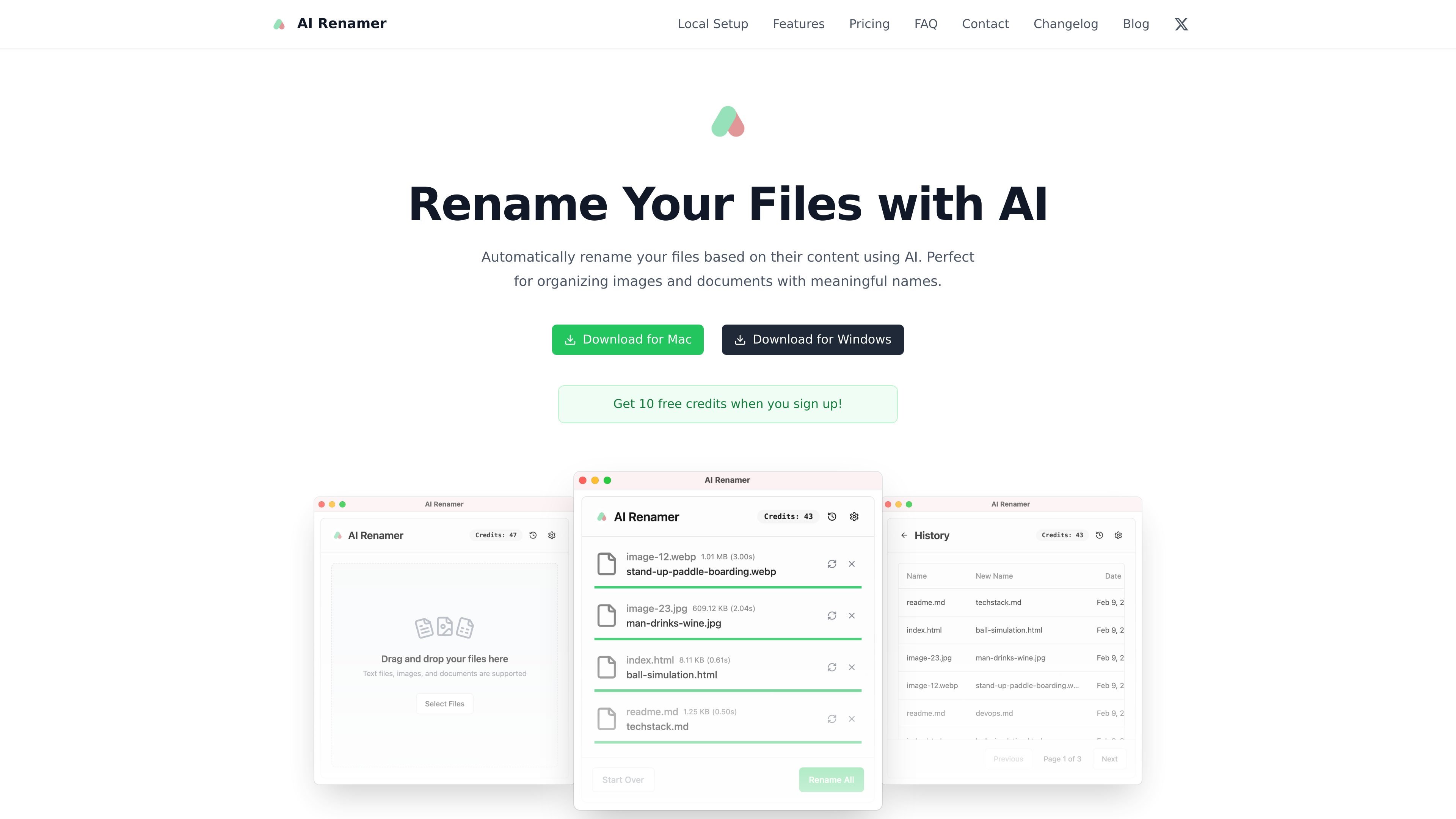
AI Renamer is a desktop app that uses AI to rename files based on their contents. The product is aimed at people who want more descriptive filenames for images and documents without renaming each file by hand.
The site positions the app around two processing modes: Local Mode for running with your own models and Cloud Mode for using hosted AI models. That gives users a choice between local control and a simpler cloud workflow, depending on how they want files processed.
The product supports previewing suggested names before applying them, and the site says files are not stored after processing. It also highlights support for batch renaming, custom instructions, and a range of image and document file types.
Add custom instructions to steer the model toward specific naming patterns or formatting rules for your own workflow.
Analyze file content to produce meaningful names, with support for image content, EXIF data, and document text.
Rename multiple files in one pass while keeping names consistent, with a drag-and-drop interface and preview step.
Works with images such as JPG, PNG, GIF, and WEBP, as well as PDF, TXT, and other text-based documents.
Use local AI models for private processing, or connect cloud and API-based providers when that better fits your setup.
Available as a desktop app for Mac and Windows.
Rename screenshots, photos, and graphics into filenames that reflect the actual content instead of camera or upload defaults.
Turn PDFs, TXT files, and other text-based documents into filenames that are easier to search and identify later.
Apply one naming approach across many files at once when you need consistency in a large folder or batch import.
Use local models when you want files processed on your own machine, or cloud models when you want a simpler setup.
Add your own instructions when you need filenames to follow a specific pattern or formatting rule.
AI Renamer reads the file content, generates a descriptive filename suggestion, and lets you preview the result before applying it. The site says it does not store files after processing.
The site says Local Mode supports Ollama, LM Studio, OpenAI, custom model support, Google AI Studio, and Groq. Cloud Mode uses a curated selection of AI models.
Supported file types shown on the site include images such as JPG, PNG, GIF, and WEBP, plus documents such as PDF, TXT, and other text-based files.
Local Mode is a one-time purchase, and Cloud Mode uses credits. In Cloud Mode, the pricing page states that one rename operation costs one credit.
Yes. The feature list says batch processing can rename multiple files at once, and the interface supports previewing names before renaming.
Os dados de tráfego são apenas para referência.