
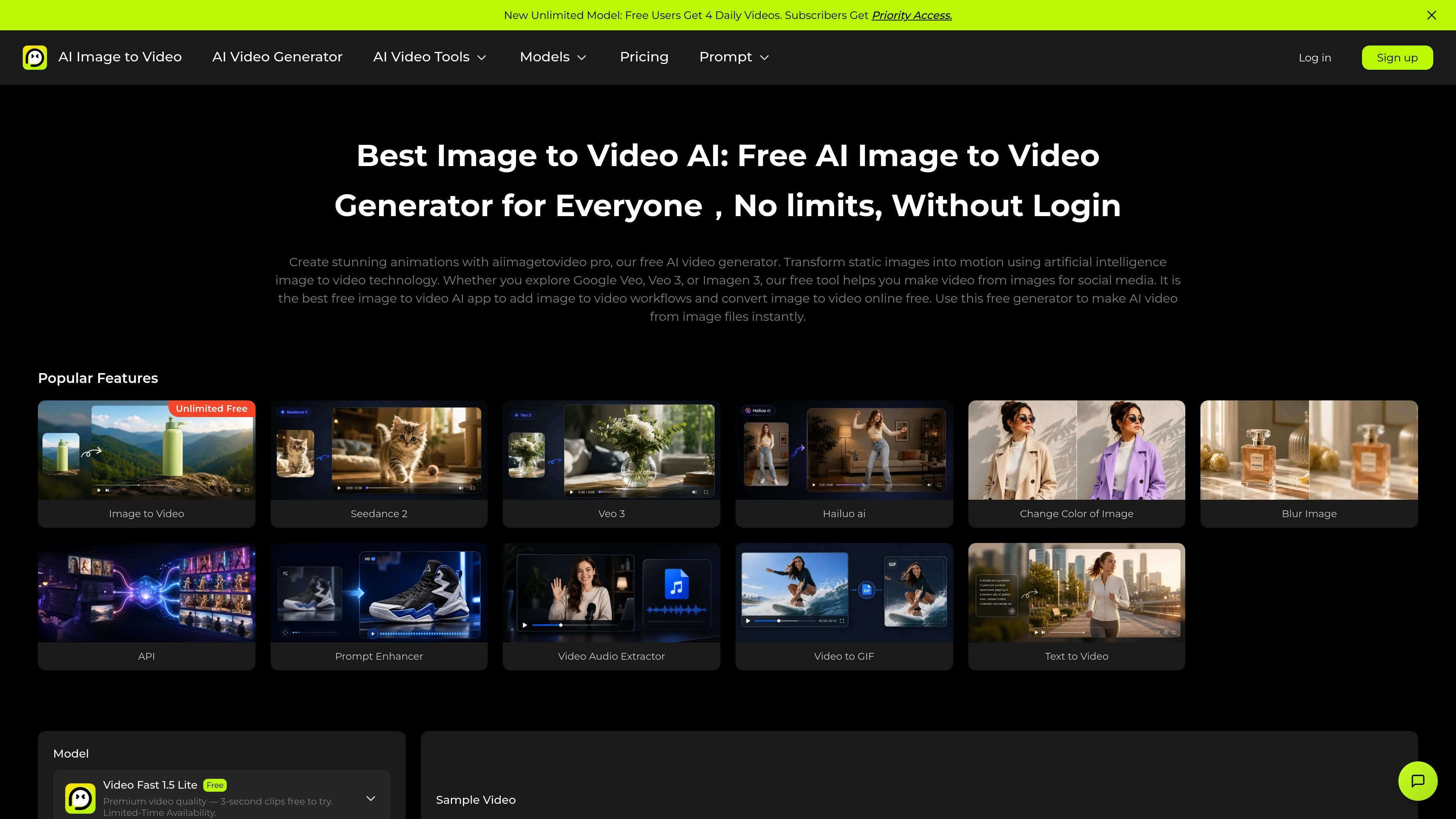
Image-to-video and text-to-video generation
Generate videos from uploaded images or from text prompts. The home and generator pages present both workflows as the main product paths.

AI Image to Video Pro transforma imagens ou prompts de texto em vídeos curtos no navegador, com planos gratuitos e baseados em créditos.
AI Image to Video Pro is a browser-based AI video generator focused on turning still images and text prompts into short videos. The site presents separate paths for image to video and text to video, along with related tools such as prompt enhancement, video-to-GIF, and video audio extraction.
The product positions itself as a free-to-start generator with credits-based pricing, a limited free plan, and paid subscriptions for heavier use. The pricing page describes free daily generation, watermarked outputs on the free tier, monthly or yearly credit renewal on paid plans, and a customizable Enterprise option for larger organizations.
Generate videos from uploaded images or from text prompts. The home and generator pages present both workflows as the main product paths.
Accept JPG, PNG, and WEBP image uploads up to 20 MB, with a drag-and-drop, paste, or click-to-upload flow.
Adjust generation settings such as duration, resolution, and the model before creating the output. The pages also show prompt length and number-of-results controls.
Provide both prompt-based and image-based creative control, including an option to leave the prompt blank on the image workflow and use an image plus description together.
Offer downloadable video outputs with page examples showing HD, 720p, and 1080p generation options across different workflows.
Include a pricing model that starts with a free plan and paid tiers, with credits that renew on the chosen billing cycle.
Turn a still product photo or lifestyle image into a short clip for product pages, ads, or social posts. The image workflow lets you add a prompt and adjust output settings before rendering.
Enter a text prompt when you want to generate a video from an idea or script rather than an image. The text-to-video page is positioned for quick, prompt-driven video creation.
Upload photos and use the tool to create motion-based visuals for personal memories, event recaps, or story-style clips. The site specifically shows image-based generation and a video-to-GIF related workflow.
Use the generator with resolution and duration controls to produce short clips for social platforms. The site highlights social-style examples and templates such as TikTok-oriented and animation-oriented video pages.
Use the pricing tiers and credit renewal model to estimate whether the free plan is enough for occasional testing or whether a paid plan is needed for steady generation.
The pricing page says the platform offers a free plan with 2 free videos per day, limited use, and watermarked outputs. Paid plans renew credits monthly or yearly, and the site says there is also an Enterprise option with custom terms.
Credits are the currency used to generate videos. Each output consumes credits, paid-plan credits renew on the subscription cycle, and unused monthly or yearly credits expire at the end of that cycle unless an enterprise agreement says otherwise.
The site says you can upload an image or enter a text prompt, then adjust settings such as duration, resolution, and model before generating. The image workflow also supports cropping or framing the upload.
The site says outputs can be created from images or text prompts, and the image workflow accepts JPG, PNG, and WEBP files up to 20 MB. The page also shows resolution options including 720p and 1080p, depending on the flow.
Yes. The pricing page says upgrades take effect immediately and cancellations can be made at any time, with paid access remaining active until the end of the current billing period.
Os dados de tráfego são apenas para referência.

happyhorsevideo.com
HappyHorse é um gerador de vídeos com IA baseado na web que cria clipes curtos a partir de prompts de texto, imagens e vídeos de referência, com créditos gratuitos, planos pagos e pacotes de créditos.

vadoo.tv
Vadoo AI cria vídeos curtos e recursos visuais a partir de prompts, roteiros, imagens ou vídeos, com hospedagem, compartilhamento, análises e planos para equipes.

magiclight.ai
Magiclight.AI é um gerador de vídeos com IA que transforma histórias, roteiros, textos, imagens, música e voz em vídeos longos finalizados de até 50 minutos, com planos gratuitos e pagos.

renderlion.com
Gerador de vídeos com IA baseado na web que transforma URLs, texto e imagens em vídeos animados curtos.

aivideoapi.com
Hub de API para desenvolvedores que gera vídeos a partir de texto ou imagens, com playground, planos gratuitos e pagos e rastreamento de solicitações via webhook.

sousaku.ai
Sousaku AI é uma plataforma criativa de IA para gerar imagens, vídeos e outras mídias a partir de prompts de texto ou imagem, com seleção de modelos, uso por créditos e vários modos de entrada de vídeo.