
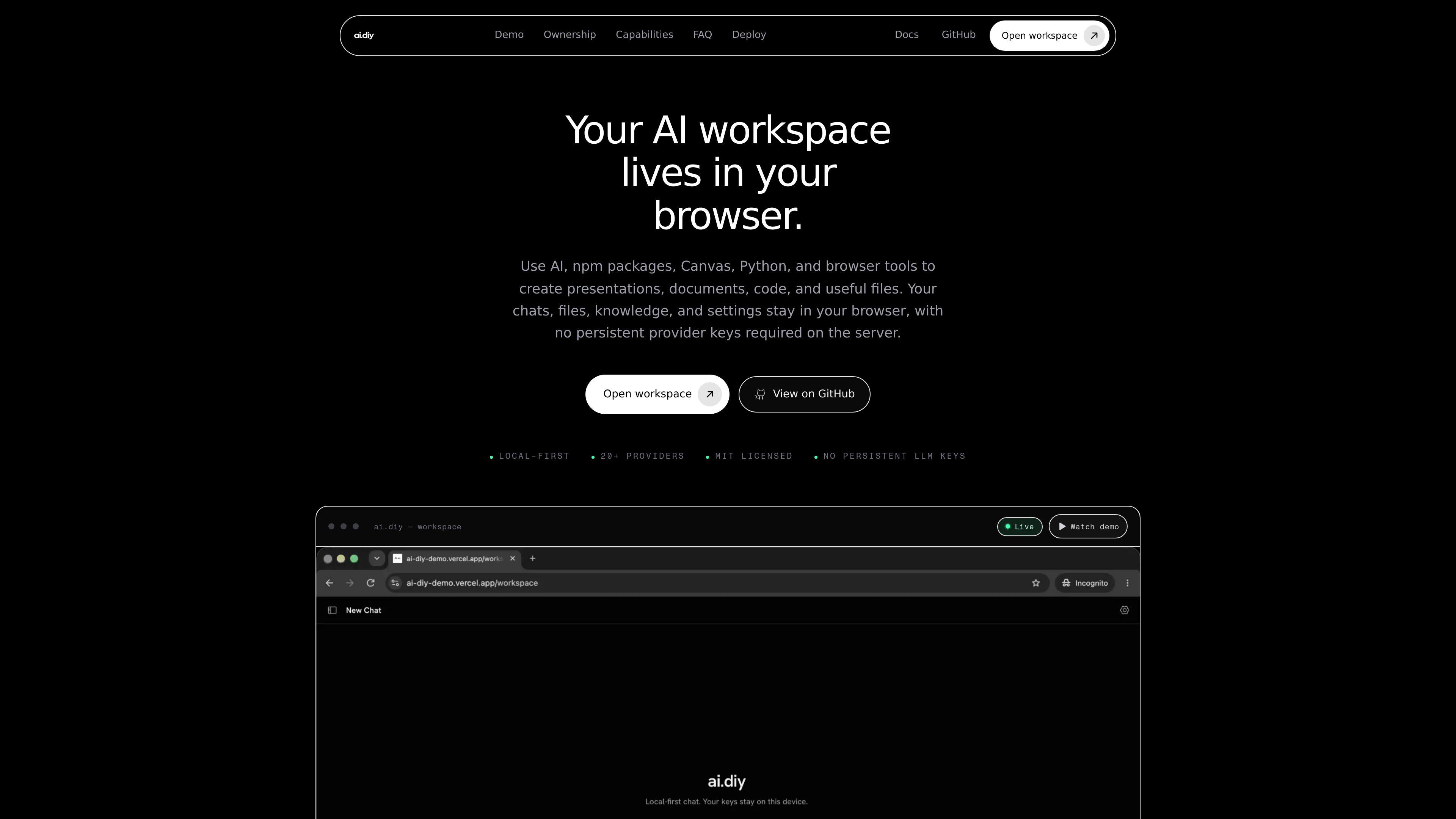
Browser-local workspace state
Chats, files, Canvas artifacts, memory, knowledge, usage events, and settings persist in the browser through IndexedDB and localStorage.

ai.diy é um espaço de trabalho de IA open source gerido pelo navegador, com chat BYOK, ferramentas locais e troca de provedores. Mantém o estado do espaço de trabalho no navegador e conecta-se a mais de 20 provedores de IA na nuvem e locais por meio de um relay auto-hospedado.
ai.diy is a browser-owned AI workspace built for bring-your-own-key chat, research, and artifact creation. It keeps chats, files, knowledge, settings, and other workspace state in the browser while routing provider requests through a self-hosted relay.
The product is designed for people who want one workspace for cloud and local models, rather than separate apps for each provider. It supports switching between 20+ providers, including cloud services and local endpoints such as Ollama and LM Studio, while keeping the browser as the primary storage layer for threads, Canvas, memory, and knowledge.
Chats, files, Canvas artifacts, memory, knowledge, usage events, and settings persist in the browser through IndexedDB and localStorage.
Provider credentials stay in browser storage and are relayed per request, so the server does not need to store persistent provider keys.
The workspace can connect to many providers, including OpenAI, Anthropic, Gemini, Grok, OpenRouter, DeepSeek, Ollama, LM Studio, Bedrock, Azure, Vertex, Together, Mistral, Hugging Face, and custom OpenAI-compatible endpoints.
Users can change models mid-thread without moving their workspace or copying context into another app.
The workspace includes Canvas, Python, npm packages, and browser tools for making presentations, documents, code, and other files.
The app can be run as a production Node.js build or with Docker Compose, and the relay does not require provider keys in server environment variables.
Users who want chats and notes to remain in the browser can keep their work in one place without depending on a hosted provider workspace.
Developers and power users can test a local endpoint like Ollama or LM Studio alongside cloud providers in the same interface.
Users can search PDFs and notes with on-device embeddings while keeping the index local, then decide whether retrieved context should be sent to a chosen model.
Teams or individuals can use the workspace to generate documents, code, presentations, and files with tools next to the conversation.
Organizations or individuals who need to control infrastructure and network boundaries can run the app themselves and keep the relay separate from provider credentials.
ai.diy is an open-source, self-hosted AI workspace for chat, research, tools, Canvas artifacts, memory, and local knowledge.
Provider keys are kept in the browser and relayed per request. The server is not used as a persistent key store.
Yes. The product can run as a production build on Node.js or through Docker Compose.
Yes. It supports local providers such as Ollama and LM Studio, as well as other OpenAI-compatible endpoints.
The pricing route returns a not-found page, so no pricing details are available from the provided sources.
Os dados de tráfego são apenas para referência.

ninjatools.ai
NinjaTools é um espaço de trabalho de IA para pesquisa, comparação de modelos, programação, geração de imagens e vídeos e chat com PDF.

invisionapp.com
Miro é uma plataforma visual de colaboração com IA que ajuda equipes a transformar ideias e pesquisas em planos estruturados e execução em um espaço de trabalho compartilhado, com IA colaborativa, tela multiplayer, formatos estruturados e integrações.

crusoe.ai
Crusoe oferece infraestrutura de nuvem para IA, inferência gerenciada e capacidade de data center para treinar e servir cargas de trabalho de IA em escala.

fx.sh
fx é um agente de programação nativo, pequeno e aberto, com CLI para trabalhar com código pelo terminal. Foi desenvolvido para pesquisa, incorporação e uso como parte de sistemas maiores, com suporte à inferência local ou na nuvem.

openreplay.com
OpenReplay é uma plataforma open source de replay de sessões e análise de produto para entender usuários, diagnosticar problemas e colaborar.

deta.surf
Espaço de trabalho local para navegar, fazer anotações e pesquisar com IA