
Video translation
Translate video subtitles and voice into 100+ languages directly in the browser, with the site positioning the tool for fast online use.

Add Subtitle.ai é uma ferramenta de localização de vídeo com IA baseada no navegador para traduzir vídeos, gerar legendas, dublar e reescrever diálogos, com planos gratuitos, pagos e opções Enterprise de API/SDK e implantação privada.
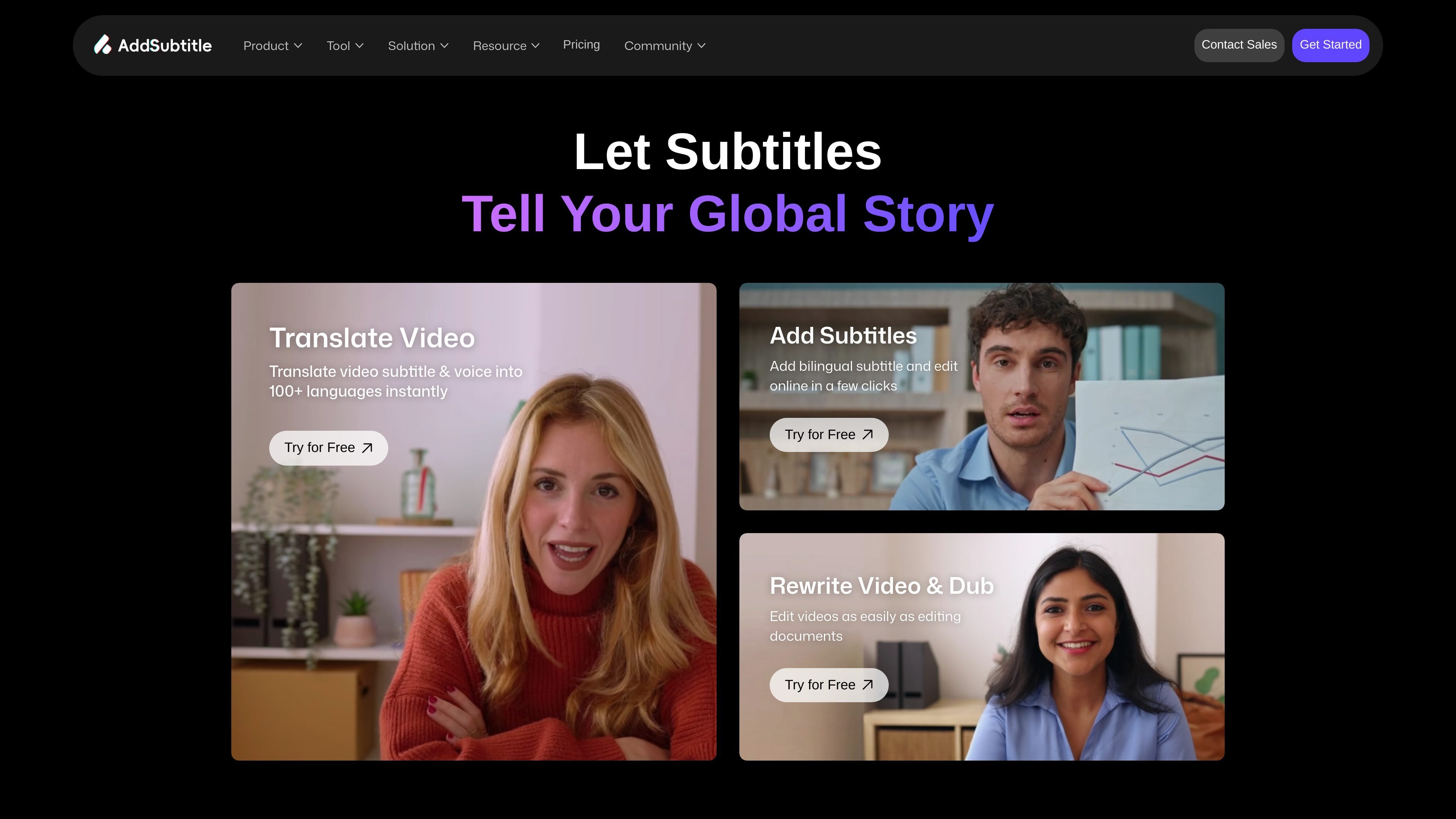
Add Subtitle.ai is an AI video localization and editing tool that runs in the browser. Its home page centers on three workflows: translating video, adding subtitles, and rewriting or dubbing video dialogue.
The product is designed for creators and businesses that need to adapt video for different languages and audiences. The site highlights 100+ languages, multilingual subtitles, voice cloning, lip sync, cloud storage on paid plans, and an enterprise option with API / SDK docking and private deployment.
Translate video subtitles and voice into 100+ languages directly in the browser, with the site positioning the tool for fast online use.
Generate subtitles in multiple languages and edit them online in a few clicks, including bilingual subtitle workflows.
Customize subtitle appearance with styles and fonts that support 100+ languages, so captions can be adapted for different video formats.
Rewrite video dialogue by editing text and producing new speech that matches the updated script, with lip sync described on the site.
Create voiceovers and clone voices from the credit-based plans, with higher tiers increasing the number of available voice clones.
Use the product in the browser, with Enterprise adding API / SDK docking and private deployment options.
Prepare videos for viewers in other languages by translating subtitles and voice inside the browser, then reviewing the output before publishing.
Add or customize subtitles for social clips, vlogs, and short-form videos that need readable captions across platforms.
Adapt course recordings, lectures, or training videos for multilingual learners using translated subtitles or voiceover workflows.
Use the rewriting workflow to change spoken lines in a video and generate new dialogue with matching lip sync where supported.
Plan larger production workflows with Enterprise features such as API / SDK docking, dedicated account management, and private deployment.
The site describes Add Subtitle.ai as an in-browser tool for translating video, adding subtitles, dubbing voices, and rewriting video dialogue. The free plan starts with 30 credits, and higher tiers add more credits, more voice clones, longer cloud storage, and additional export options.
The pricing page shows a Basic plan with 30 credits for $0 per month and no credit card required to get started. Paid plans include Standard at $9.9 per month and Pro at $19.9 per month, with an Enterprise option available by contacting sales.
The pricing page lists a credit system where credits can be spent on actions such as adding subtitles, translating video, creating voiceovers, and translating subtitles. It also shows different usage allowances for each plan, such as minutes of subtitles or translation and sentence counts for voiceover work.
The pricing page indicates browser-based use and mentions features such as watermark-free exports, subtitle export, lip sync, cloud storage, voice clones, and API / SDK docking on Enterprise. It does not provide a detailed file-format list in the available page text.
The site presents the product for creators, online teachers, YouTubers, and businesses that need subtitles, translation, dubbing, or rewritten dialogue for video content. It also states that Enterprise includes private deployment and dedicated account management.
Os dados de tráfego são apenas para referência.

subtitlegenerator.app
SubtitleGenerator é uma ferramenta de legendagem com IA baseada no navegador, que permite gerar, corrigir, estilizar e exportar legendas de vídeos enviados. É voltada para criadores que querem agilizar o processo e começar sem precisar se cadastrar.

vmeg.pro
VMEG AI é uma plataforma de localização de vídeos com IA para traduzir, dublar, legendar e adaptar vídeos para mais de 170 idiomas. Oferece ferramentas de autoatendimento e entrega gerenciada com apoio humano para criadores, profissionais de marketing, educadores e equipes.

rendercut.io
Ferramenta no navegador para transformar vídeos ou áudio em clipes curtos com legendas, B-roll, GIFs e exportação para TikTok, Reels e YouTube.

subtranslateai.com
Ferramenta web para traduzir legendas SRT e arquivos de mídia para mais de 100 idiomas

gptsubtitler.com
Ferramenta de IA para traduzir legendas e transcrever áudio e vídeo

www.veed.io
VEED é uma plataforma de IA baseada na web para criar, editar, legendar, aplicar branding e dublar vídeos em um único fluxo de trabalho.