
Email scoring and feedback
Scores emails and templates to identify elements that may reduce reply rates, then points out what to fix before sending.

Coaching de e-mails com IA para vendedores e equipes de vendas: redação, personalização, avaliação e pesquisa.
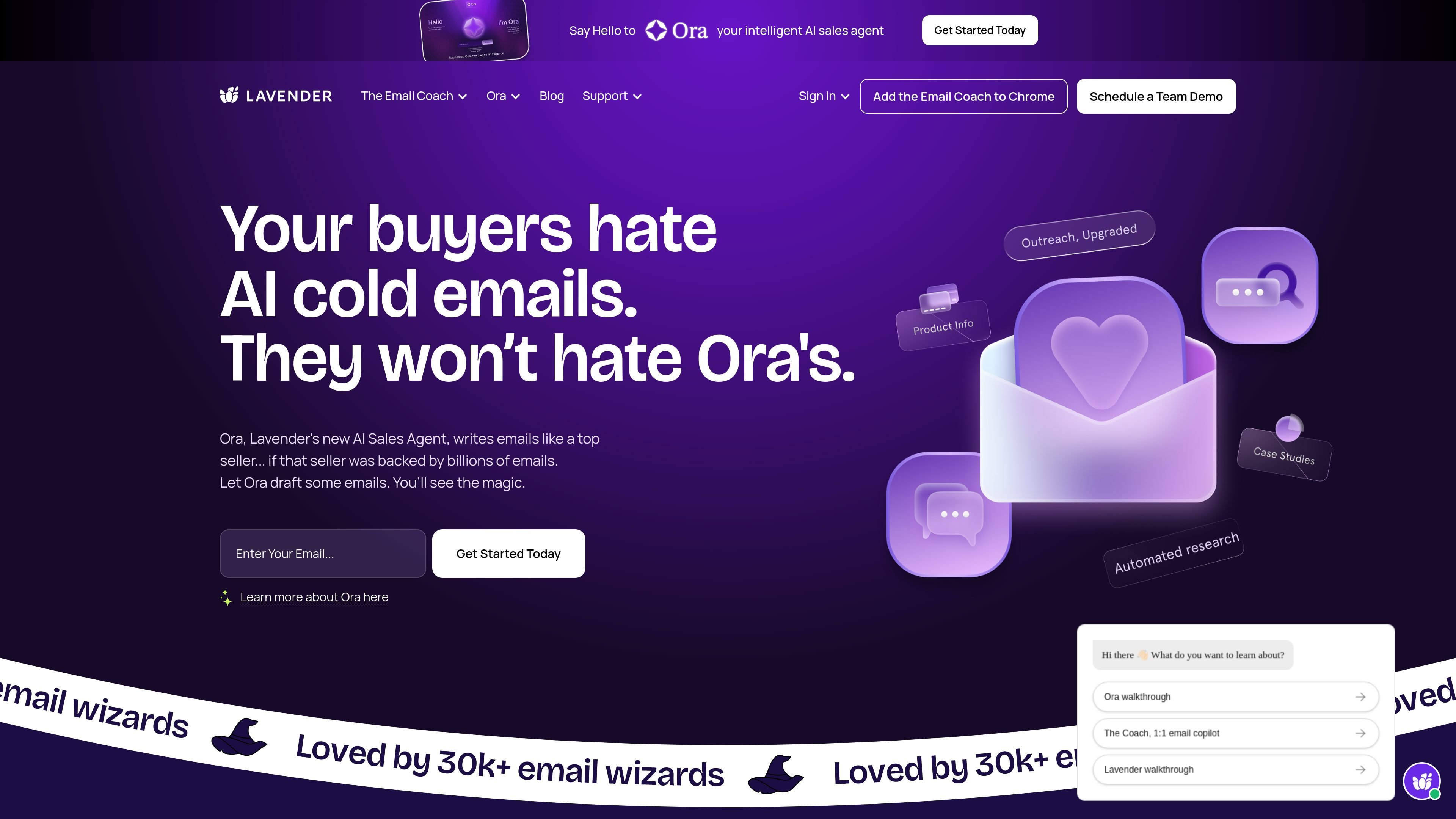
Lavender is an AI email coaching platform for sales teams and individual senders. Its main job is to help people write stronger outbound emails, personalize faster, and improve the odds of getting a reply without spending as much time drafting each message.
The product includes the Email Coach for inbox-based writing support and Ora, an AI sales agent that can research prospects, companies, and market context. Lavender says it learns from your historic emails and broader email data so its coaching and suggestions reflect what tends to work in your workflow.
Scores emails and templates to identify elements that may reduce reply rates, then points out what to fix before sending.
Suggests ways to tailor messages using prospect data and personality-based insights, so personalization happens inside the inbox.
Generates drafts from simple bullet points and helps fill in the first version of an email when you are staring at a blank page.
Provides real-time coaching that adapts as inbox behavior and best practices change, using the product's underlying AI models and email data.
Gives managers aggregated email analytics, dynamic scoring, and coaching dashboard views to see what is working across a team.
For Ora, pulls in research on the prospect, company, and market, and can enrich CRM workflows from CSV uploads or Salesforce connections.
Write outbound prospecting emails with scoring, drafting help, and personalization guidance so you can move from idea to send more quickly.
Review team email quality with aggregated analytics and coaching dashboards to see where reps need help and which patterns are performing.
Use Ora to research a lead list, enrich CRM context, and generate outreach informed by prospect, company, and market details.
Draft or revise everyday emails with inline coaching for people who want structure, clarity, and faster wording help in the inbox.
The source says Lavender's Email Coach is installed in the browser and works inside email workflows. The site says it integrates with Gmail, Outlook, Outreach, Salesloft, HubSpot, Apollo, Groove, Gong, and more, and that it can be up and running in a few minutes.
The source describes the Email Coach for sellers, the Coaching Dashboard for leaders, and an Email Coach for anyone who wants help writing email. Lavender also presents Ora as an intelligent sales agent that can research prospects, companies, and markets.
The site says Lavender can score emails and templates against best practices, suggest drafts, personalize messages with recipient data, provide real-time coaching, and help managers track team performance and email results.
Yes for the Email Coach: the pricing section says it is free to try, with a 7-day free trial and month-to-month plans. The Ora page says Ora can be built for free and later uses per-agent pricing at launch.
The source says Lavender is SOC2-certified and GDPR-compliant, and notes that some security-conscious organizations may need IT review before authenticating with an email provider.
Os dados de tráfego são apenas para referência.

lindy.ai
Assistente executivo de IA para e-mails, reuniões, calendário e acompanhamentos

sanebox.com
Gestão de e-mails com IA para filtrar mensagens e acompanhar follow-ups

serif.ai
Serif é um assistente de e-mail com IA para Gmail e Outlook que redige respostas, organiza mensagens recebidas e cuida de tarefas rotineiras para equipes e profissionais autônomos.

remail.ai
Assistente de IA para navegador, e-mails, documentos e vídeos

filomail.com
FiloMail é um espaço de trabalho com IA para e-mails e apps conectados, que ajuda a resumir, redigir, organizar e gerenciar mensagens no desktop e no celular. Oferece um plano gratuito e um nível Plus pago, com mais uso de IA e recursos de automação.

withrobin.dev
Robin organiza recibos, reservas, notas, assinaturas e newsletters em visualizações da caixa de entrada, com ferramentas de calendário e reservas. Usuários Premium podem conectar um agente externo confiável pelo Robin MCP para ler e-mails, acessar eventos e redigir ou enviar respostas permitidas.