Whimsical logo

Whimsical

Claim

Whimsical is a collaborative whiteboard app for flowcharts, mind maps, wireframes, and diagrams that helps teams capture ideas and collaborate in real time.

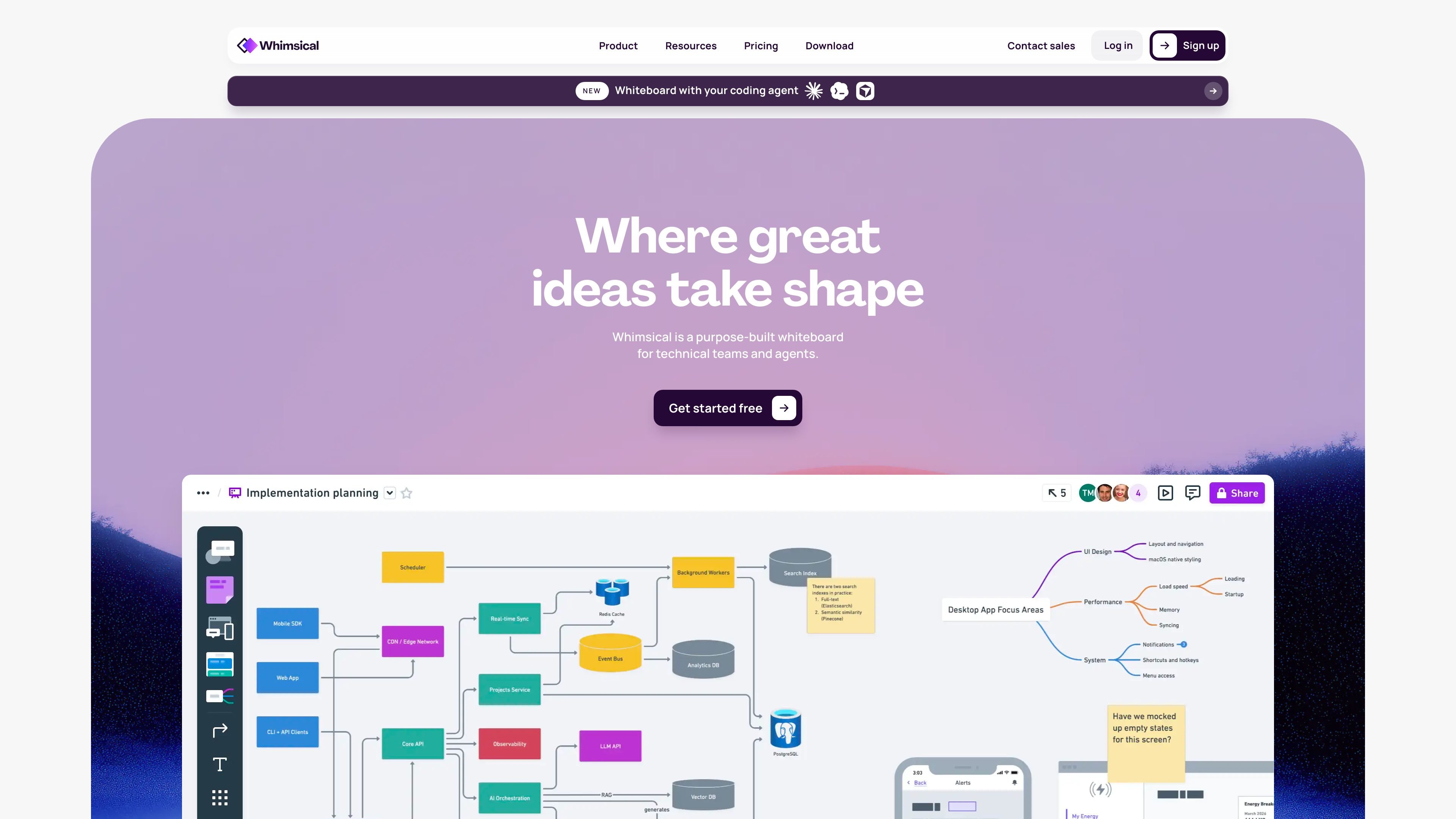
Whimsical preview

What Whimsical is

Whimsical is a collaborative whiteboard app for thinking and planning. It brings diagrams, flowcharts, mind maps, wireframes, and boards into one shared workspace so teams can capture ideas and shape them into clearer plans.

The product is positioned for technical teams and other collaborative workflows that need a fast, visual way to explore product ideas, validate processes, and organize information. The infinite canvas, multiplayer editing, comments, templates, and version history support iterative work rather than one-off sketching.

Core features

Multiple canvas formats

Create flowcharts, mind maps, diagrams, boards, and wireframes on an infinite canvas built for capturing and organizing ideas.

Real-time collaboration

Work on the same file at the same time, with multiplayer editing designed to keep teams moving in real time.

Team-friendly feedback tools

Use templates from experts, comments, images, and video to add context and keep feedback tied to the work.

Low-fidelity wireframing

Build wireframes with drag-and-drop components, adjustable properties, states, and device frames for browsers, phones, tablets, and more.

Diagramming shortcuts and shapes

Build diagrams and flowcharts with predictive shapes, keyboard shortcuts, and a set of flowchart shapes for faster diagramming.

AI-assisted creation

Use Whimsical AI to generate diagrams, brainstorm ideas, and create editable flowcharts from text prompts.

Common ways teams use Whimsical

  • Process and flow mapping

    Map user journeys, process steps, or system logic with flowchart shapes, keyboard shortcuts, predictive shapes, and an infinite canvas.

  • Early product wireframing

    Sketch low-fidelity layouts with drag-and-drop components, device frames, and adjustable properties before moving into higher-fidelity design work.

  • Structured brainstorming

    Capture ideas in mind maps, expand branches, and organize related files or tasks before narrowing down a solution.

  • Team workshops and reviews

    Run collaborative planning sessions with comments, multiplayer editing, templates, images, and video to keep feedback attached to the board.

  • Fast first drafts with AI

    Use AI to generate a starting diagram or editable flowchart from a prompt when you want to move from blank page to draft quickly.

Pros and Cons

Pros

  • Combines whiteboarding, flowcharts, mind maps, and wireframes in one product.
  • Supports real-time multiplayer editing and comments for team collaboration.
  • Includes templates, version history, and an infinite canvas for iterative planning.
  • Offers a free plan alongside paid Pro and Business tiers.
  • Whimsical AI can generate diagrams and editable flowcharts from prompts.

Cons

  • Pricing and plan detail are more complex than a simple one-tier tool, so teams need to review the limits that apply to boards, guests, file uploads, and version history.
  • The source pages do not fully document exports, imports, or every integration, so buyers may need to verify those specifics separately.

FAQ

Does Whimsical have a free plan?

Yes. The pricing page says Whimsical offers a Free plan and paid Pro and Business plans, and the Free plan includes unlimited workspace members and 7-day version history.

What is Whimsical used for?

Whimsical is presented as a collaborative whiteboard app for thinking and planning, with tools for diagrams, flowcharts, mind maps, wireframes, comments, multiplayer editing, and version history.

Can you collaborate with people outside your organization?

Yes. The pricing page says viewers are always free, and the Free plan supports guests with view or comment access. Paid plans add more guest permissions.

What does Whimsical AI do?

Whimsical AI can generate diagrams, brainstorm ideas, and organize information in seconds, and the flowcharts page says it can generate an editable flowchart from a simple text prompt.

Where can I compare plans and feature limits?

The pricing page lists free workspace limits, paid plan limits, and feature differences by plan, while the source pages do not provide a full export or import feature list.

Quick Facts

Category
Collaborative whiteboard app
Primary use
Thinking, planning, and visual collaboration
Core formats
Boards, diagrams, flowcharts, mind maps, and wireframes
Pricing model
Free plan plus paid Pro and Business plans
Domain
whimsical.com
Notable workflow
Infinite canvas with multiplayer editing, comments, templates, and version history