
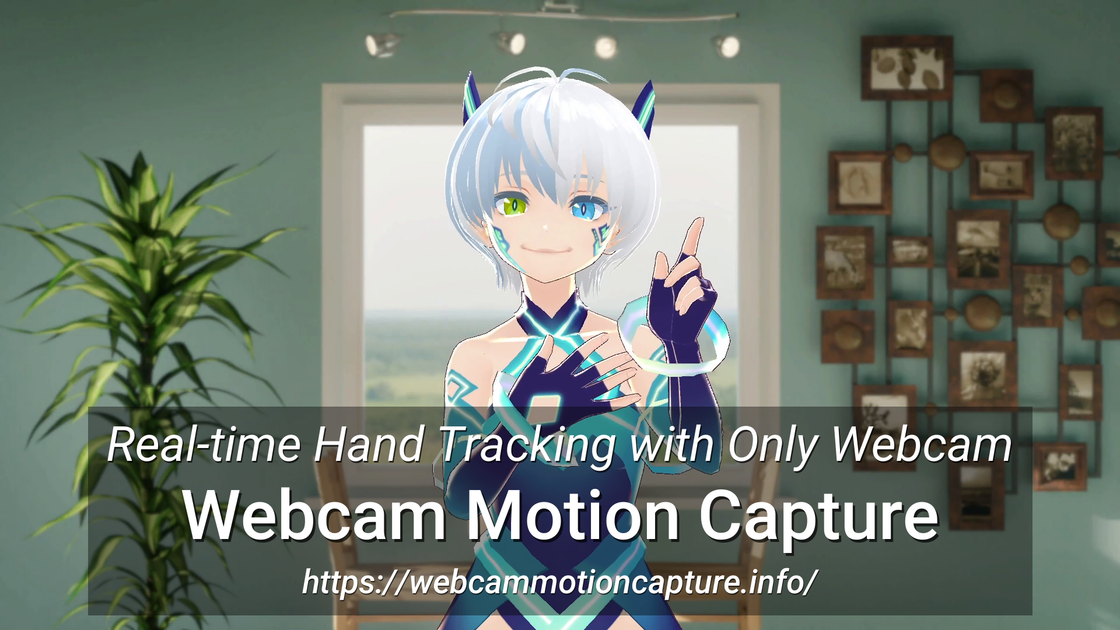
Webcam-based full upper-body tracking
Tracks hands and fingers from a standard webcam and also supports head tracking, facial expressions, eye gaze, eye blink detection, lip sync, and upper-body tracking.

Webcam-based VTuber and motion-capture software for tracking hands, face, eyes, and upper body.
Webcam Motion Capture is a webcam-based tracking app for VTuber-style avatar control, hand tracking, and motion-capture workflows. It uses a computer or smartphone camera to drive a 3D avatar without requiring a dedicated capture device.
The product is positioned for creators who want to stream, record videos, or build avatar animations from camera input. The site says it can send tracking data to other apps through VMC Protocol and export motion data to FBX for use in 3D software, while also supporting facial-expression input from compatible mobile tracking apps.
Tracks hands and fingers from a standard webcam and also supports head tracking, facial expressions, eye gaze, eye blink detection, lip sync, and upper-body tracking.
Sends tracking data to other apps through VMC Protocol so VTuber and game-engine workflows can use the captured motion in real time.
Supports exporting motion capture data to FBX, making it usable in common 3D and animation tools such as Blender, Maya, and 3ds Max.
Works with Face Tracking apps that support Perfect Sync, including iPhone and iPad apps listed by the product, for richer facial-expression input.
Includes a free mobile tracking app, iWebcamMotionCapture, which can offload tracking from a slower computer to an iPhone or iPad.
Provides Windows and macOS downloads, with separate builds for Apple silicon and Intel Macs.
Use the webcam feed to animate a 3D avatar for live streaming on YouTube through OBS Studio, with the app providing hand, face, and upper-body tracking.
Record avatar-based videos in OBS Studio and use the camera-driven motion to control expressions and gestures without a dedicated capture device.
Export captured motion to FBX for later cleanup or reuse in Blender, Maya, 3ds Max, and similar 3D animation tools.
Send real-time tracking data to external apps through VMC Protocol, including VTuber apps and game engines that accept that input.
Use iPhone, iPad, or a smartphone webcam setup to keep tracking running when the main computer is underpowered or when you want to separate capture from rendering.
Yes. The homepage says Webcam Motion Capture can send tracking data to external apps via VMC Protocol, and the FAQ specifically mentions using it with OBS Studio for live streaming on YouTube.
Yes. The FAQ says you can create your own video using 3D avatars with OBS Studio, following the OBS setup instructions.
The FAQ says the tracking is usually more stable in a bright, non-cluttered room, with the camera roughly at head height and your face and chest fully visible. It also notes that hand tracking improves when elbows, forearms, and hands are uncovered.
Yes. The FAQ says you can use iWebcamMotionCapture on iPhone or iPad to offload tracking, and that Android users can use a webcam app such as DroidCam as a webcam source.
Yes, but by default one webcam cannot be accessed by two apps at the same time. The FAQ suggests Windows 11 multi-app camera access, a second smartphone webcam, or a virtual camera such as SplitCam as workarounds.
Traffic data is for reference only.