
Multiple input methods
Start from uploaded audio, a live microphone recording, or text-to-speech, then move into effect creation from the same workflow.

A free web app for transforming audio with voice effects, uploads, recording, and text-to-speech.
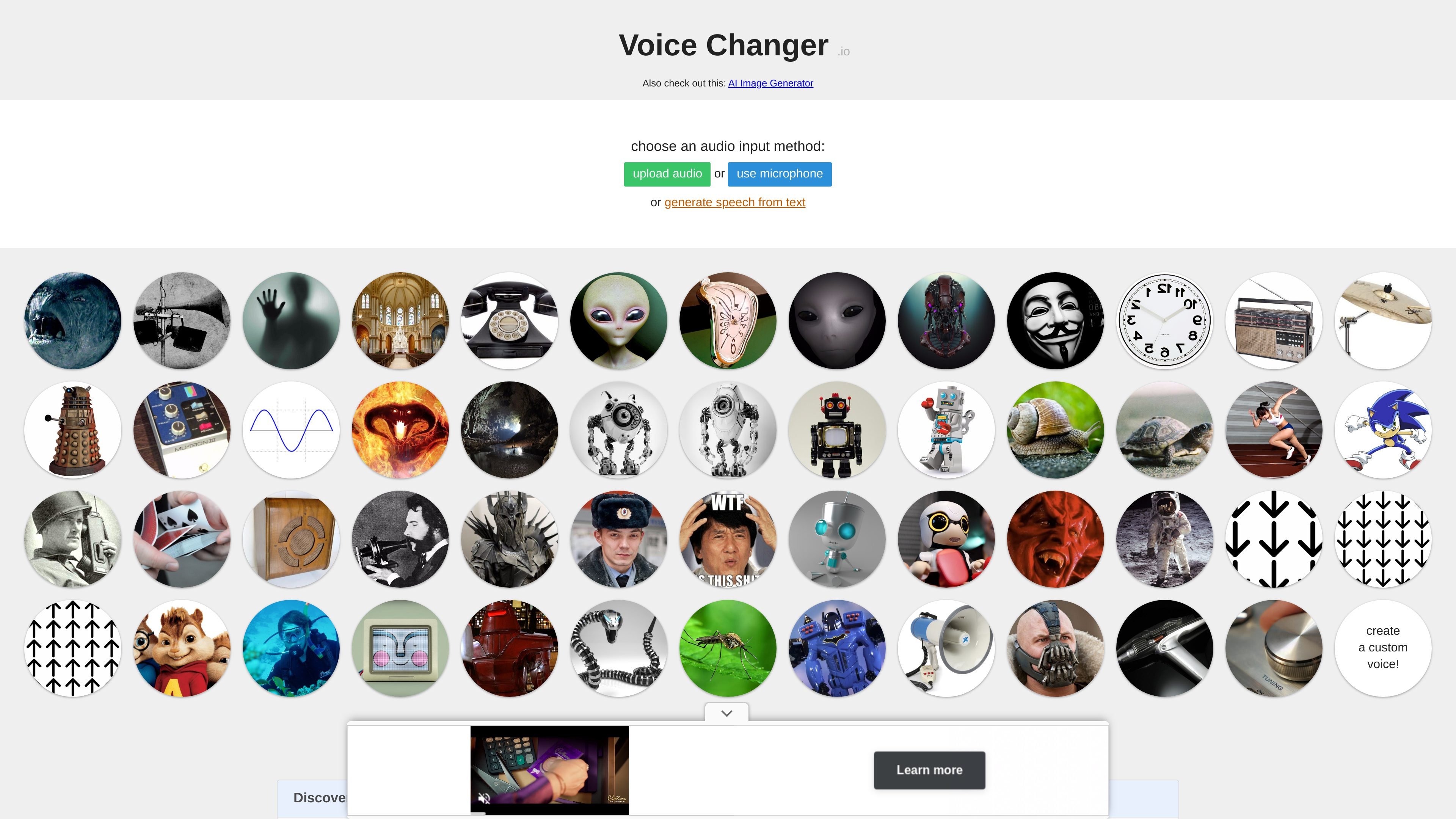
Voice Changer is an online tool for transforming audio with preset voice effects. The homepage says it can deepen a voice, make it sound like a girl or guy, and create anonymous, robot, Darth Vader, monster, and other altered voices.
The voice maker page expands that workflow into a layered editor where users can start from uploaded audio, microphone input, or text-to-speech, then combine and reorder effects to build a custom result. It is presented as a free browser-based hobby project, with generated audio available for playback or download.
Start from uploaded audio, a live microphone recording, or text-to-speech, then move into effect creation from the same workflow.
Build a voice chain by adding effects and re-ordering them with drag-and-drop controls before generating output.
Choose from a broad library of voice transformations, including pitch shift, robot, alien, ghost, echo, telephone, radio, and distortion-style effects.
Use the notes to copy and share a page URL for a saved creation, which makes a voice setup easy to revisit or send to someone else.
Download the generated audio after processing, or play it back before saving it.
Adjust effect values with sliders and enter a custom value by clicking the number next to a control.
Record or upload a clip and apply a single preset effect such as robot, telephone, echo, or reverse reverb for a quick transformation.
Combine pitch shift, distortion, delay, and other effects in sequence to shape a more specific voice character.
Use the shareable URL and downloadable output when you want to pass a created voice to someone else or reuse it later.
Start from text-to-speech, then process the generated voice with effects to produce altered spoken audio without first recording yourself.
Yes. The site describes Voice Changer as free, and the voice maker page says you can copy the URL of a creation to share it.
The page text shows you can start by uploading audio, recording from a microphone, or generating speech from text. Then you can apply effects and play or download the result.
The source does not list specific export formats. It only says you can play or download the generated audio.
The site says generated audio may be used for any purpose, including commercially, but it also notes the project is a hobby project and feature requests may not be implemented quickly.
The browser text says 'please enable microphone' when using recording, so microphone access is required if you choose that input method. The source does not provide broader browser support details.
Traffic data is for reference only.

altered.ai
AI voice changer and voice content creation platform for media and live use.

vocs.ai
AI voice-to-voice conversion that transforms vocals into a selected AI artist’s sound

voice-swap.ai
AI voice transformation for musicians, creators, and teams

voicemod.net
Real-time AI voice changer and soundboard for PC and Mac

dubbingai.io
Real-time AI voice changer and soundboard for gaming, streaming, and meetings.

voicechanger.easeus.com
EaseUS VoiceWave is a Windows real-time AI voice changer for gaming, online chats, meetings, and live streams. It routes modified audio through a virtual microphone and also provides voice presets, sound effects, and custom voice creation.