
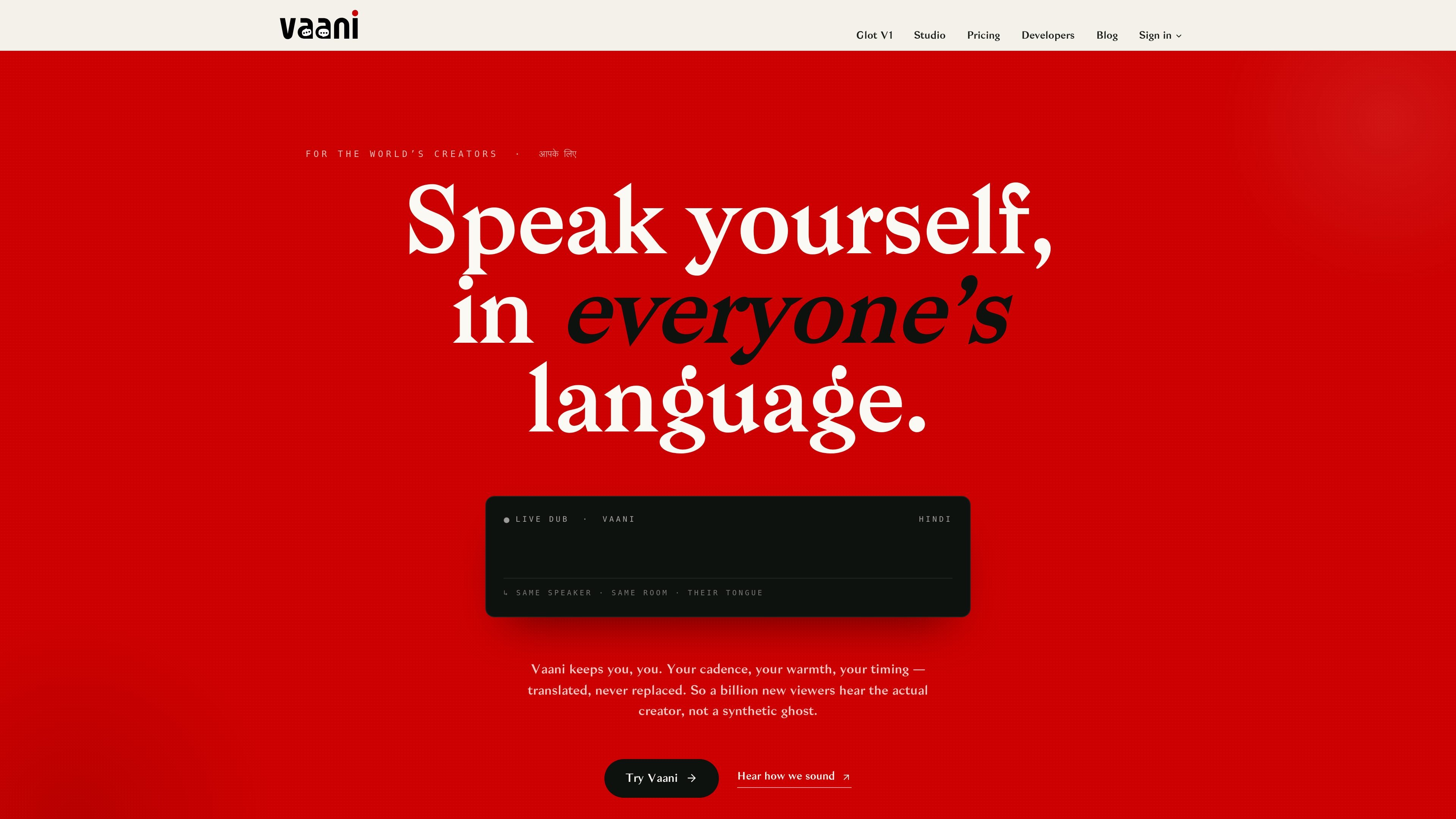
Voice-cloned dubbing
Translate video into more than 40 languages while keeping the speaker’s voice cloned rather than replacing it with a generic synthetic voice.

VaaniStudio is an AI dubbing platform that translates videos into 40+ languages while preserving the speaker’s voice and timing, with Studio, batch, and optional lip-sync workflows.
VaaniStudio is an AI dubbing platform that translates videos into 40+ languages while preserving the speaker’s voice, cadence, and timing. The home page describes it as studio-grade dubbing for creators, and the pricing page frames it as a product for paid workflows rather than a free editing utility.
The site presents two main ways to work: Studio for a single project with detailed timeline editing, and Glot V1 for batch-style production across many videos and target markets. Across both modes, the pipeline covers vocal isolation, transcription, translation, voice cloning, and final mixing, with optional lip-sync available as part of the workflow.
Translate video into more than 40 languages while keeping the speaker’s voice cloned rather than replacing it with a generic synthetic voice.
Apply translation with context so the result carries tone and meaning rather than a literal word-for-word output.
Add optional lip-sync as a separate action or combine it with dubbing through the perfect-dub flow.
Work in a detailed Studio timeline for single projects, or use Glot V1 for a node-based, parallel workflow across many videos and target markets.
Preview coin cost before running an action, with usage billed from a shared wallet across dub, lip-sync, and perfect-dub.
Access team-oriented and enterprise options such as API access, webhooks, named support, SSO, audit logs, and on-prem or private-cloud deployment.
A creator can dub a published video into several languages while keeping the same voice identity and adding lip-sync when the final cut needs it.
A studio or producer can manage one project in Studio with per-segment edits, per-speaker settings, and manual overrides for line-by-line review.
A team handling many episodes or markets can use Glot V1 to drop files into a board, fan out translations, and render dubs in parallel.
An enterprise buyer can evaluate VaaniStudio for larger deployments where API access, webhooks, SSO, audit logs, and private-cloud or on-prem options matter.
VaaniStudio is a video dubbing product that can translate into 40+ languages, clone voices, and optionally add lip-sync.
The source shows two working modes: Studio for detailed, single-video editing and Glot V1 for batch-style work across many videos and target languages.
The pricing page shows a free trial with starter coins, plus paid Creator, Studio, Broadcast, and Enterprise plans. The paid plans unlock dubbing and lip-sync features, with higher tiers offering lower per-action rates and more team features.
The product uses a coin-based wallet. Dub, lip-sync, and perfect-dub actions debit coins, and the Studio panel previews the cost before you run an action.
The public pages mention Google sign-in, and enterprise customers can request SSO. The site also says uploaded audio is not used for training.
Traffic data is for reference only.

dubly.ai
AI video translation with voice cloning, lip-sync, 4K output, and glossary control

perso.ai
Perso AI is a web-based AI dubbing and video localization platform that translates videos into 99+ languages with voice cloning and lip sync, plus paid, enterprise, avatar, and interactive AI products.

checksub.com
AI subtitle generation and dubbing platform for video localization

keevx.com
Keevx is an AI video platform for translation, cloning, and text-to-video creation from URLs, images, video, or audio.

verbalate.ai
Audiovisual translation for localized audio and video

versavoice.ai
VersaVoice AI translates spoken and typed messages across languages while preserving the speaker’s voice in selected modes for families, individuals, and businesses.