
Broad warehouse and connector support
Upsolve’s home page says teams can bring in 30+ SQL database connectors out of the box and import an existing dbt project, while the pricing page says all plans support 50+ data connections.

Build and deploy grounded analytics agents for trusted answers from business data.
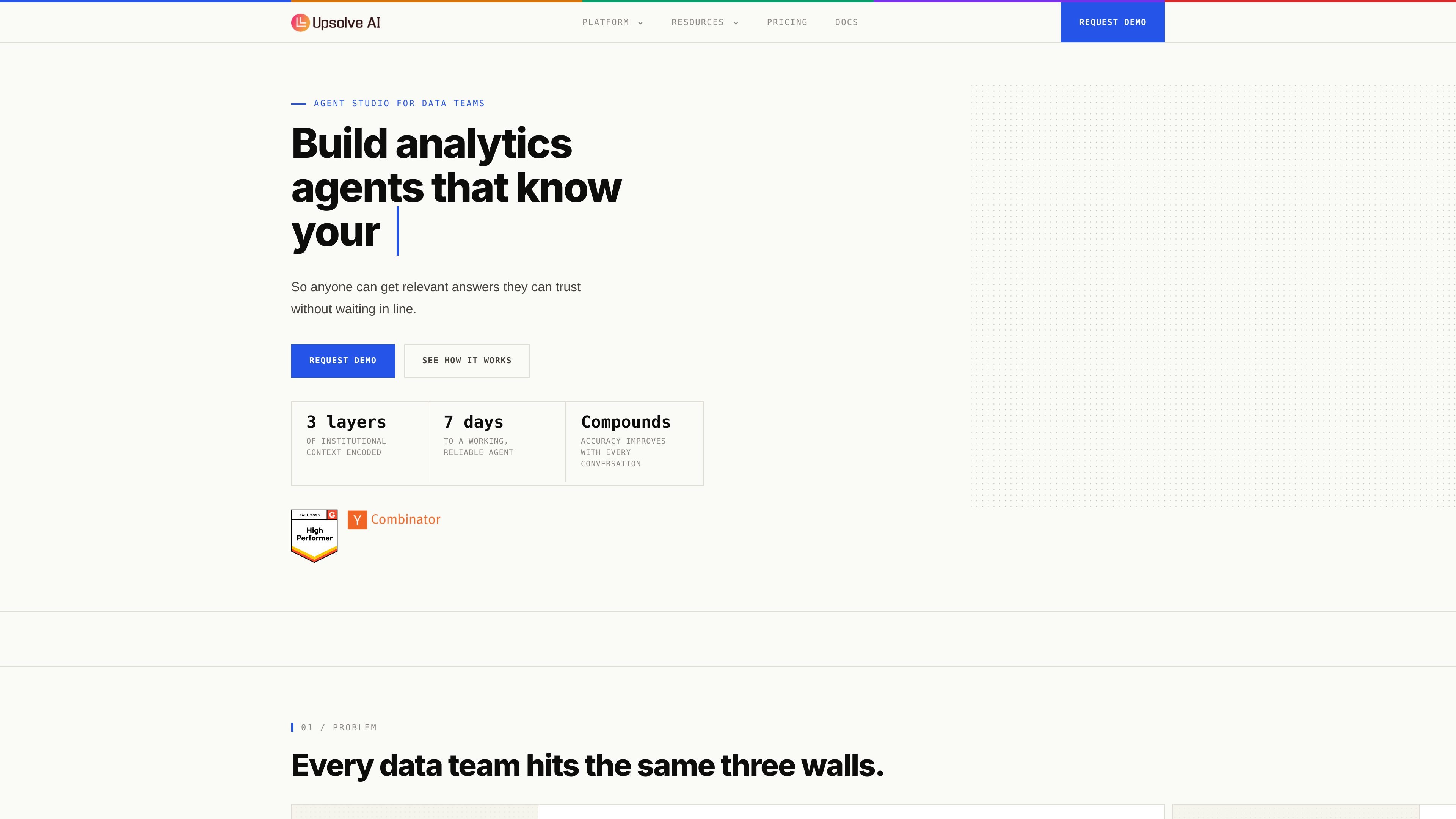
Upsolve AI is a platform for building, deploying, and evaluating analytics agents that answer questions against business data. Its core focus is grounding agent output in approved context so responses are more accurate, traceable, and consistent with a team’s definitions and data models.
The product is aimed at data teams and product teams that want to serve trusted answers in chat or embedded experiences. The home page describes a two-sided platform: builders use Agent Studio to encode context, test behavior, and deploy agents; end users ask questions and receive grounded answers with visible lineage and verification details.
Upsolve’s home page says teams can bring in 30+ SQL database connectors out of the box and import an existing dbt project, while the pricing page says all plans support 50+ data connections.
The platform organizes agent context into structure, meaning, and trust so answers can be tied to tables, metrics, definitions, and approved sources instead of raw prompts alone.
The product traces conversations end to end, showing the user question, tool calls, SQL queries, and agent output so teams can inspect how an answer was produced.
Upsolve includes built-in evaluation and monitoring to grade performance, surface missing context, and adapt when metric definitions change.
The pricing page says the platform includes charts and visualization, context management, observability and eval, and an MCP app across plans.
The Team and Enterprise plans add embedding, row-level security or RBAC, multi-tenant support, semantic-layer tooling, and scheduling for AI dashboards and email.
Create chat-based analytics agents that answer recurring questions about revenue, churn, pipeline, utilization, or other business metrics using approved definitions and SQL patterns.
Package an analytics assistant inside a customer-facing product with embedding, row-level security, and multi-tenant support on higher-tier plans.
Encode business rules, KPI definitions, and other institutional knowledge into the context layer so answers stay aligned with how the team actually measures performance.
Inspect tool calls, SQL, and lineage when an answer looks off, then use evaluation and monitoring to close gaps in the context layer.
Import an existing dbt project and connect to supported warehouses to move toward a working agent without building a semantic layer from scratch.
Upsolve AI is designed for analytics agents that answer questions against your data with grounded context, validated SQL, and governed business logic. The source emphasizes agent-building, deployment, and evaluation for data teams rather than a general-purpose chat product.
The pricing page says Upsolve supports 50+ data connections on all plans, and the home page lists connectors such as Snowflake, BigQuery, Redshift, Postgres, Databricks, and MySQL, with dbt project import supported. The source also says a semantic layer is optional to get started.
Yes. The pricing page includes a Free tier, Pro and Team tiers, and a custom Enterprise plan. It also states that annual commitments receive a 20% discount on the base fee.
Yes. The pricing page says Team and Enterprise support embedding, while Enterprise adds row-level security or RBAC, multi-tenant support, and dedicated support. The home page also describes a two-sided platform for builders and end users.
The source indicates that conversations are traced end to end, including user questions, tool calls, SQL generation, and agent output. It also says the platform includes built-in evaluation and context monitoring to surface gaps and improve accuracy over time.
Traffic data is for reference only.
| Jun | 13176 |
|---|---|
| Jul | 11052 |
| Aug | 10279 |
Traffic analytics are not available yet.
Traffic analytics are not available yet.

agentsbase.ai
Agents Base automates A/B testing for cloud-agent marketing campaigns; now shutting down after acquisition.

bigbear.ai
AI-powered decision intelligence for defense, security, trade, manufacturing, and supply chains

rtutor.ai
RTutor 2.00 turns plain-English questions into R or Python code for interactive dataset analysis.

xenonstack.com
XenonStack is a Data & AI Foundry for governed, explainable agentic workflows.

symphonyai.com
Vertical AI applications for retail, finance, and industry

epiminds.com
Epiminds is a marketing AI platform built around Lucy, a multi-agent system that helps agencies and marketing teams analyze performance, execute actions, and delegate recurring work across Slack, email, and their existing marketing stack.