
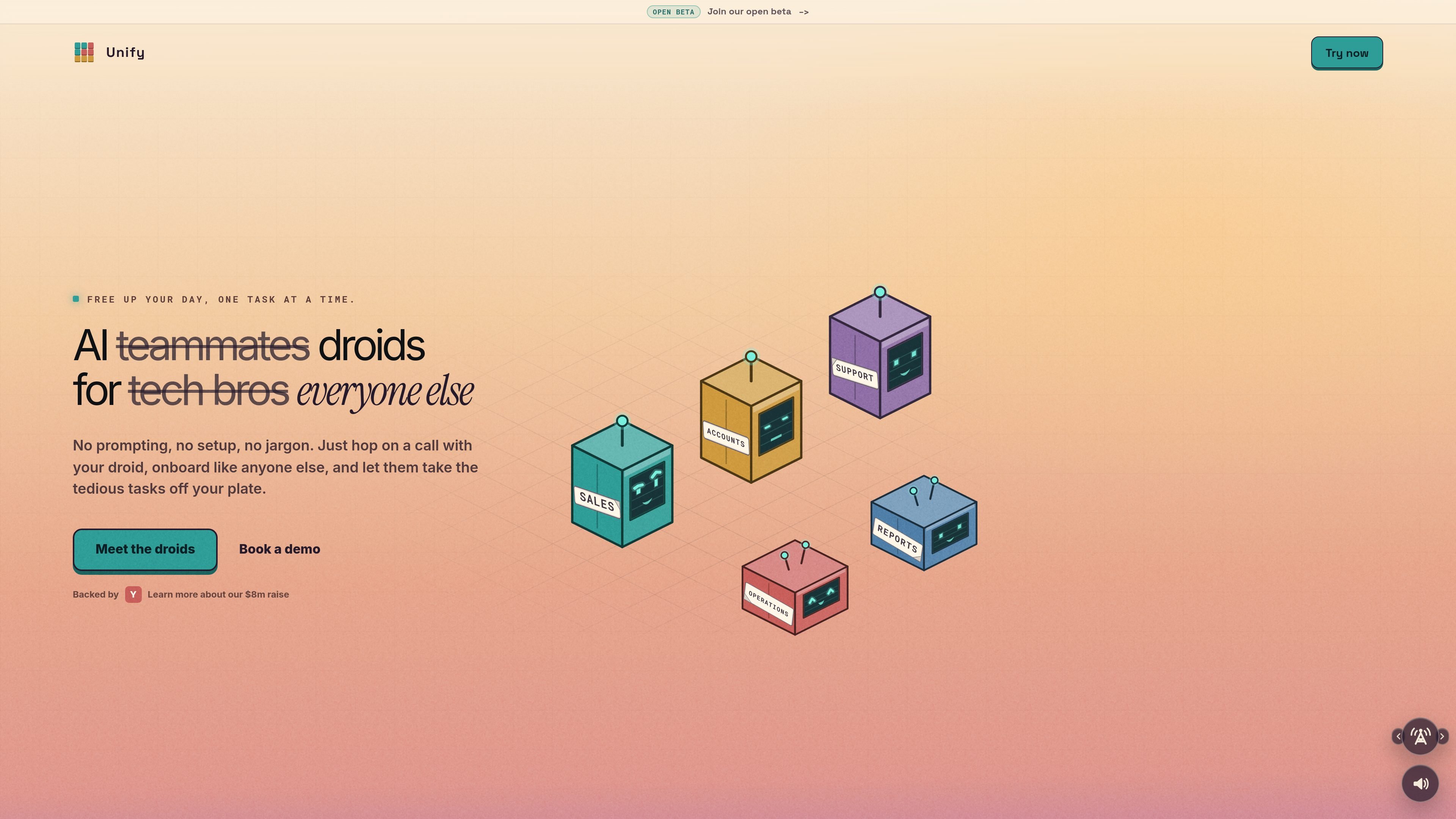
Role-based droids
Assign a role to each droid and let it handle a defined workflow instead of waiting for manual prompts.

AI teammate platform for delegating recurring work to role-based droids
Unify is an AI teammate platform built around “droids” that take on repeatable work for teams. The site positions it for everyday business tasks rather than prompt-driven experimentation, with droids that can be given roles, connected to the tools they need, and kept in the loop when human judgment matters.
The product is presented as useful for admin, sales, accounting, operations, support, and build workflows. Source pages describe droids that can monitor activity, schedule recurring work, assemble outputs, and hand results back for review instead of requiring constant manual supervision.
Assign a role to each droid and let it handle a defined workflow instead of waiting for manual prompts.
Droids can monitor inboxes, CRMs, and other platforms, then notify you when attention or judgment is needed.
Each droid gets a private machine with its own shell, tools, and scratch space for a task.
Droids can cache context across runs and reuse intermediate results, which the pricing page says can make recurring workflows cheaper over time.
One workspace shares credits across the team, so usage is tied to work performed rather than seats.
The pricing page says every plan includes voice, video, screen-share, integrations, scheduled tasks, and memory.
Keep track of the unread items, calendar changes, and other signals that affect the start of the day, then surface what needs attention before stand-up.
Clear out inbox noise, flag messages that need replies, file the rest into a knowledge base, and leave the team with a cleaner Monday start.
Watch campaign briefs or sales activity, turn messy notes into structured follow-up work, and keep work moving when approvals or pipeline data stall.
Read invoices, compare them to contracts, and route only mismatches or anomalies to a person for review.
Pick up scoped development tasks, work in a private sandbox, run checks, and open a pull request for review.
Yes. The pricing page says starter credits are free on signup and require no card, and they can be used during the first week.
Plans are workspace-based rather than per-seat. The page says the whole team shares one credit pool and there are no per-seat charges.
Enterprise is custom and is described for regulated industries. It includes custom volume pricing on request, SSO, audit log export, DPA, BAA, UK/EU data residency on request, dedicated tenancy on request, dedicated onboarding, SLA, and named support.
The pricing FAQ says plans can be changed any time in either direction, monthly or annually.
The source says droids can schedule recurring work, monitor inboxes, CRMs, and other platforms, and route tasks through a private machine with shell, tools, and scratch space. It also says they are used for admin, sales, accounting, operations, and build-related work.
Traffic data is for reference only.