
Multi-repo context
Connect multiple repositories so an agent can reason across frontend, backend, workers, infrastructure, and shared packages in one task.

Twill is a software factory as a service that turns stack signals into verified pull requests.
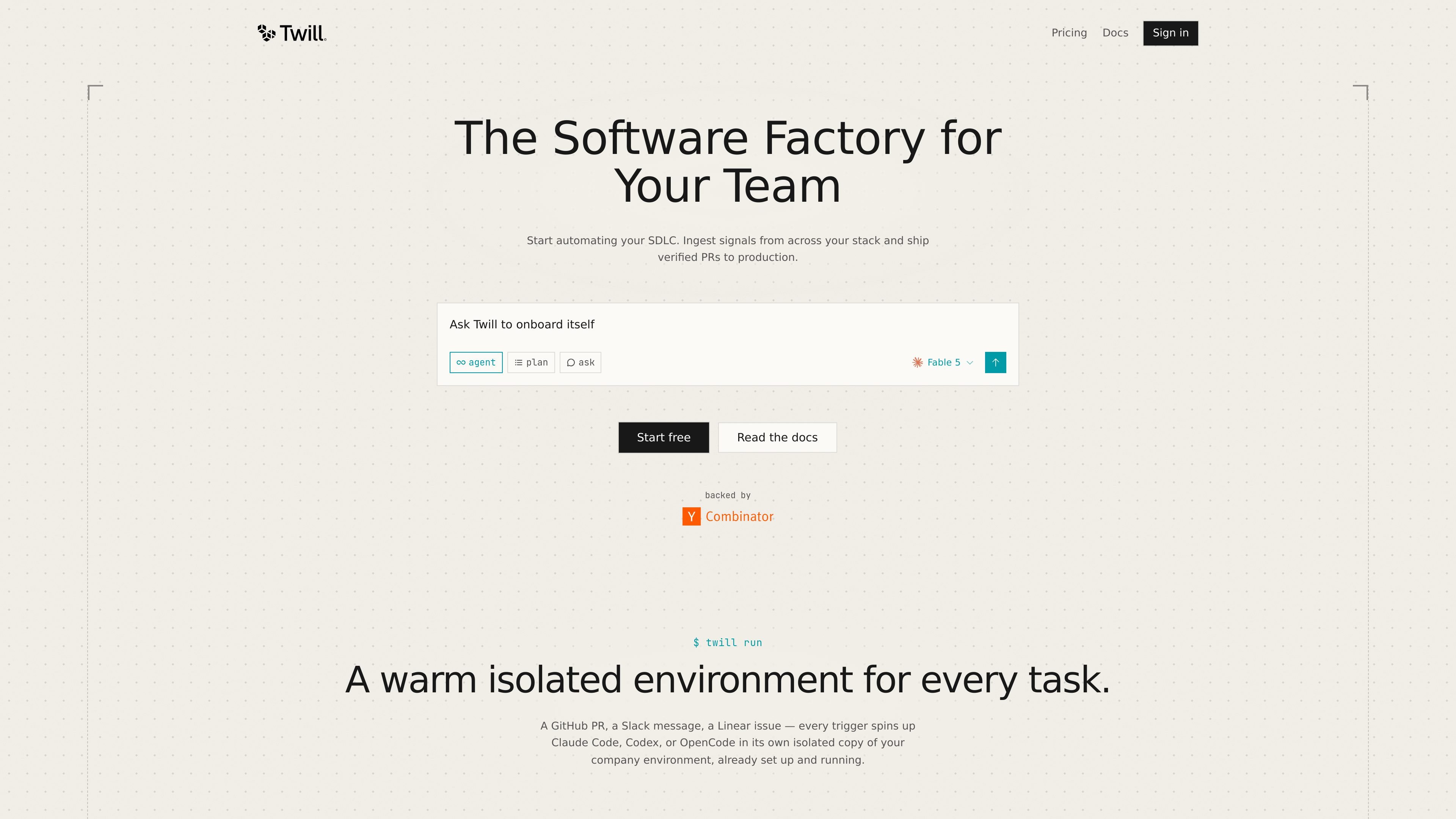
Twill is presented as a software factory as a service for engineering teams. Its homepage describes a system that ingests signals from across a stack and turns them into verified pull requests that are checked before they reach production.
The product centers on automated software delivery workflows. Tasks can begin from GitHub, Slack, or Linear activity, then run in an isolated copy of the company environment where code, databases, tests, and previews are available for verification. The page also says Twill can operate on demand, on a schedule, or from event-driven triggers.
Connect multiple repositories so an agent can reason across frontend, backend, workers, infrastructure, and shared packages in one task.
Run work inside an isolated fork where agents can install packages, start services, seed data, execute tests, and inspect previews.
Start from a cloned, prepared developer environment with dependencies installed and services already warm, reducing setup time before the task begins.
Launch tasks from GitHub, Slack, or Linear signals, including on-demand requests, scheduled automations, and event-based triggers.
Use different models for different jobs, with the site calling out Claude, GPT, Qwen, Kimi, and GLM and stating that teams can use their own keys at provider rates.
Connect existing tools or extend workflows with MCP servers and skills, alongside the integrations named on the homepage.
Use Twill to triage incoming GitHub, Slack, or Linear signals and turn them into a task that runs in a prepared environment instead of starting from scratch.
Schedule recurring engineering chores such as incident follow-up, cloud-resource checks, documentation updates, and issue follow-up PRs.
Work across multiple repositories when a change spans application code, workers, infrastructure, and shared packages, so the task has access to the full stack context.
Let the system run tests and inspect previews in an isolated fork before a pull request is shipped, which supports verification-heavy workflows.
Connect Twill to existing team tools or extend it with MCP servers and skills when a standard integration is not enough.
Twill ingests signals from tools across your stack and can launch work on demand, on a schedule, or from triggers such as a GitHub PR, Slack message, or Linear issue.
The homepage says Twill can run in isolated task forks with the company environment already cloned, dependencies installed, services running, and tests and screenshots available for verification.
Twill is positioned for engineering teams that want to automate recurring software delivery work, including triage, infrastructure checks, documentation updates, and opening PRs when something needs to change.
The site mentions GitHub, Slack, Linear, Notion, Sentry, Google Cloud, AWS, Asana, and Datadog, and also says you can add your own workflow with MCP servers and skills.
The homepage presents Twill as a software factory as a service, but it does not provide detailed plan information, setup requirements, or documented limits on the public page.
Traffic data is for reference only.