Trellis AI logo

Trellis AI

Claim

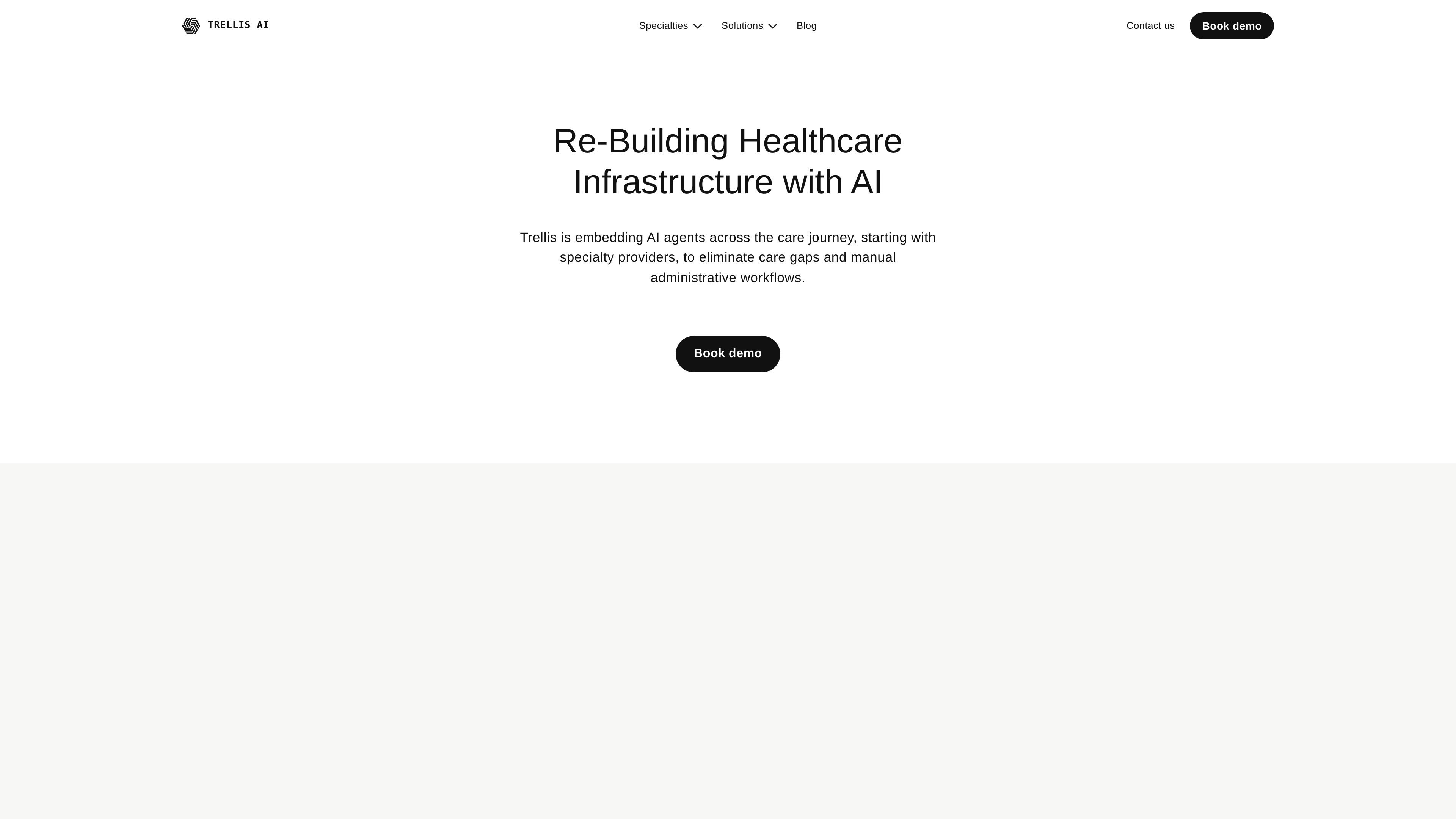
Trellis AI is a healthcare automation platform that embeds AI agents into specialty care workflows, from referrals and prior authorization to denials and patient communication.

Trellis AI preview

What Trellis AI is

Trellis AI is a healthcare automation platform that uses AI agents to handle administrative work across the care journey, with an initial focus on specialty providers. The product site describes it as an AI-native healthcare network that sits between the different steps involved in getting a patient from referral to treatment.

Its stated purpose is to reduce manual paperwork and gaps in care by automating tasks such as extracting information from referrals, generating letters of medical necessity, submitting prior authorizations, checking benefits and claims, flagging denials, enrolling patients in PAP and clinical trials, and keeping patients informed. The site also presents three agent layers—Copy, Capture, and Execute—that map workflows, learn from proprietary systems, and run or verify workflow steps.

Core capabilities

Care-journey automation

Connects to multiple parts of the care journey and automates tasks that slow down specialty workflows, including referral data extraction, LMN generation, prior authorization submission, denial flagging, PAP enrollment, and patient communication.

Workflow mapping with Trellis Copy

Maps existing operational workflows into RL environments so teams can capture SOPs and KPIs without changing their internal processes first.

Workflow learning with Trellis Capture

Turns proprietary data and system behavior into executable workflows, while retaining analytics for process optimization and added revenue capture.

Task execution with Trellis Execute

Breaks workflows into steps and actions, then uses a tool library to run and verify tasks such as document triage, benefits checks, test claims, LMN creation, portal submission, and outbound calls.

Operational metrics focus

Supports outcomes-focused operations by positioning automation around time-to-treatment, throughput, and revenue-related workflow metrics.

Practical use cases

  • Referral-to-treatment operations

    Automate intake work that starts with a referral, including extracting clinical data and moving the case toward treatment without as much manual coordination.

  • Prior authorization and LMN workflows

    Support medication access teams by generating letters of medical necessity and submitting prior authorizations to payer portals.

  • Benefits and test-claim handling

    Help teams process benefits and claims faster by running medical benefits checks and test claims, then verifying the workflow steps that were completed.

  • Denial prevention and patient follow-up

    Reduce follow-up burden for specialty operations by flagging denials earlier, enrolling patients in PAP or clinical trials, and keeping patients informed as work progresses.

  • Process mapping and standardization

    Document and standardize internal work by mapping existing operations into RL environments and capturing SOPs and KPIs along the way.

Pros and Cons

Pros

  • Covers several high-friction specialty care workflows in one platform, including referrals, prior auth, benefits checks, denials, PAP, and patient communication.
  • Describes a clear automation model with separate components for workflow mapping, workflow learning, and execution.
  • Provides concrete examples of tasks the agents can run or verify, which helps readers understand the scope of automation.
  • Emphasizes integration with existing workflows rather than forcing teams to rebuild operations from scratch.
  • Reports published outcome metrics on the homepage, including time-to-PA, productivity, reimbursement, and touchless script figures.

Cons

  • The collected pages do not show public pricing, so buyers would likely need to contact the company for commercial details.
  • The terms page says the services are not tailored for industry-specific regulations such as HIPAA or FISMA, which is an important limitation for regulated use cases.

FAQ

What does Trellis do?

Trellis is positioned as an AI healthcare platform that automates work across the care journey, with examples including referral intake, letters of medical necessity, prior authorization submission, denial flagging, PAP enrollment, and patient updates.

Who is Trellis built for?

The homepage says Trellis starts with specialty providers and is embedding AI agents across the care journey. The blog content also points to pre-service operations such as prior auth and specialty workflows.

How does Trellis organize its automation?

The site describes Trellis as a system of healthcare-native agents, including Copy, Capture, and Execute. Those components map workflows, turn proprietary data into executable workflows, and run or verify workflow steps.

Does Trellis publish pricing?

The pricing page text collected here does not show any public pricing details. Based on the available pages, pricing should be treated as not disclosed on the site content provided.

Are there compliance limitations noted on the site?

The terms page states that the services are not tailored to comply with industry-specific regulations such as HIPAA or FISMA. That suggests the product should be evaluated carefully for any regulated workflows before use.

Quick Facts

Category
Healthcare AI automation
Platform type
AI agent platform for care workflows
Primary users
Specialty providers and care operations teams
Source domain
runtrellis.com
Named components
Copy, Capture, Execute
Pricing
Not publicly shown on the collected pages