
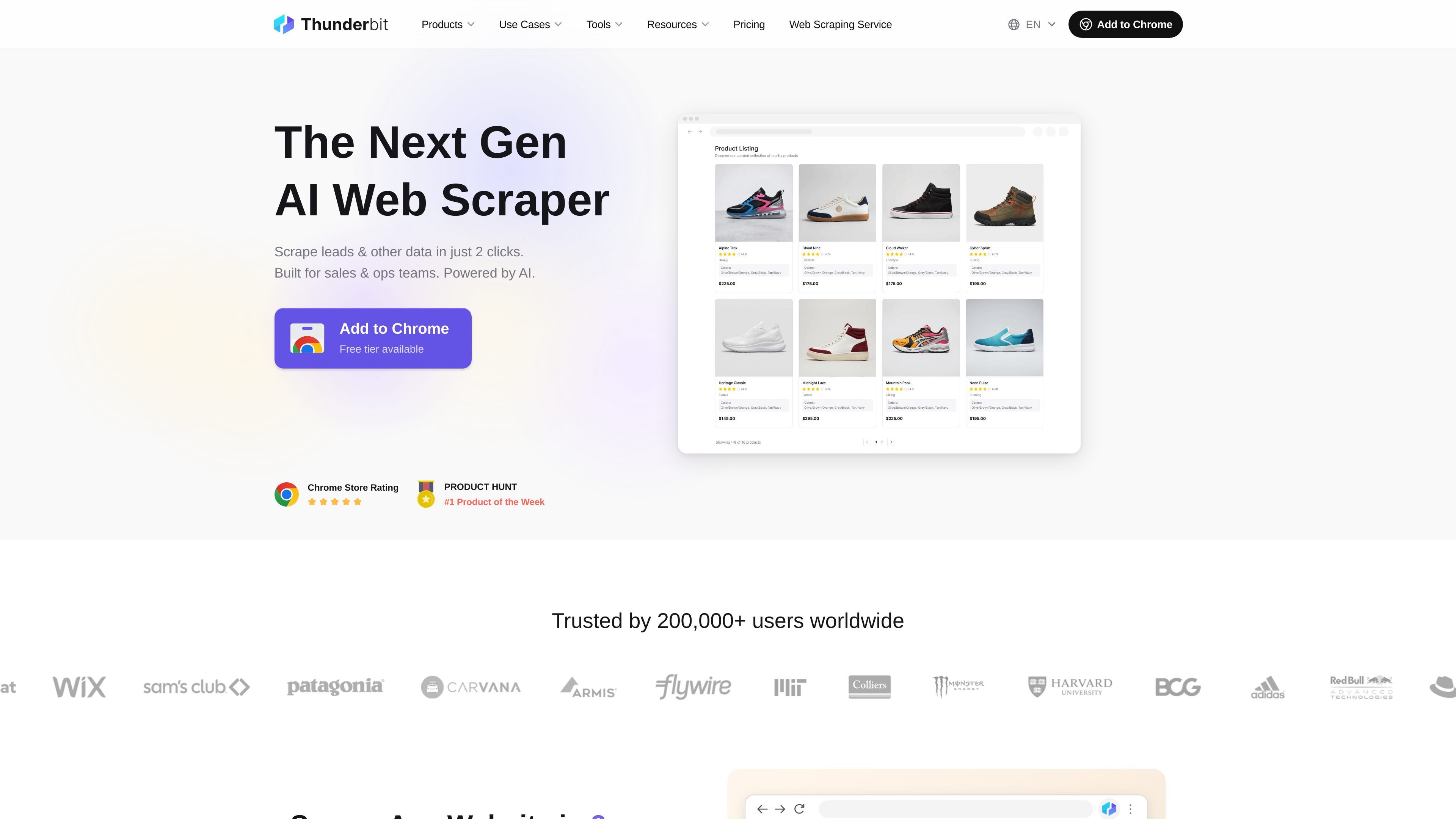
AI-guided scraping in the browser
Thunderbit’s browser extension is built around a simple workflow: name the columns you want, then let the AI extract the data. The product page says there is no traditional editor or selector-building step.

AI web scraping with Chrome extension and API for structured data exports
Thunderbit is an AI web scraping product with both a Chrome extension and a web scraping API. The browser extension is aimed at people who want to capture website data quickly in a few clicks, while the API is aimed at developers who need structured web data inside their own applications and internal workflows.
Across the product site, Thunderbit is presented as a way to turn websites into organized outputs such as spreadsheets, Markdown, JSON, or tables without manual selector work. The extension pages emphasize lead lists, SKU data, pagination, subpages, and exporting into tools like Google Sheets, Airtable, Notion, and Excel. The API pages emphasize zero-maintenance extraction, schema-based output, and content distillation for RAG, agents, and enrichment use cases.
Thunderbit’s browser extension is built around a simple workflow: name the columns you want, then let the AI extract the data. The product page says there is no traditional editor or selector-building step.
The extension supports scraping pages with pagination, multiple URLs, login-protected content, screenshots, and other file uploads, which broadens the range of pages it can handle.
Thunderbit can extract visible and hidden page data, including text, URLs, images, emails, phone numbers, and dates, so the output can be more than plain text.
Built-in formatting tools can summarize, categorize, translate, and reformat data during extraction, reducing manual cleanup after export.
Export paths include Google Sheets, Airtable, Notion, Excel, and copy-paste into other apps, which helps move results into existing workflows quickly.
The API product offers two core modes: Distill, which turns web pages into cleaner Markdown content, and Extract, which returns structured data as JSON or CSV.
Collect lead details, contact information, and enrichment data from directories, profile pages, and other public sources, then move the results into a spreadsheet for outreach or review.
Extract product names, prices, availability, images, and descriptions from storefronts or marketplace listings to support catalog work, inventory checks, or competitor tracking.
Gather property listings, open-house information, and related contact details from real-estate sites and local listing pages for analysis or monitoring.
Turn articles, transcripts, or webpage content into cleaner Markdown for RAG pipelines, knowledge bases, or downstream AI workflows.
Track changes in prices, inventory, reviews, or content across pages over time using a schema-driven API workflow that is easier to maintain than site-specific scripts.
Thunderbit is designed to work in a browser extension and also offers a web scraper API. The extension lets you start from a page in Chrome, while the API is intended for integrating scraping into applications and workflows.
The Chrome extension is positioned for scraping websites in a few clicks without selectors or manual drag-and-drop. The product pages describe it as useful for lead capture, SKU collection, pagination, multi-page scraping, and exporting data into spreadsheet-style tools.
Thunderbit’s API can return structured JSON or Markdown from a URL. The docs and API page show two main modes: Distill for clean content and Extract for structured data.
The pricing page shows Free, Basic, Professional, and Business plans, and also mentions a free tier, free trial, and yearly billing with savings. It does not provide enough evidence here to state exact limits or prices.
The source pages do not provide enough detail to confirm team features, account collaboration, or exact usage limits. Those details should be checked on the pricing and documentation pages before purchase.
Traffic data is for reference only.

www.browseract.com
BrowserAct is a no-code AI web scraping and browser automation platform that builds reusable Bots from plain-language data requests. It helps teams collect structured, refreshed web data in the cloud or give local AI agents a browser layer for web tasks.

airtop.ai
No-code AI automation for sales and marketing teams

www.webbrain.one
WebBrain is a free, open-source browser extension that brings AI agent capabilities to Chrome, Firefox, and Edge. It reads pages, extracts data, and automates browser tasks with your choice of LLM provider, including local models.

www.senthor.io
Senthor detects AI and bot traffic, controls access to website content, and monetizes requests when appropriate while preserving legitimate search visibility.

www.quaso.ai
Quaso is an AI automation agent that turns plain-English instructions into browser-based workflows and app-connected tasks. It is aimed at people and teams automating recurring reporting, triage, monitoring, research, and admin work.

okaapps.com
Aye is an AI browser for Mac and Windows that delegates repetitive work on real websites, from media downloads and support email replies to social operations. It plans, acts, verifies results, and keeps sensitive steps under user approval.