
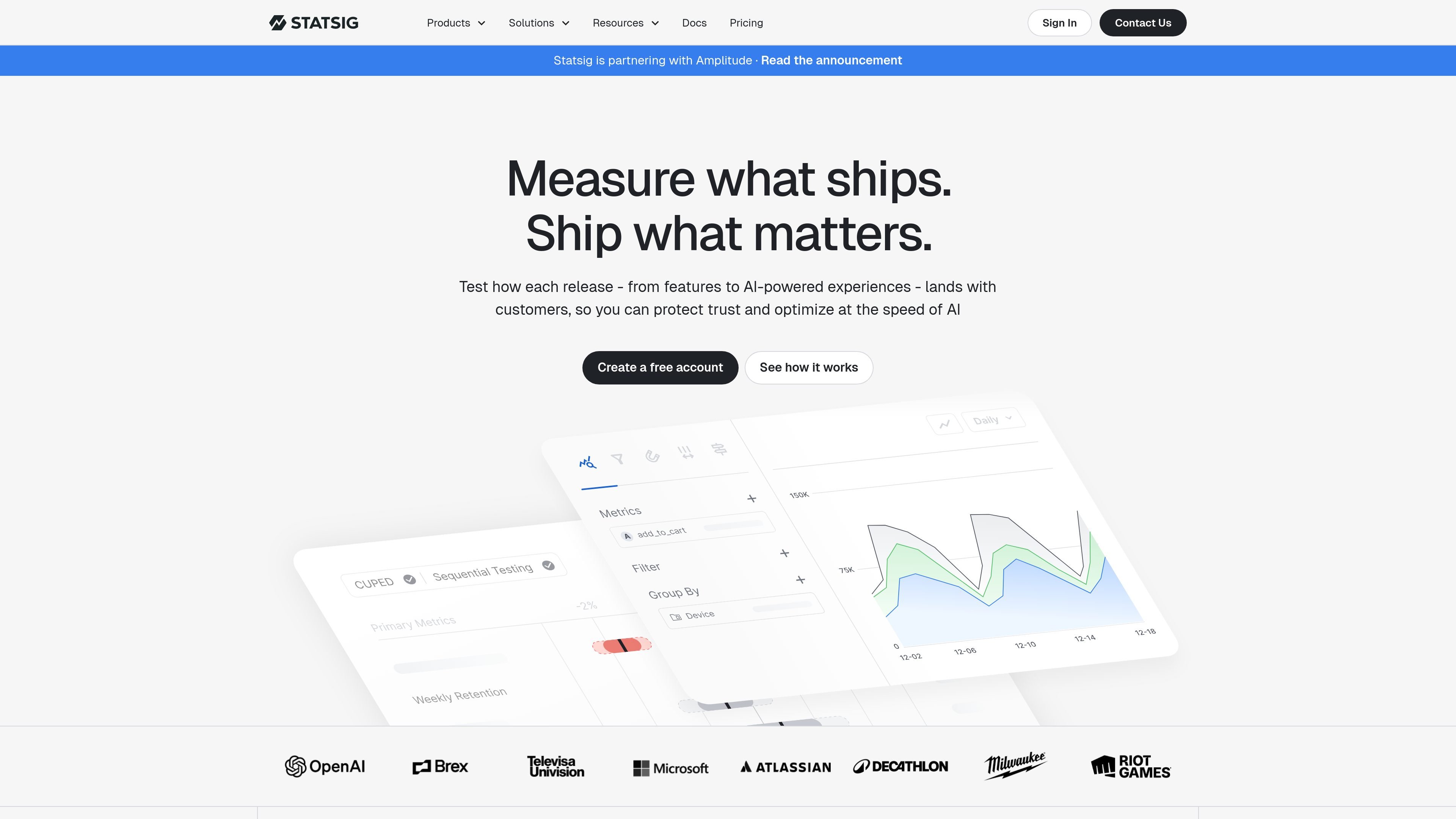
Experimentation and statistical analysis
Run A/B and multivariate experiments, with Bayesian and frequentist methods. Analysis options include CUPED, sequential testing, switchback tests, holdouts, and multiple-comparison adjustments.

A product development platform for experimentation, feature management, analytics, and release measurement.
Statsig is a product development platform that combines experimentation, feature management, product analytics, and session replay. Teams can define product metrics, control feature releases, test changes, and review how users respond within a connected workflow. Statsig supports analysis in its own platform or in a data warehouse, with tools aimed at product, engineering, and data teams.
Run A/B and multivariate experiments, with Bayesian and frequentist methods. Analysis options include CUPED, sequential testing, switchback tests, holdouts, and multiple-comparison adjustments.
Manage feature flags, dynamic configurations, and parameter stores. Target releases by user attributes, segments, or environment, and use percentage-based or scheduled rollouts.
Analyze funnels, retention, user journeys, and metric trends. Dashboards and cohort views help teams examine behavior and share performance context.
Review sessions alongside feature flags, experiments, and metrics to investigate user behavior and identify issues or emerging patterns.
The platform offers warehouse-native deployment and open-source SDKs for a broad set of programming languages and frameworks.
Set monitoring metrics, review flag impact, and configure alerts to track performance changes and potential regressions after releases.
Compare variants with an experiment, analyze relevant metrics, and use statistical methods to assess the results before deciding whether to expand a change.
Separate code deployment from feature availability, target a rollout to selected users or environments, and monitor metrics as exposure increases.
Use funnels and journey analysis to locate conversion drop-offs, then consult session replays to investigate how people encounter the flow.
Compare retention and engagement patterns for defined user groups, such as power users or users at risk of churning.
Use warehouse-native deployment when teams need product development workflows to operate with data in their own warehouse.
Statsig presents tools for product management, engineering, DevOps, and data science teams, covering experimentation, release management, and product analysis.
Yes. The pricing information lists Bayesian and frequentist methods, along with options such as CUPED, sequential testing, and corrections for multiple comparisons.
Yes. Feature management supports attribute-, segment-, environment-, and custom targeting, as well as percentage-based and scheduled rollouts.
Warehouse-native deployment is listed, including as an Enterprise capability. The platform also describes warehouse deployment as an option for product analytics.
Yes. The Developer plan is listed as free and does not require a credit card. Paid Pro and custom Enterprise plans are also listed.
Traffic data is for reference only.

vwo.com
VWO is a digital experience optimization platform for experimentation, behavior analytics, personalization, and conversion rate optimization across websites, mobile apps, and server-side setups.

we360.ai
Workforce analytics software for productivity insights, ROI measurement, and workforce wellbeing.