
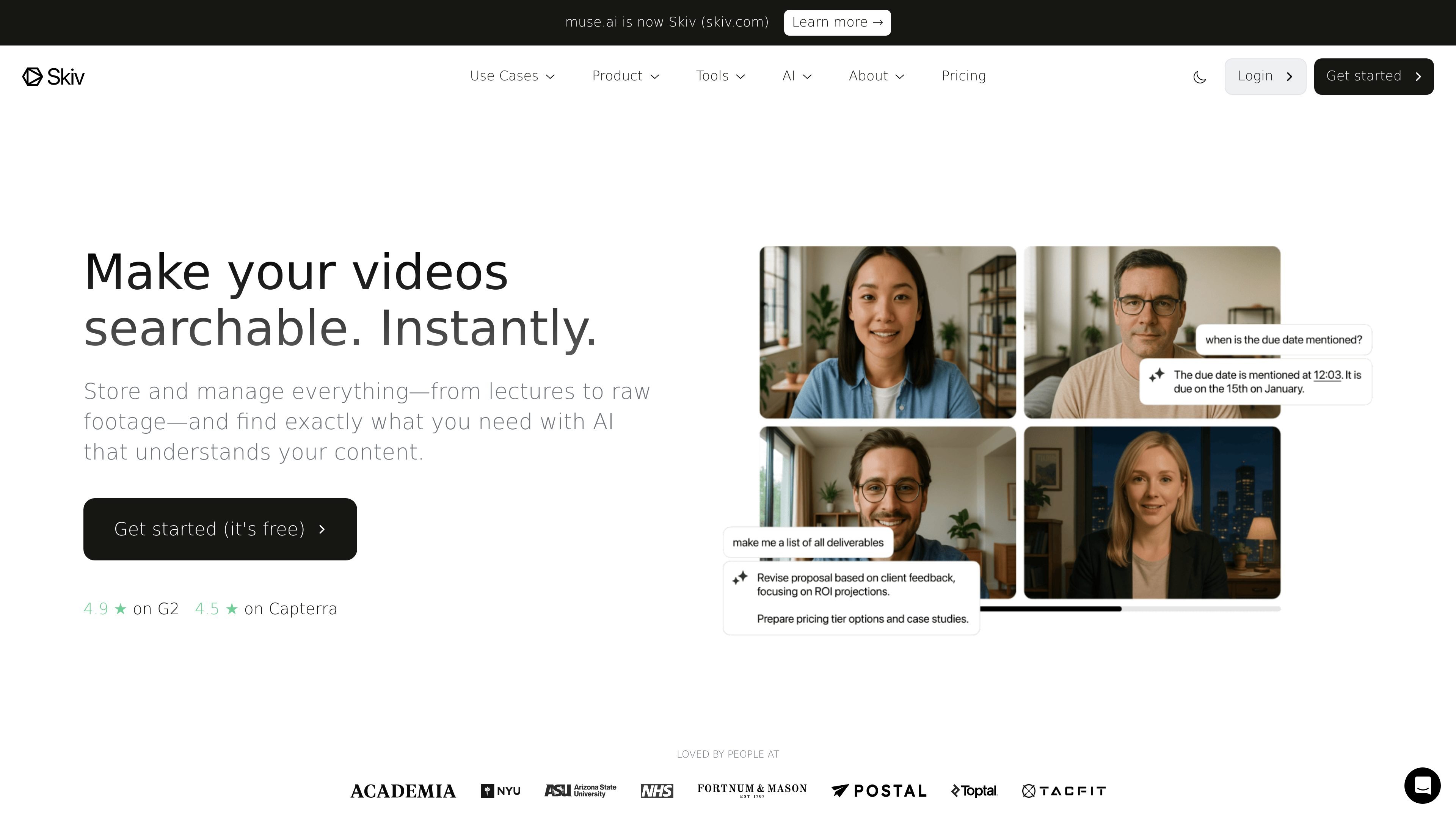
AI video search
Search inside videos for speech, text, people, objects, scenes, actions, sounds, OCR text, and translations, so viewers can jump to specific moments instead of scanning manually.

Skiv is a web-based video platform for searchable libraries, embeds, and AI-assisted discovery.
Skiv is a video hosting platform built around searchable video libraries, embeddable playback, and AI-assisted discovery. It combines hosting, player controls, privacy settings, analytics, and publishing tools in one service.
The product is designed for people and teams that need to store, organize, share, and monetize video content, including lectures, raw footage, presentations, client libraries, and branded streaming experiences. Its main differentiator is in-video search, which lets users search by spoken words, visible text, objects, people, scenes, sounds, and more.
Search inside videos for speech, text, people, objects, scenes, actions, sounds, OCR text, and translations, so viewers can jump to specific moments instead of scanning manually.
Embed individual videos or entire collections on external sites, with options for searchable embeds and share templates that fit existing website layouts.
Customize playback with responsive HTML5 controls, subtitles, playback speed, resolution selection, start time, autoplay, looping, chapters, AirPlay, Chromecast, and 4K playback support.
Create subscription-based Portals, add CTAs or ad support, and manage paywalled content, subscriptions, and branded streaming experiences from one platform.
Use built-in analytics, visibility controls, password protection, domain restrictions, expiring links, geo restrictions, and two-step verification to manage access and review engagement.
Work from the browser with record, cut-and-share, labeling, curation, APIs, custom APIs, delegated uploads, and team support for shared production workflows.
Use Skiv to host lecture recordings, training sessions, or internal knowledge videos and let viewers search inside the content for exact moments, topics, or terms.
Embed videos or collections on a company site, then match the player to the site’s design while keeping playback searchable and responsive.
Create branded Portals with subscriptions, tiers, and paywalled access for audiences who should watch content in a managed streaming experience.
Store raw footage, retrieve clips with search, and use labeling, curation, and cut-and-share tools to speed up review and reuse.
Share content with teams, collaborators, or clients using seats, delegated uploads, and access controls for private, public, password-protected, or restricted viewing.
Skiv can host videos and collections with visibility controls such as Private, Unlisted, Hidden, Password-protected, and Public. The docs also show team-oriented tools like delegated uploads, team seats, and account management, which indicate it can support shared workflows.
The source shows Skiv can output embed players, searchable collections, public Channel pages, share templates, Portals for subscriptions, and downloadable or stored original files depending on plan features. It also supports analytics and AI-generated transcripts, subtitles, chapters, and descriptions.
Skiv is positioned as a next-gen video hosting platform with in-player search, embedding, analytics, privacy controls, and AI features. It is especially suited to libraries, lectures, raw footage, branded streaming portals, and websites that need searchable video.
The pricing page says Skiv does not limit bandwidth, but it does apply a fair use policy. It also says file size is limited by the storage allowance of the plan, not by a separate file-size cap.
Yes. The pricing page offers Basic, Plus, and Pro plans with monthly and yearly billing, plus an Enterprise option that is custom and contact-sales based. The page also mentions a free 14-day trial.
Traffic data is for reference only.