
Sort by many playlist properties
Sort playlists by track name, artist name, album name, duration, date added, release date, popularity, BPM, key, and audio features such as energy, danceability, and valence.

A browser-based Spotify toolkit for playlists, stats, and music discovery
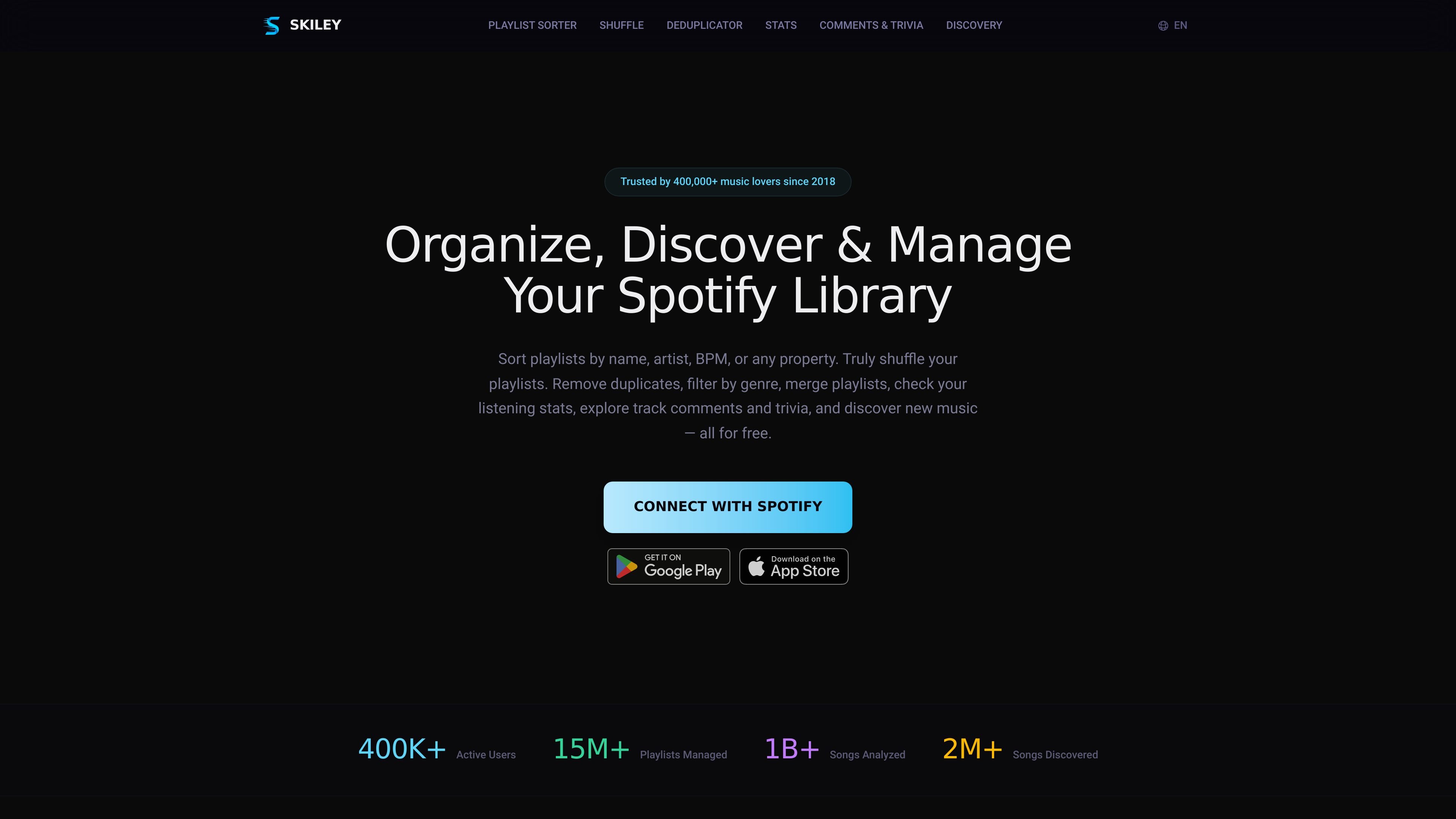
Skiley is a Spotify playlist organizer and music discovery toolkit that works from the browser. It connects to a Spotify account and gives users tools to sort, shuffle, deduplicate, filter, merge, and copy playlists, along with listening stats and discovery features.
The site positions Skiley as a free product with optional PRO automation features. It emphasizes that actions can be previewed before saving, and that changes sync back to the user’s Spotify account.
Sort playlists by track name, artist name, album name, duration, date added, release date, popularity, BPM, key, and audio features such as energy, danceability, and valence.
Randomize an entire playlist with true shuffle logic, then save the new order so it persists instead of only affecting playback temporarily.
Scan playlists for exact duplicates, remasters, and alternate versions so you can clean up repeated songs with one action.
Filter playlists by genre, BPM, energy, or other audio features to narrow a playlist before sorting or shuffling.
Check your Spotify listening stats anytime, including top songs, artists, and genres, without waiting for a yearly recap.
Create similar playlists, merge or copy playlists, and use daily recommendations and other discovery tools to find new music.
Sort long playlists by BPM, key, or energy to build sets, practice smooth transitions, or line up music for harmonic mixing.
Reorder workout or running playlists by tempo so the music better matches pace and energy during training sessions.
Find and remove duplicate tracks, including remasters and alternate versions, to clean up playlists that have grown over time.
Check top songs, artists, and genres whenever you want a current view of your listening habits instead of waiting for a yearly recap.
Use recommendations, similar tracks, and playlist-generation tools to branch out from songs, artists, or playlists you already like.
Yes. The source says Skiley connects to Spotify through OAuth2, so you sign in with your Spotify account rather than creating a separate password for Skiley.
The source pages describe the core features as free and note that Skiley offers PRO features for automation and additional sorting options. The pricing page content provided does not include exact prices or plan limits.
Skiley is built around individual Spotify accounts and the pages provided do not describe team workspaces, shared admin controls, or collaboration features beyond working with collaborative playlists.
For sorting and shuffling, Skiley lets you preview the new order before saving. You can save the result to the existing playlist or as a new playlist, depending on the feature page described.
The provided sources only show Spotify account connection and Spotify playlist management. They do not describe support for third-party music services or external integrations.
Traffic data is for reference only.
| Jun | 215538 |
|---|---|
| Jul | 265843 |
| Aug | 250602 |
Traffic analytics are not available yet.
Traffic analytics are not available yet.

songcleaner.com
Web-based AI audio editor for cleaner song versions

compup.io
Compensation management for pay decisions, rewards, offers, and HR data

www.cluing.io
Cluing helps people capture and organize insights from webpages, PDFs, videos, social posts, and other online sources so they can reuse that context with AI and collaborate around it.

decart.ai
Decart AI Lab builds real-time world models and infrastructure for Physical AI, including Oasis 3 and DOS.
hika.fyi
AI-powered intelligence for tracking trending Polymarket markets in English and Chinese

playperidot.com
Peridot is Niantic’s AI pet and AR franchise for mobile, headsets, glasses, and web.