Salesman AI logo

Salesman AI

Freemium
Visit

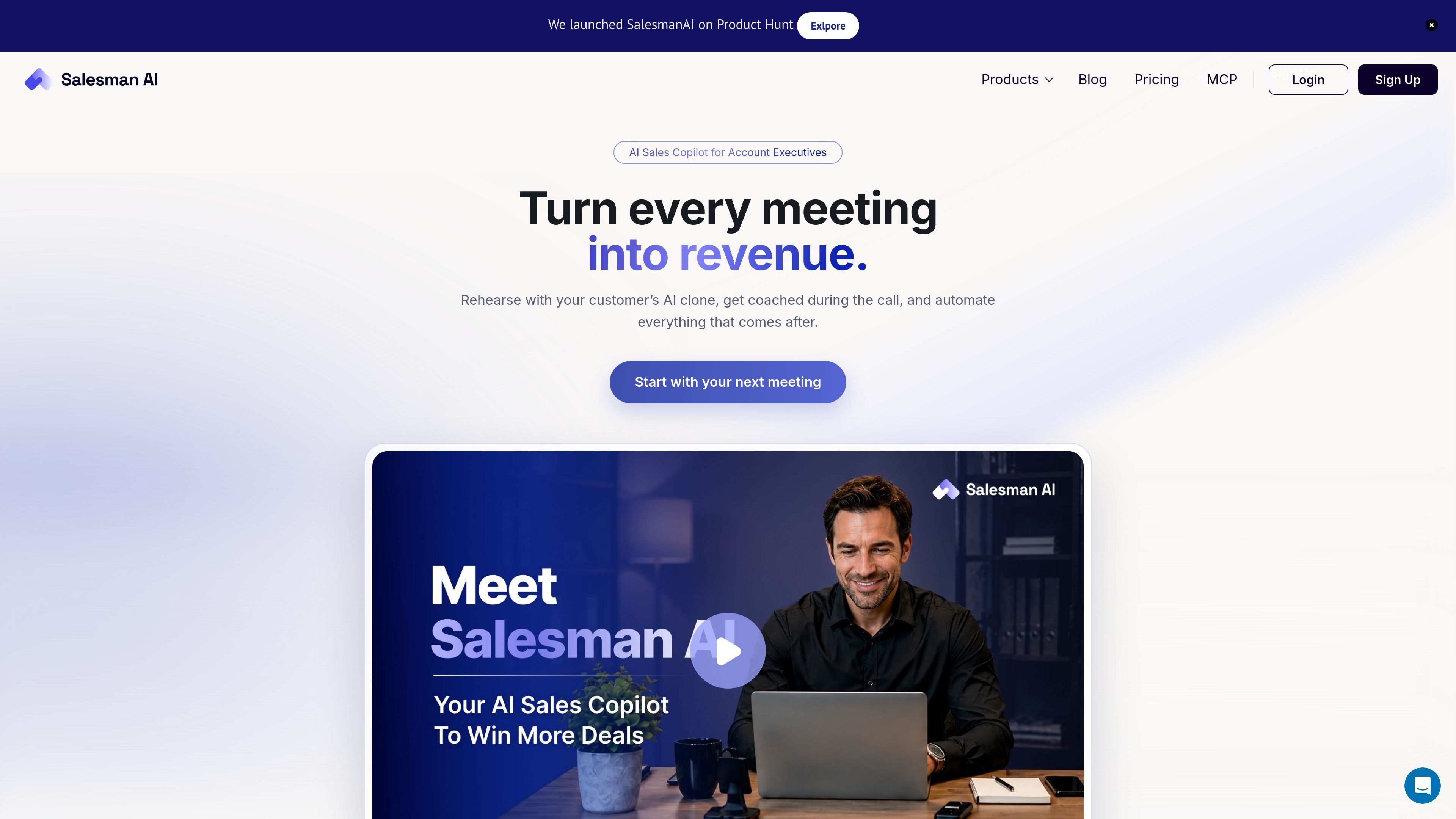
Salesman AI is an AI sales copilot for account executives that connects meeting preparation, rehearsal, call analysis, and follow-through around active opportunities. It helps sellers prepare for buyer conversations, capture useful outputs after calls, and identify next steps.

What is Salesman AI?

Salesman AI is an AI sales copilot for account executives managing active opportunities. It connects the work around a customer meeting—from pre-call research and rehearsal to post-call notes, follow-up, and deal questions—so each conversation can build on the previous one.

Before a meeting, the product creates Pre-Call Notes from calendar, CRM, and past-call context. The brief can organize buyer and company information, communication cues, likely objections, the meeting objective, suggested questions, an opening line, and a proposed next step. Sellers can also rehearse the opportunity with an AI clone of the customer.

After a call, Salesman AI provides meeting reports and deal-specific assistance, including notes, commitments, follow-up information, and next-step guidance. It works alongside a CRM rather than replacing it, and supports Google Meet and Microsoft Teams according to the product site.

What can Salesman AI do?

Pre-Call Notes

Generates a meeting brief from calendar, CRM, and past-call context. Depending on the meeting, it can include a Quick Brief, Deep Dive, Action Plan, buyer and company context, DISC-based communication cues, likely objections, suggested questions, and an objective.

AI Rehearsal

Lets sellers practice an upcoming opportunity with an AI clone of the customer. Rehearsal is designed for discovery, demos, objection handling, negotiation, and follow-up conversations.

Meeting Reports

Turns connected meeting information into post-call outputs such as notes, buyer commitments, open items, next steps, and follow-up material. The pricing page also identifies DISC and Focus Framework content as part of Meeting Reports.

AI Helper

Provides deal-specific answers about what the buyer said, what may be blocking the opportunity, how to handle objections, what to send next, and how to approach call coaching, using connected deal and meeting context.

Connected opportunity workflow

Keeps preparation, rehearsals, real customer calls, and follow-through associated with the same buyer and opportunity. Google Meet and Microsoft Teams are supported; planned On-Call Nudges are described as coming soon rather than available today.

Use Cases

“First discovery meeting”

Prepare for a new buyer without relying on a generic agenda. Review company context, likely priorities, and pain-focused questions, then enter the call with a defined meeting objective.

“Product demonstration”

Rehearse how to connect the product to the buyer’s desired outcomes and practice likely objections before presenting to the evaluation group.

“Negotiation or decision call”

Use the Action Plan and AI Rehearsal to prepare the opening, decision questions, pricing or value objections, and risks that could affect the deal.

“Follow-up and evaluation meeting”

Carry earlier commitments, unresolved questions, objections, and previous-call context into the next conversation, then leave the call with documented next steps and follow-up work.

Frequently Asked Questions

Who is Salesman AI designed for?

The product is positioned primarily for Account Executives and other individual sellers managing active customer opportunities. The pricing page also mentions founders and SDRs as users of the Business plan.

How does Salesman AI differ from a meeting assistant?

A meeting assistant generally focuses on recording, transcribing, or summarizing a completed call. Salesman AI begins before the meeting with preparation and rehearsal, then connects the call to post-meeting follow-through and deal assistance.

Does Salesman AI replace a CRM?

No. The product site says Salesman AI works alongside a CRM and prepares information such as opportunities, commitments, and next steps so those records can stay current.

What outputs are available before and after a meeting?

Before a meeting, Pre-Call Notes can include a Quick Brief, Deep Dive, Action Plan, buyer and company context, communication cues, questions, an opening line, and objection preparation. After a meeting, Meeting Reports can provide notes, commitments, follow-up information, and next steps.

Are real-time call nudges available now?

Not according to the source material. On-Call Nudges are described as a coming-soon feature, with priority access mentioned for Product Hunt users as the beta becomes available.

Quick Facts

Product type
AI sales copilot
Primary users
Account executives, founders, SDRs, and individual sellers
Core workflow
Before, during, and after customer meetings
Meeting support
Google Meet and Microsoft Teams
Pricing model
AI-credit usage across rehearsal, reports, helper, and notes
CRM relationship
Works alongside a CRM; does not replace it

Salesman AI Traffic Analysis

Traffic data is for reference only.

Domain Rating
0

Salesman AI Alternatives

Sayble logo

Sayble

trysayble.com

Sayble is a real-time AI conversation copilot for sales calls, meetings, negotiations, and other professional conversations. It transcribes both sides of live calls, suggests what to say next, and creates recaps and follow-up drafts afterward.

Tovel logo

Tovel

tovel.ai

Tovel is an AI recorder for calls, meetings, and in-person conversations. It turns recordings into transcripts, summaries, and follow-up work, with action items, calendar events, CRM updates, and other next steps prepared for your review before anything is sent.

Comu Action Pro logo

Comu Action Pro

store.comu.com

Comu Action Pro is a pocket-sized AI voice recorder and work assistant that turns spoken requests, conversations, and recordings into documents, slides, emails, summaries, and action items. Capture meetings and turn them into useful outputs without rewriting notes by hand.

Assistly logo

Assistly

tryassistly.com

Assistly is a live meeting assistant for macOS and Windows, offering real-time guidance during calls and writing a recap afterward. It works directly from your computer instead of joining as a bot, and makes call history available to connected apps through an MCP server.

SalesViking logo

SalesViking

salesviking.io

Mac call assistant for sellers that captures conversations, creates notes, and provides in-call guidance.

Kairn logo

Kairn

just-head-760316.framer.app

Kairn is an iPhone app that turns conversations and quick thoughts into people, tasks, and dates you can review. Edit AI suggestions before saving approved contacts, reminders, and calendar events to your iPhone—and follow through.