
Data connections to content
Connect data sources directly to slide decks and documents so reports can pull in live information instead of requiring manual copy and paste.

Rollstack automates recurring reports across slides, docs, and email
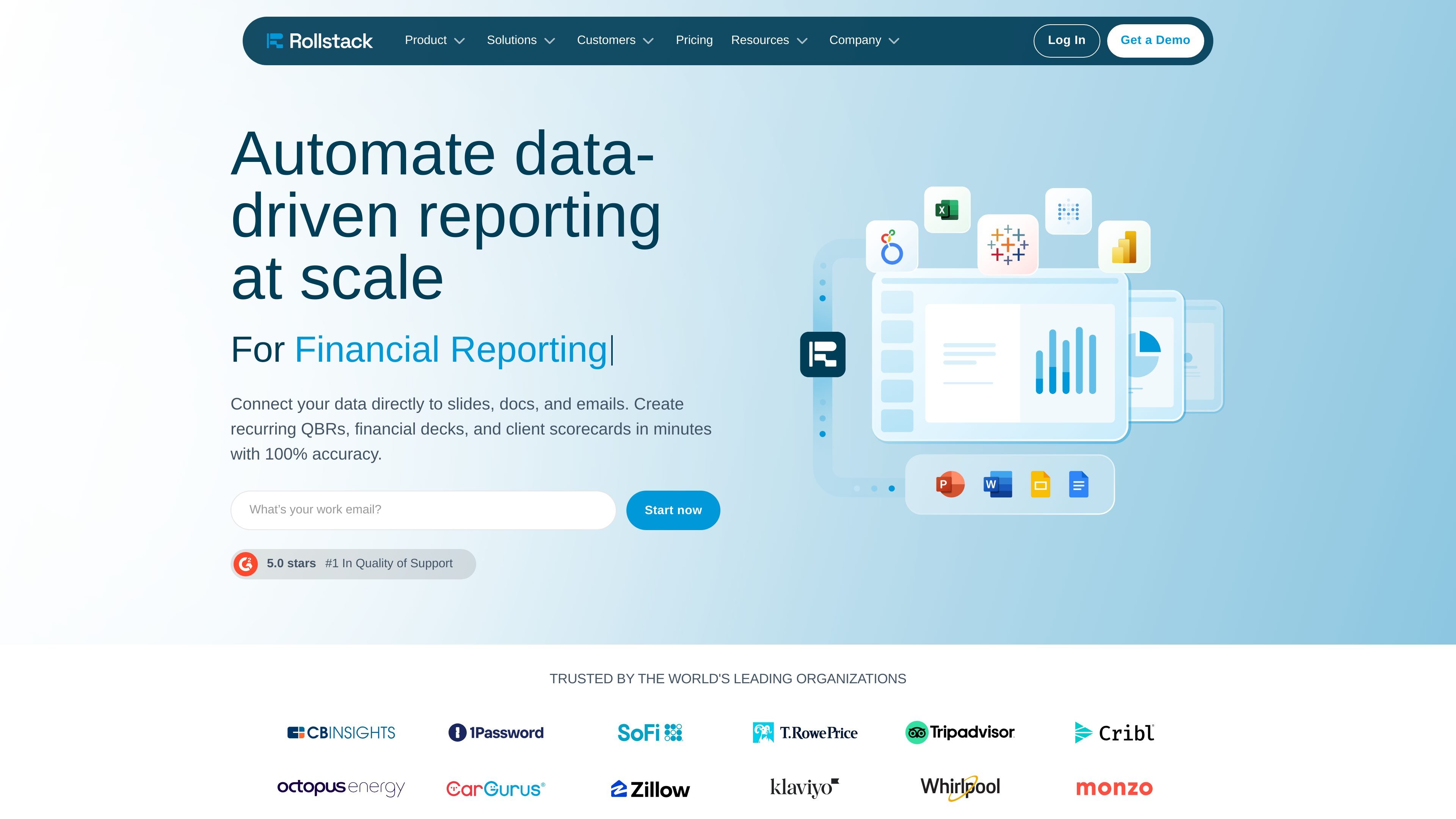
Rollstack is a platform for automating presentations and documents with data from business intelligence, analytics, and related data sources. It connects tools such as Tableau, Looker, Metabase, Power BI, Google Sheets, and Excel to output formats including PowerPoint, Google Slides, Word, Google Docs, and email.
The product is designed for recurring reporting workflows where teams need current, accurate content without rebuilding slides or documents by hand. Its main purpose is to pull data into templates, refresh them on schedule, and distribute the finished reports at scale.
Connect data sources directly to slide decks and documents so reports can pull in live information instead of requiring manual copy and paste.
Schedule slide deck and document updates so recurring reporting can refresh automatically on a set cadence.
Use Rollstack’s AI to evaluate visualizations and report data and surface analysis and insights for reporting workflows.
Turn a presentation or document into a template and generate multiple content variants for scaled reporting across teams or clients.
Distribute finished content through email and other channels as part of the same automated workflow.
Manage rollouts with version control, collections for scaled creation, and access controls shown on the pricing page.
Build recurring QBRs, financial decks, and client scorecards that refresh from connected data sources instead of being rebuilt manually each cycle.
Keep client-facing or internal presentations current by scheduling updates to slides and documents on a regular cadence.
Create multiple versions of the same presentation or document for different clients, departments, or audiences using templates and scaled creation.
Send finished reports through email and related distribution channels as part of an automated publishing workflow.
Support teams that need to reduce manual reporting work while keeping data-driven materials current and consistent across documents and decks.
Rollstack is built to connect data sources to presentations and documents so recurring reports, decks, and scorecards can be updated automatically.
The source pages show Rollstack connecting tools such as Tableau, Looker, Metabase, Power BI, Google Sheets, Lightdash, Microsoft Excel, and Omni to PowerPoint, Google Slides, Word, Google Docs, and email.
Rollstack is positioned for teams that produce recurring business reporting, including data and analytics, finance, business operations, customer success, and marketing.
The pricing page shows paid plans with Standard, Premium, and Enterprise options, with some plans using a contact-sales flow.
The source mentions enterprise-grade security, local storage for slides and documents, SOC 2 Type II, HIPAA, GDPR, AES, and SSO-related controls.
Traffic data is for reference only.