
AI resume and cover letter creation
Generate a resume and cover letter with AI assistance, turning your background into formatted application materials.

AI resume builder with resume scanning, refinement, interview practice, and ATS tools
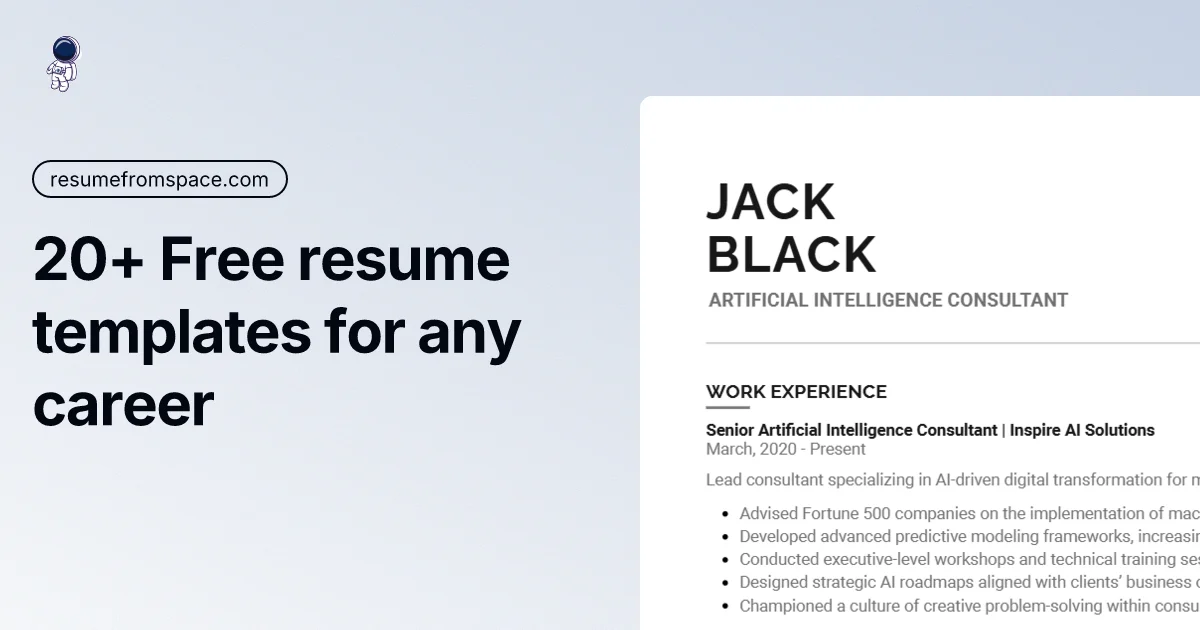
ResumeFromSpace is an AI-powered resume builder for creating resumes, cover letters, and related job-search tools in one browser-based workflow. The homepage positions it as a way to build a professional resume quickly, while the supporting pages add resume scanning, interview practice, and design selection.
The product centers on practical job-search tasks: start a resume from scratch, import an existing one, check it against a specific job description, and practice interviews with questions tailored to the resume or role. The site also emphasizes ATS-friendly templates and editable design controls such as fonts, colors, and margins.
Generate a resume and cover letter with AI assistance, turning your background into formatted application materials.
Compare a resume against a job description to surface missing keywords, ATS compatibility feedback, and improvement suggestions.
Upload an existing resume so the builder can extract the main details and save time starting from scratch.
Practice for interviews with either general or technical question sets tailored to your resume or target role.
Adjust fonts, colors, and margins to match the style you want while keeping templates ATS-friendly.
Download resumes in PDF or DOCX, with pricing information also listing unlimited downloads on paid plans.
Build a new resume from scratch with AI help, then refine the layout and wording before sending applications.
Upload an old resume, extract the important sections, and update the content without re-entering everything manually.
Paste a job description into the scanner to identify missing keywords and ATS issues before applying.
Practice both behavioral and role-specific questions using the interview trainer after choosing a target position.
Adjust fonts, colors, and margins while keeping templates ATS-friendly when presentation matters for a specific application.
Yes. The site describes the interview trainer and resume scanner as free tools, and the interview trainer page says unlimited practice is available without a subscription or account creation.
The homepage and tool pages indicate you can build resumes, import an existing resume, scan a resume against a job description, and use an interview trainer. The resume builder also offers AI writing help, ATS matching, and cover-letter support.
The source explicitly mentions PDF and DOCX support for resume upload in the scanner and interview trainer. The scanner upload area also lists image formats such as JPEG, PNG, and WEBP for file upload, but the strongest supported resume document formats are PDF and DOCX.
The interview trainer offers General and Technical practice modes. General interviews use your resume and the position you are applying for, while Technical interviews focus on the role itself.
The pricing page shows monthly, yearly, and lifetime plans, but it is also a broken page that redirects to a lost-message screen, so the current pricing experience appears unstable and should be checked directly before purchase.
Traffic data is for reference only.

sheetsresume.com
AI resume builder with tailored resumes, cover letters, interview practice, and job search tools.
cvengineer.io
AI resume builder for creating, refining, scanning, hosting, and sharing professional resumes on Mac and mobile

lollipop.plus
Lollipop is an AI interview coach for job seekers, offering voice mock interviews, role JD analysis, resume polishing, and structured assessment reports for practice, self-review, and application preparation.

rezi.ai
Rezi is an AI resume builder and job-search platform for ATS-focused resumes, job tailoring, application tracking, cover letters, interviews, and enterprise workflows.

finalroundai.com
AI interview assistant for mock practice and live support

projectpro.io
Guided data and AI projects, with runnable materials and integrated AI interview practice.