
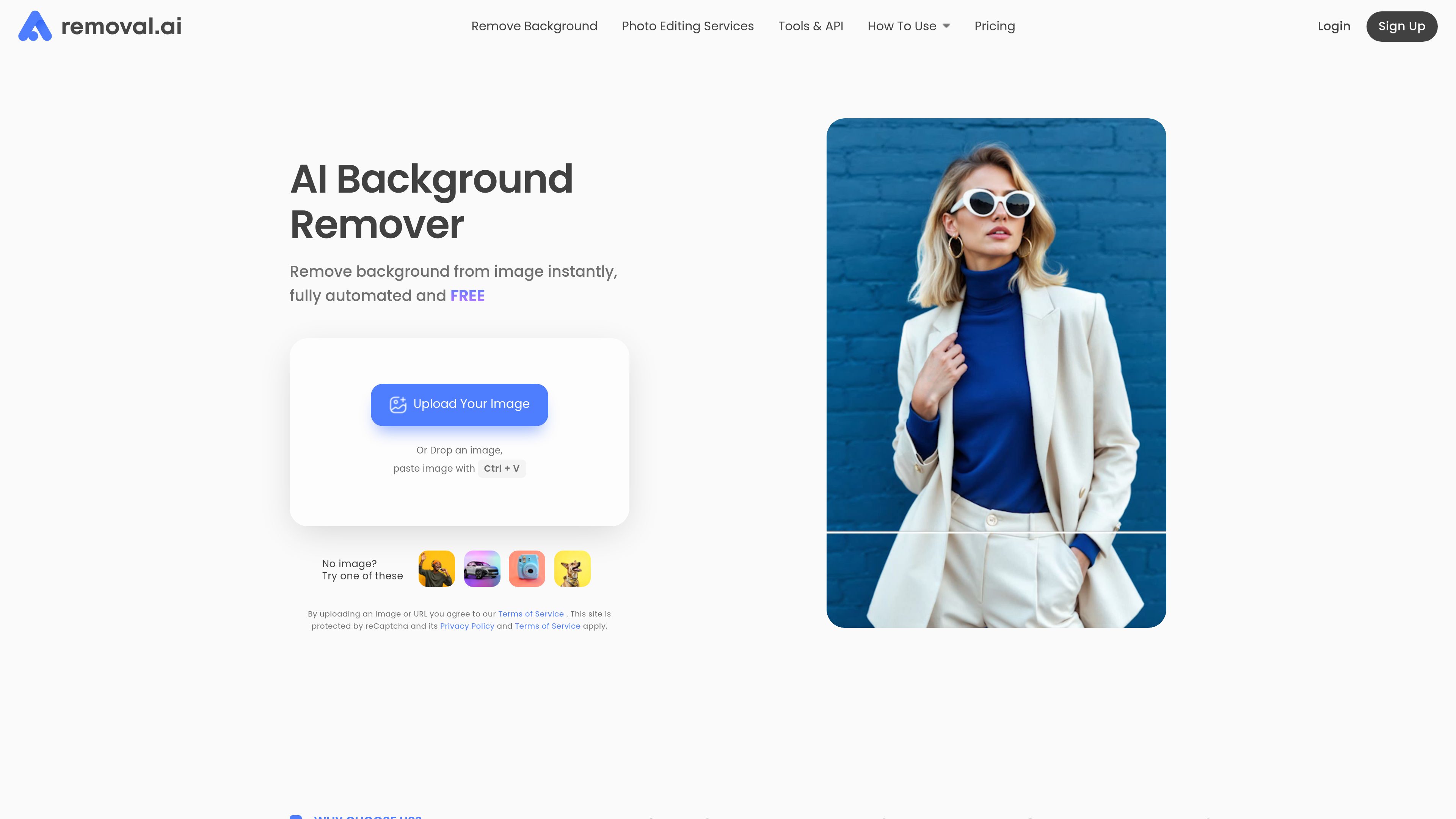
Automatic background removal
Upload an image and get a transparent-background result with the core background-removal workflow presented as fully automated.

Removal.AI removes image backgrounds automatically, creates transparent cutouts, and lets you edit, replace backgrounds, and download finished visuals online.
Removal.AI is an AI background remover that turns uploaded images into cutouts with transparent backgrounds. The website also positions it as a full workflow for replacing backgrounds, editing the result, and downloading finished images for use in design and commerce.
The product is built for individuals, photographers, marketers, developers, eCommerce teams, and enterprises that need quick background removal without manual masking. The site also offers a free online photo editor, paid credit plans, and custom high-volume or API-based access for larger workflows.
Upload an image and get a transparent-background result with the core background-removal workflow presented as fully automated.
Replace the removed background with a solid color or another image, then use the editor to build a finished graphic.
The online photo editor adds manual tools for refining cutouts, including a background eraser, image positioning, flipping, enhancement, and shadow effects.
The editor includes text controls with custom typography, text alignment, and text shadow so you can prepare social posts, banners, or product visuals in one place.
The pricing page states that the API and apps support credit-based workflows, with a separate route for high-volume and custom access.
Pricing and site copy indicate support for large uploads and high-volume processing, including processing more than 1,000 images in a single upload and custom solutions for 10,000+ images per month.
Remove a product or subject background quickly, then download a transparent version for use in listings, presentations, or other visual assets.
Edit the extracted image in the online photo editor to add text, adjust shadows, change the background, and produce banners or social posts.
Use the API, app access, or high-volume plans when background removal needs to fit into an existing production workflow or process many images repeatedly.
Process images for eCommerce catalogs or large content libraries where batches and consistent cutouts matter more than one-off edits.
Use the manual background removal service when images are more complex or when a professional editor is needed for specific requirements.
Removal.AI supports `.jpg`, `.jpeg`, and `.png` images up to 12 MB. The source pages also say the image should have a clear, well-defined subject or foreground for best results.
The service is free for low-resolution images and personal use. For commercial use, higher-resolution outputs, or larger-volume workflows, Removal.AI offers paid plans and custom solutions.
The website says subscriptions can be upgraded, downgraded, or canceled at any time. It also lists a 14-day money-back guarantee for subscriptions, with refund eligibility tied to the stated download conditions.
Yes. The pricing page says credits can be used in the online tool, the API, the background remover app for Mac/Windows, and future Removal.AI tools.
The free online photo editor lets you adjust a transparent image after background removal by changing canvas size, adding text, applying effects, replacing the background, and manually refining edges.
Traffic data is for reference only.
| Mar | 1802940 |
|---|---|
| Apr | 1727442 |
| May | 1810251 |

photoroom.com
AI visual editing for e-commerce photos, listings, and backgrounds

photoeraser.app
Web-based AI photo editor for background removal, object erasing, and photo enhancement

lensa.app
Lensa is a mobile AI photo editor for portraits, backgrounds, and AI avatars.

bgsub.com
Browser-based AI tool to remove or replace image backgrounds without separate uploads, with color adjustment and manual placement controls.

ifoto.ai
Web-based AI photo editor for background removal, enhancement, cleanup, restoration, and product photography.

pfpmaker.com
PFPMaker is a web-based AI profile picture maker that turns selfies into professional or creative portraits, with background removal, styling tools, and premium editing for social, work, and messaging.