
AI prompt-based test creation
Write test steps in plain English or use the AI Prompt feature, and Reflect translates them into automated actions without requiring code or predefined Gherkin syntax.

No-code, AI-assisted testing for web, mobile, and APIs.
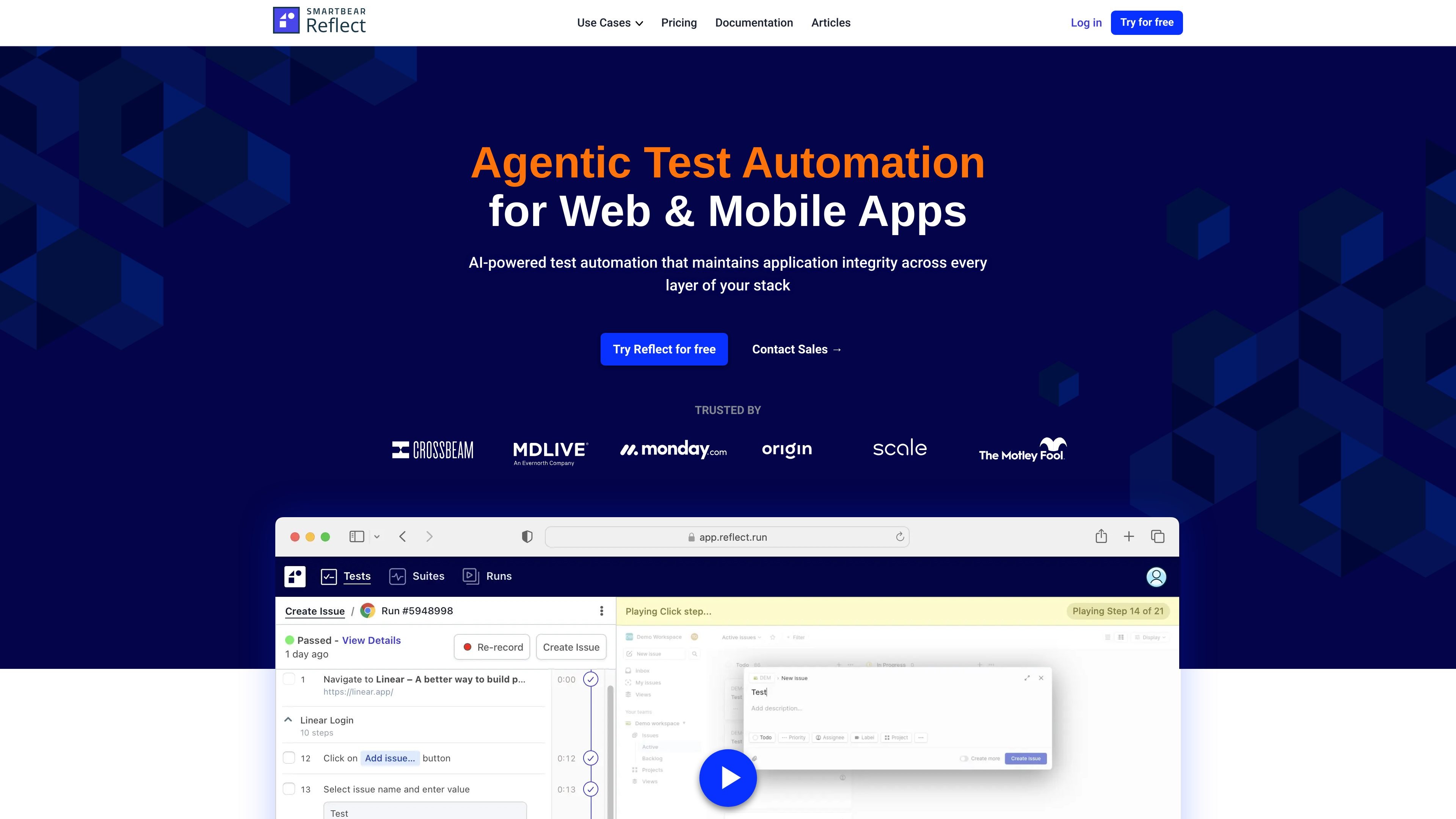
Reflect is a no-code, AI-assisted testing platform from SmartBear for web, mobile, API, visual, email, and SMS testing. It is designed to let teams build automated tests in plain English, or by recording actions, without writing code or managing brittle selectors and locators.
The product positions itself around application integrity: tests are meant to survive UI changes, run in existing delivery workflows, and provide debugging artifacts such as video, console logs, network logs, and repro steps when a run fails. The pricing and product pages also show support for CI/CD integrations, scheduled runs, and shared collaboration across teams.
Write test steps in plain English or use the AI Prompt feature, and Reflect translates them into automated actions without requiring code or predefined Gherkin syntax.
Create tests by recording actions in the browser or mobile recorder, then reuse those steps as automated tests.
Run tests across web, mobile, and API workflows in one platform, including support for visual testing, email testing, SMS testing, and data-driven testing.
Use the mobile grid or connect an existing device cloud, and run the same mobile test across iOS, Android, and hybrid apps.
Add direct API calls into end-to-end tests to create setup data or validate downstream results, with support for JSON, XML, REST, and GraphQL.
Connect tests to CI/CD, GitHub, Jira, Slack, email notifications, and scheduled runs so failures and regressions are visible in the tools your team already uses.
Build end-to-end regression tests from a manual flow or a plain-English prompt, then keep them running as the UI changes.
Create mobile tests once and run them across iOS, Android, and hybrid apps without duplicating scripts or managing separate locator strategies.
Use API calls to set up test data before a UI flow or validate backend results after the flow completes.
Schedule visual checks or run tests on every pull request, then route failures into Jira, Slack, or email for follow-up.
Share a single Reflect workspace so multiple team members can collaborate on test suites and refine tests together.
Reflect lets teams create tests either by recording actions in the built-in recorder or by writing AI prompts in plain English. The documentation says prompt steps are entered from Recording mode using the AI Prompt button.
Reflect supports web testing, mobile testing, API testing, visual testing, email testing, and SMS testing. The pricing page also lists data-driven testing and CI/CD integrations as supported features.
The mobile testing page says you can run the same test across iOS, Android, and hybrid apps without duplicating test cases, and you can run tests on Reflect’s built-in mobile grid or connect an existing device cloud.
Reflect’s API testing feature supports XML and JSON, plus REST and GraphQL-based APIs. The API page also notes that API calls can be used inside end-to-end tests to set up data or validate results.
Reflect offers a free two-week trial on its pricing page. It also provides Premium, Advanced, and Enterprise plans with unlimited users and unlimited test creation, with sales contact required for plan details.
Traffic data is for reference only.

saucelabs.com
Sauce Labs is a continuous testing cloud for web and mobile apps, combining cross-browser and device testing, app distribution, error reporting, visual testing, and AI-assisted workflows.

testim.io
Record application flows, add checks and run end-to-end tests. Testim combines AI-assisted element locators with visual test editing and team workflows for web, mobile and Salesforce testing.

magicpod.com
AI-assisted, no-code test automation for web and mobile app QA teams.

testrigor.com
Use AI-assisted plain-English instructions or existing manual cases to create editable end-to-end tests for web, mobile, API, email and messaging workflows.

mabl.com
mabl is an agentic test automation platform for web, mobile, AI apps, and APIs, helping teams create, continuously run, recover, and analyze tests in existing workflows.

ethiack.com
Continuous AI-assisted penetration testing and exposure validation for security teams.