Quilgo logo

Quilgo

Claim

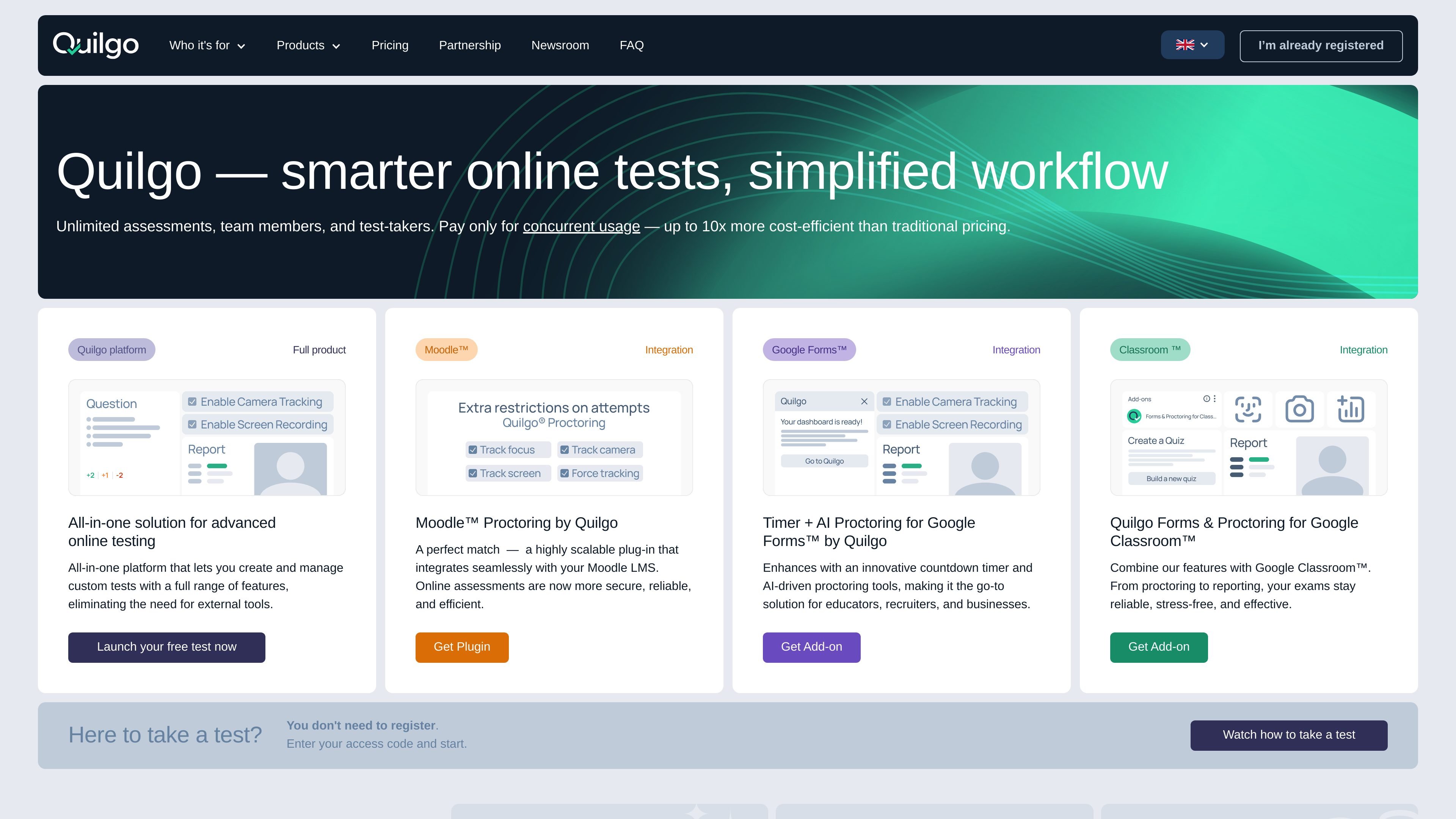
Quilgo is an online testing and proctoring platform for creating, hosting, and managing assessments in one place. It also offers add-ons for Moodle, Google Forms, and Google Classroom for teams that want to extend existing workflows.

Quilgo preview

Overview

Quilgo is an online testing and proctoring platform built for creating, hosting, and managing assessments in one place. The site positions it as a standalone product for advanced online testing, with built-in tools for test creation, monitoring, reporting, and exports.

The pricing page shows a trial and paid plans for the platform, plus add-ons for Moodle, Google Forms, and Google Classroom. That makes Quilgo a fit both for teams that want a dedicated assessment platform and for organizations that need to extend an existing LMS or form workflow.

Features

Built-in test builder

Build assessments inside Quilgo using the platform’s built-in test builder instead of relying on external tools.

Assessment configuration

Create timed assessments with deadlines, randomized elements, custom captions, and access controls for different test flows.

Reporting and exports

Use reporting and data export to review outcomes and share results in usable formats.

Monitoring tools

Track activity with focus tracking, camera tracking, screen tracking, and force tracking for proctoring-oriented workflows.

Branding and identity checks

Apply branding and Face Match on supported plans to align the assessment experience with your organization’s process.

Platform and add-on options

Support existing environments through add-ons for Moodle, Google Forms, and Google Classroom.

Use Cases

  • Dedicated online assessments

    Create and run scored or unscored assessments in a single platform when you need built-in tools for authoring, timing, monitoring, and exporting results.

  • Extending existing learning tools

    Add proctoring and test controls to Moodle, Google Forms, or Google Classroom without rebuilding your existing workflow from scratch.

  • Remote proctoring

    Monitor remote test sessions with camera, screen, and focus tracking when exam integrity matters.

  • Education and training workflows

    Manage quizzes or tests for education teams that need to send assessments to many participants and keep the process organized.

  • Teams choosing a plan

    Use the trial or tiered plans to match capacity to team size and test volume while keeping access to the same core assessment workflow.

Pros and Cons

Pros

  • Combines test creation, proctoring, reporting, and exports in one product.
  • Supports both standalone use and integrations through Moodle, Google Forms, and Google Classroom add-ons.
  • Offers a free trial and several paid plan tiers.
  • Uses Unlimited tests and Unlimited team members on the listed platform plans.
  • Includes multiple monitoring tools such as camera, screen, and focus tracking.

Cons

  • The source does not provide a full technical setup or administration guide, so implementation details are limited here.
  • Some proctoring and branding capabilities vary by plan, so teams need to check plan-level availability before choosing an option.

FAQ

What is Quilgo and how is it deployed?

Quilgo Platform is a standalone online testing product for creating and managing assessments without external tools. The pricing page also shows add-ons for Moodle, Google Forms, and Google Classroom if you want to extend existing workflows instead of using the full platform.

What does Quilgo include for test creation and proctoring?

The platform includes a built-in test builder, timer, deadlines, randomizer, custom captions, test access options, forms sharing, reporting, data export, focus tracking, camera tracking, screen tracking, force tracking, branding, and Face Match.

How does Quilgo pricing work?

The pricing page shows a free trial and paid plans for the platform, with Unlimited tests and Unlimited team members on the listed plans. Pricing is based on the product and plan you choose, and some options use a per-month model billed monthly or annually.

Who is Quilgo for?

Quilgo is presented for a range of assessment use cases, including education, and the product page says it can scale from solo tutors to large participant groups. The site also highlights integrations for Moodle, Google Forms, and Google Classroom.

Does Quilgo require other software?

The source does not describe a single required setup flow for every deployment. The platform can be used as a standalone product, while the add-ons are designed to plug into Moodle, Google Forms, or Google Classroom.

Quick Facts

Category
Online testing and proctoring
Product type
Standalone platform with add-ons
Primary users
Educators, tutors, and teams managing assessments
Source domain
quilgo.com
Pricing shape
Free trial plus paid plans
Integrations
Moodle, Google Forms, Google Classroom