
Specialist-led case preparation
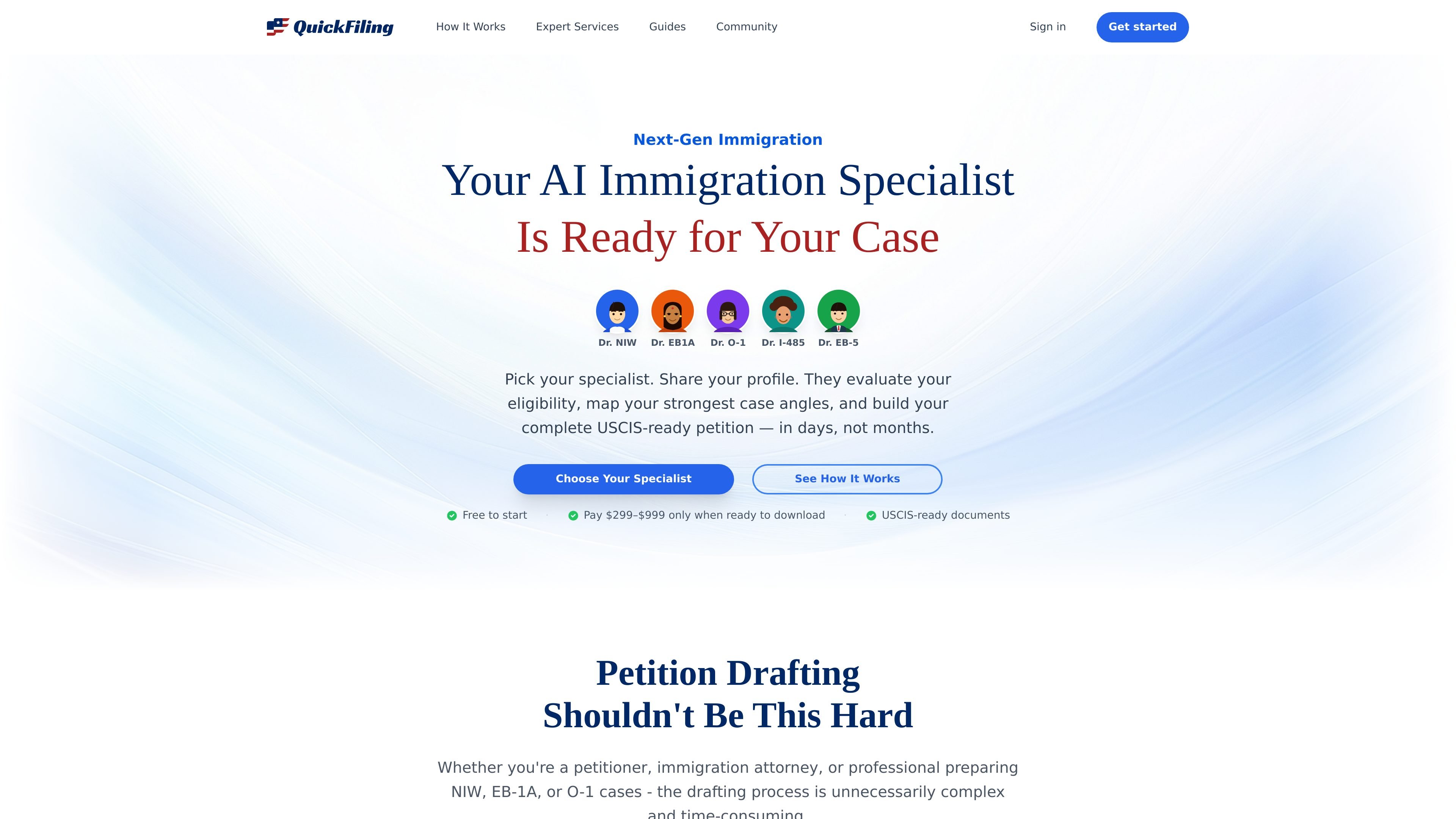
The product routes users into category-specific specialists for NIW, EB-1A, O-1, I-485, and EB-5, each focused on the criteria and evidence patterns relevant to that petition type.

AI immigration preparation for NIW, EB-1A, O-1, I-485, and EB-5 cases
QuickFiling is an AI immigration preparation platform that helps users build USCIS-ready petition packages for categories including NIW, EB-1A, O-1, I-485, and EB-5. The homepage positions the product as a way to move from a blank workspace to a complete petition in days rather than months.
Each category is handled by a specialist that understands the relevant criteria and evidence standards. The workflow starts with eligibility evaluation, then moves into evidence analysis, strategy, drafting, browser-based editing, and final package assembly for download and filing.
The product routes users into category-specific specialists for NIW, EB-1A, O-1, I-485, and EB-5, each focused on the criteria and evidence patterns relevant to that petition type.
The workflow starts with an eligibility review before drafting begins, so the specialist can identify whether the profile fits the category and what case angles are strongest.
The site says built-in tools reduce manual collection work with citation analysis and import via URL or email, helping users gather supporting materials from scattered sources.
Users can review and refine sections during drafting, then use the browser-based editor to polish the petition, edit evidence PDFs, and keep version history.
QuickFiling assembles a complete USCIS-ready package and says it typesets the final output in LaTeX, including a cover letter, petition letter, exhibit index, and USCIS forms.
The homepage notes that some categories include RFE response support, and the I-485 flow includes auto-filled forms and a ready-to-file PDF export.
A petitioner preparing an NIW or EB-1A case can use the specialist flow to identify the strongest evidence, organize supporting materials, and assemble the petition package from scratch.
An immigration attorney can use the platform to speed up drafting and exhibit organization for a client case that still needs structured evidence review and document assembly.
Someone filing Adjustment of Status can use the I-485 specialist to generate an eligibility check, document checklist, auto-filled forms, and a ready-to-file package.
An EB-5 investor can use the dedicated specialist to organize lawful source-of-funds evidence, business-plan materials, and investment verification into a petition package.
A filer responding to an RFE can use the categories that mention RFE support to revise a petition with the existing evidence and the requested response structure.
The homepage describes QuickFiling as a tool for immigration petition preparation across categories such as NIW, EB-1A, O-1, I-485, and EB-5. It appears to support both self-filers and immigration attorneys who need help drafting a petition package.
The source says each specialist evaluates eligibility, maps the strongest case angles, and builds a USCIS-ready petition package. For I-485, it also mentions an eligibility check, a personalized document checklist, auto-filled USCIS forms, a cover letter, and a ready-to-file PDF.
The site says built-in tools handle tasks such as citation analysis and import via URL or email. It also says you can finalize the petition in the browser with an AI-powered editor, edit evidence PDFs, and download the completed package.
The source does not provide a general pricing page. The homepage says it is free to start and that payment is required only when ready to download, with category-specific prices shown on the page.
The page does not spell out formal team features, but it explicitly mentions use by petitioners and immigration attorneys. Beyond that, the source does not describe collaboration permissions or multi-user management.
Traffic data is for reference only.

go-legal.ai
AI legal documents and contracts platform with templates, review, experts, and signing workflows

legalesedecoder.com
AI-powered web app that translates legal documents into plain English

disputepanda.com
AI-powered credit repair platform for dispute letters, workflows, and mailing

leya.law
Collaborative AI platform for faster, secure legal work
torly.ai
TorlyAI Visa Master is a Claude.ai connector helping founders prepare UK Innovator Founder Visa applications with specialist support for assessment, business plans, financial modelling, endorsement matching, and interview prep.

tavrn.ai
AI legal workflow platform for medical records, chronologies, and demand letters