
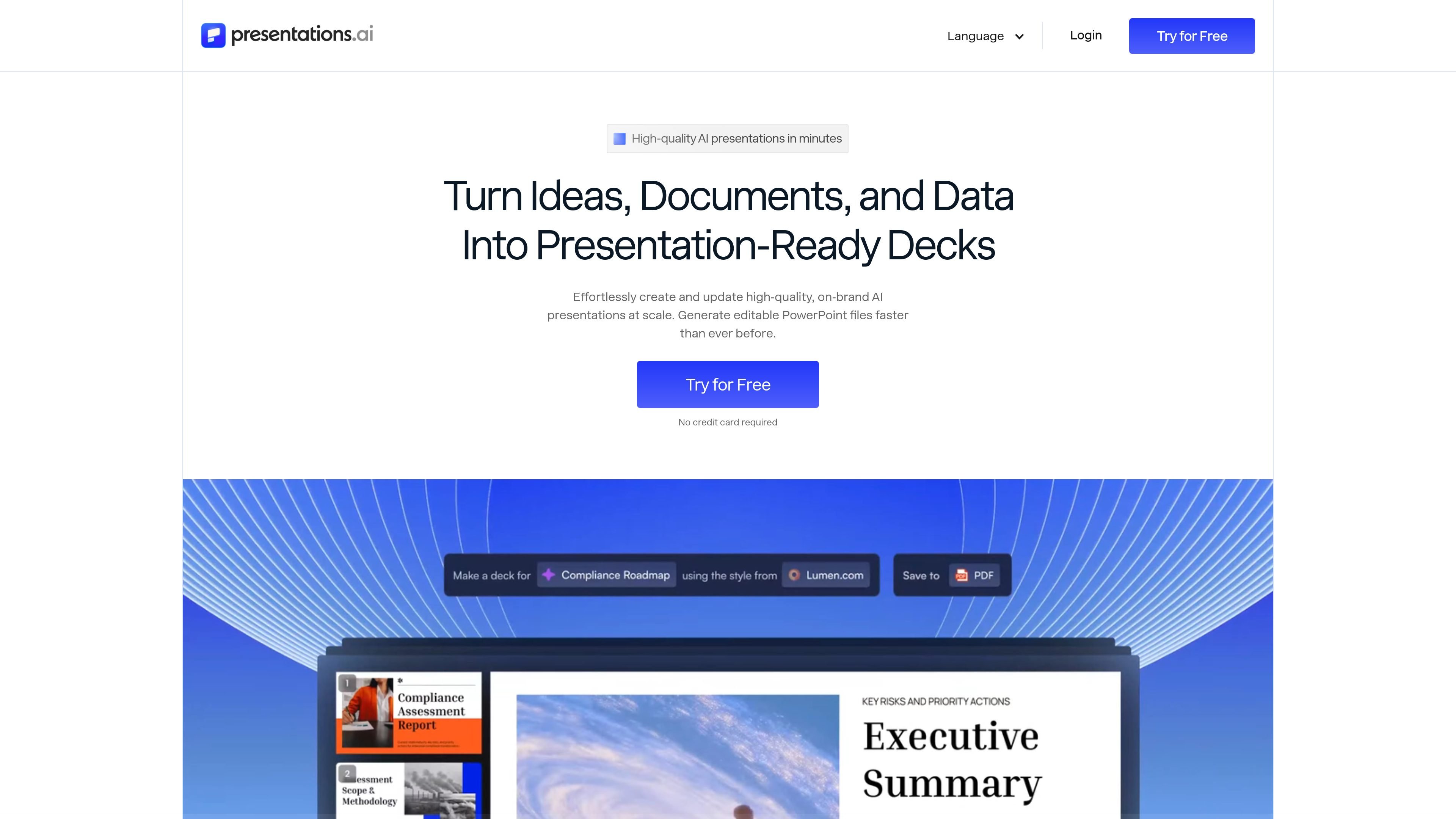
Create decks from multiple inputs
Generate a structured deck from a topic, pasted notes, a document, or a URL, so you can move from raw input to an editable presentation without starting from a blank slide.

Presentations.AI turns topics, documents, and URLs into editable slide decks, applies your brand, exports to PowerPoint, and refreshes recurring presentations with current data.
Presentations.AI turns topics, documents, URLs, and other source material into structured slide decks. It is designed to produce editable presentations quickly, apply brand styling automatically, and export the result to PowerPoint.
The product also supports recurring presentation workflows through a refresh system that updates existing decks from live data or new context while keeping the original structure intact. That makes it useful for teams that prepare investor decks, sales presentations, board updates, recurring reports, and other presentations that need to stay current without being rebuilt every time.
Generate a structured deck from a topic, pasted notes, a document, or a URL, so you can move from raw input to an editable presentation without starting from a blank slide.
Apply logo, fonts, and colors from a website URL through the brand sync workflow, keeping the presentation aligned with an existing visual identity.
Export presentations as editable .pptx files, with pricing-page support for PDF export as well. The site says files can be opened in PowerPoint or Google Slides without breaking the layout.
Refresh recurring decks from a master presentation by updating charts, tables, insights, and text while keeping the slide structure and design locked.
Schedule updates and connect to data sources such as Salesforce, HubSpot, Google Sheets, Tableau, Looker, Databox, Mixpanel, PostgreSQL, MySQL, and Snowflake for recurring reporting workflows.
Generate many personalized decks from a single source of truth, with no-code triggers through Zapier or Make and developer access via REST API and webhooks.
Use the topic-to-deck workflow when you need a presentation draft for a pitch, meeting, or internal update and want the AI to organize the material into a usable slide structure.
Use the refresh workflow for monthly or weekly reports where charts, tables, and commentary need to update from live sources without redesigning the deck each time.
Use brand sync and editable export when you need client-ready or board-ready slides that follow company identity and can still be refined in PowerPoint.
Use the data-source connections and automation options when presentations need to be generated from CRM, BI, or spreadsheet inputs on a schedule or trigger.
Use the API, webhooks, or white-label workflow when presentation generation needs to live inside another product or operational system.
Presentations.AI turns a topic, document, or URL into a structured slide deck and can also refresh existing presentations when the source data changes. It is positioned for teams that need branded, editable presentations rather than static image exports.
The source material shows editable PowerPoint export, with the option to open the file in PowerPoint or Google Slides. The pricing page also lists PDF export and presentation embed on higher plans.
The product supports a range of inputs, including text, PDFs, Word documents, URLs, Google Docs, Excel files, and notes. It also describes a presentation refresh workflow that can connect to data sources such as Salesforce, HubSpot, Google Sheets, Tableau, Looker, Databox, Mixpanel, PostgreSQL, MySQL, Snowflake, and others.
The pricing page shows a Starter plan at $0 for a limited period, plus paid Pro and Gold plans billed annually. It also compares plan features such as export, branding, collaboration, analytics, and refresh-related capabilities.
The site describes Presentations.AI as an AI presentation platform built for business use, with SOC 2 Type II and GDPR references on the home page. The team and enterprise positioning suggests it is meant for individual presenters as well as business teams.
Traffic data is for reference only.

slidespeak.co
AI presentation maker that turns prompts and files into editable PowerPoint decks

www.getcube.one
CubeOne is an AI slide editor that turns prompts or PowerPoint files into designed, fully editable slides for fast creation, refinement, and transfer.

twistly.ai
Twistly is an AI presentation maker for PowerPoint, helping students, educators, and teams create, edit, and export slides from prompts or uploaded files.

moda.app
Moda is a web-based AI design tool for creating editable visual assets, including slides, social posts, documents, PDFs, and diagrams. Teams can produce on-brand designs from source material while keeping every element editable.
aitubiao.com
AI-powered platform for creating and deeply editing charts, infographics, and presentation visuals.

story-boards.ai
AI storyboard generator for scripts, ideas, and visual creators