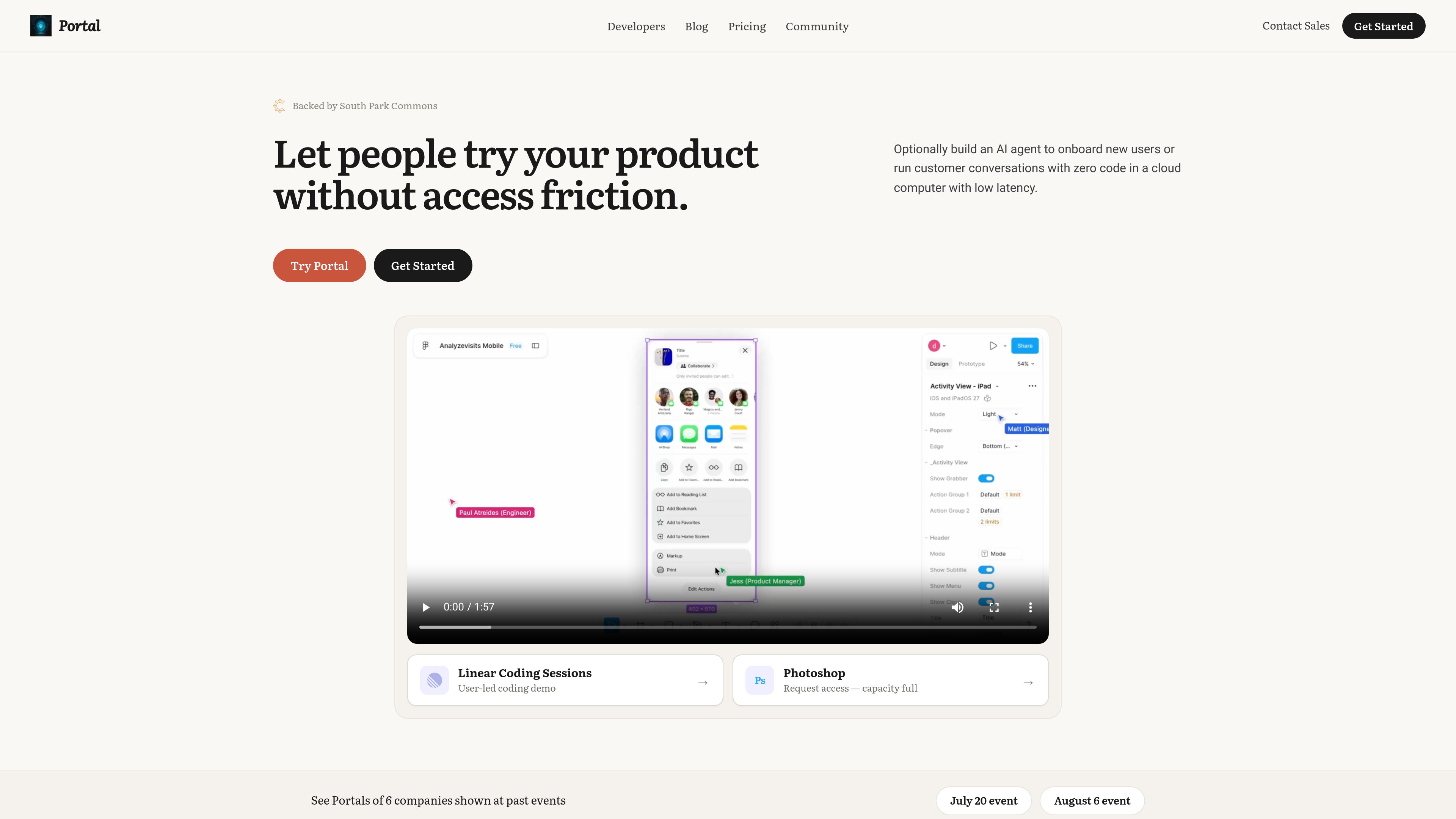
Portal is a shareable product-environment platform for turning a live browser state into a link. A recipient opens the link in an isolated cloud browser session and can try the real interface rather than watching a video or using a static mockup. Portal supports websites, localhost projects, Chrome extensions, local files, HTML, videos, and public GitHub repositories, according to the site’s product and documentation pages.
A Portal can preserve a signed-in starting point, define the pages, buttons, prompts, API methods, or endpoints that visitors cannot access, and apply controls such as API stubs and rate limits. Each visitor can receive a fresh copy of the environment, while persistent workspaces are available for teams that need shared, logged-in sessions for short tasks. Developers can deploy from a coding agent with the Portal CLI or MCP, while GTM teams can use the conversational web builder without code.
Visitors can use Play Mode to explore within the defined guardrails or Watch Mode to follow an AI-led walkthrough. The AI agent can be grounded in product documentation, answer questions, narrate a demo, and highlight interface elements. Portal also records session activity, including pages opened, time spent, stalled points, and requests for help, providing click-level and session analytics for product research, onboarding, and sales follow-up.
Portal is offered with a free plan and paid tiers. The pricing page lists a free plan with one Portal, three active drafts, and 10 opens across Play or Watch; Builder is listed at $20 per month with two Portals, three active drafts, 50 monthly opens, persistent logins, and a multi-tab sandbox. Higher tiers add capabilities such as persistent portals, simulations, resets and seeding, dynamic links, CRM integration, custom usage, analytics, webhooks, and support, with availability varying by plan.