
Similarity reports with source links
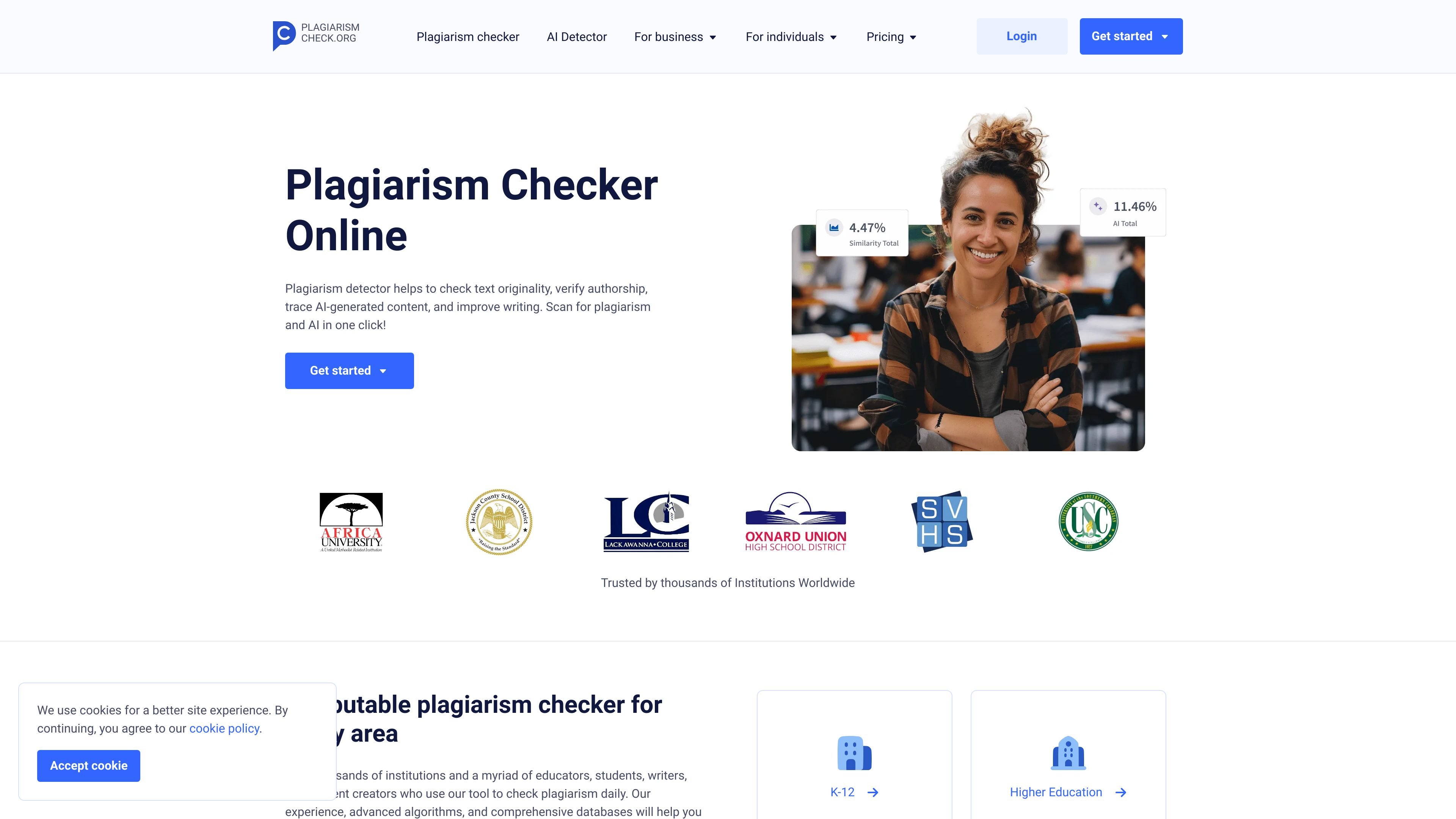
The checker identifies matching passages, displays a similarity percentage, and provides links to sources so reviewers can inspect the original material.

Plagiarism and AI-content checking for educators, students, writers, and institutions.
PlagiarismCheck.org is a web-based originality checker for educational institutions and individual writers. It compares submitted writing with publicly available resources and can report text similarity, identify likely AI-generated content, and show source links for review. The service also offers authorship verification for comparing a student's work with their previous writing. Its purpose is to help users review originality and investigate questionable passages, rather than replace human assessment.
The checker identifies matching passages, displays a similarity percentage, and provides links to sources so reviewers can inspect the original material.
The service analyzes text for signs of AI-generated content and marks passages it considers likely AI-written.
Its analysis is designed to flag substitutions, rearranged wording, synonymization, and other changes that can make copied text less obvious.
Fingerprint compares a student's submission with their previous writing style to help identify possible changes in authorship.
Users can upload multiple documents and run checks together, supporting assignment review without searching each passage manually.
The service lists integrations with Google Classroom, Moodle, Canvas, Blackboard, and a Google Docs add-on; organization plans also describe LMS integration.
Educators can check essays and other coursework for matching sources, inspect linked references, and use the report as an input to academic-integrity review.
Students can review essays, theses, or other academic writing for overlooked overlap and revise passages that need clearer attribution or original wording.
Schools can compare a student's work with earlier writing through Fingerprint when they need to investigate whether a submission is consistent with that student's style.
Writers and content creators can scan drafts for accidental similarities before publication and inspect passages identified in the report.
The checker reports a similarity percentage, highlights matching text, and provides links to identified sources for review.
Yes. PlagiarismCheck.org includes AI-content detection and identifies passages it considers likely to be AI-generated.
The service describes institutional personal archives and allows users to upload specific texts for comparison, including student work that may not be in its general sources.
The pricing page presents organization plans by quote request. It also says features can be adjusted and that support can assist with setup, training, and plan changes.
Traffic data is for reference only.

plagiarismsearch.com
PlagiarismSearch is an online plagiarism checker and text analysis service for students, educators, organizations, writers, and editors, with similarity reports plus AI, readability, spelling, and paper analysis tools.

www.pangram.com
Pangram is an AI detection service for analyzing text and images for signs of generative-AI assistance. It is designed for educators, publishers, businesses, and other users who need to assess content authenticity alongside plagiarism.

gptzero.me
GPTZero detects AI-generated content, mixed authorship, and citation issues while verifying writing for educators, teams, and developers.

originality.ai
AI detection and content integrity platform for plagiarism, readability, grammar, facts, and quality checks.

www.quetext.com
Quetext checks for plagiarism and AI-generated content, with tools to paraphrase, summarize, cite, and improve grammar in a browser or via API.

gowinston.ai
AI content detector and plagiarism checker for web and API integrations