
Background removal
Remove backgrounds from images and video using Pixelcut's proprietary background removal tools, designed for high-quality cutouts.

AI photo and video editor for product photos, ads, and visual content
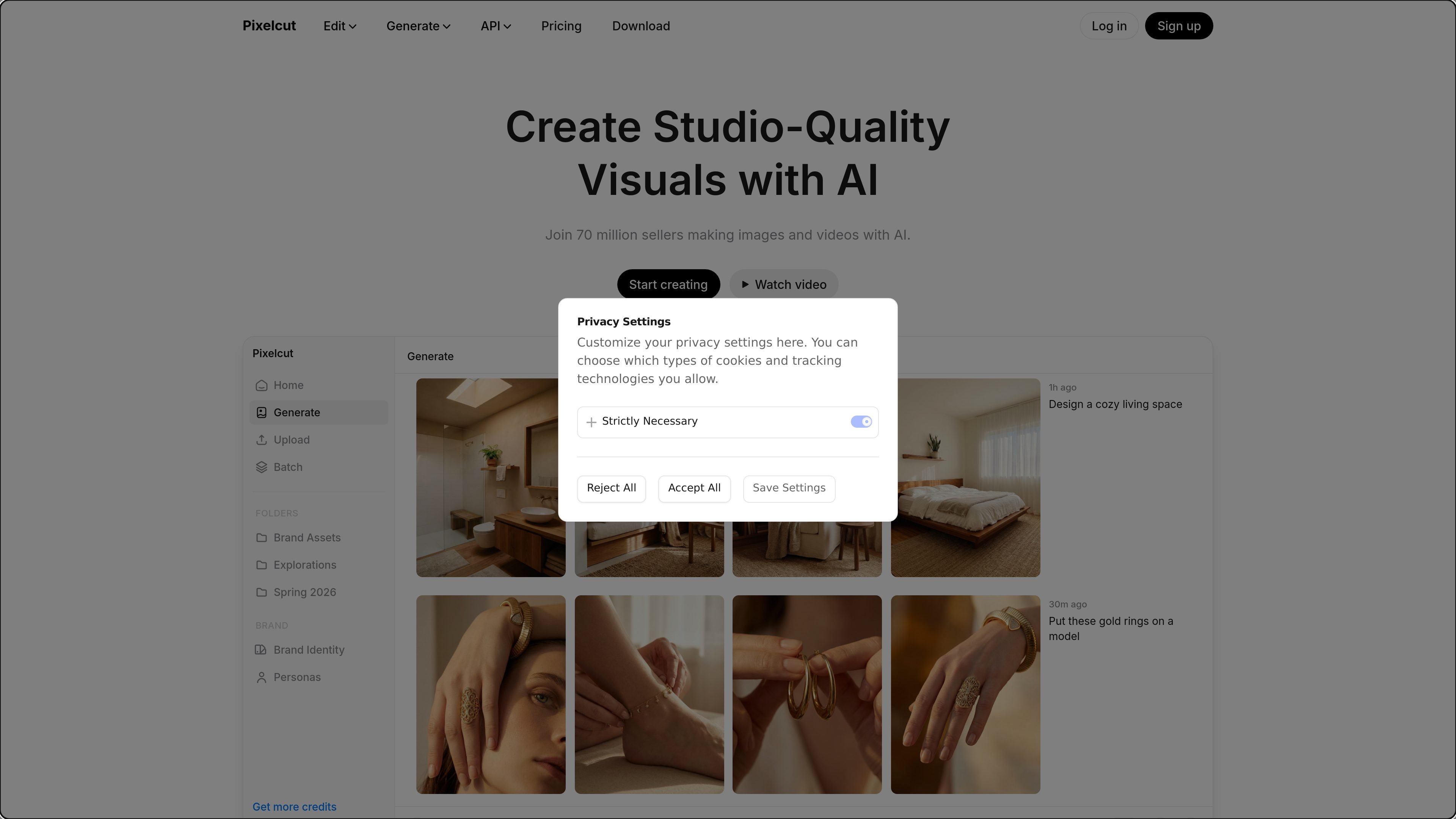
Pixelcut is an AI photo and video editor built for creating and editing visual content from prompts, uploaded images, and multi-step workflows. It combines background removal, upscaling, retouching, image generation, and video creation in one product.
The site presents Pixelcut as a workspace for creators, brands, and businesses that need product photos, social ads, and other marketing visuals. Its AI Agent can write prompts, generate assets, perform edits, and handle exports across image and video tasks.
Remove backgrounds from images and video using Pixelcut's proprietary background removal tools, designed for high-quality cutouts.
Increase image resolution with upscaling tools, including options that go up to 16x resolution and support multiple models.
Extend images beyond their original edges with the expand tool, useful for changing compositions or fitting new layouts.
Edit objects and details with retouching tools, including erase, generative fill, and shadow generation.
Run edits across large sets of files at once with batch editing for higher-volume workflows.
Use the AI Agent to plan and carry out multi-step creative tasks such as image generation, editing, video creation, and export.
Create e-commerce product imagery from a simple product photo, using AI backgrounds, lighting, and styling to generate polished scenes for listings or campaigns.
Build talking-head ads and UGC-style videos with AI actors or Personas, useful for social media, product demos, and digital marketing.
Handle common editing tasks like background removal, object erasing, image expansion, and upscaling for everyday visual production work.
Use the AI Agent to complete multi-step requests such as making a product photo, adding a model or persona, and exporting the result in one conversation.
Generate or adapt content in volume with batch editing and organization-level team access for shared creative work.
Yes. The pricing page says Pixelcut offers a free version with basic image editing tools, and Pixelcut Pro adds access to all AI tools, batch editing, and HD exports.
Yes. The pricing page says you can use Pixelcut Pro on iPhone or Android through the app, and also in mobile and desktop browsers.
Yes. The pricing page says subscriptions can be canceled at any time.
Pixelcut uses credits for certain advanced AI models and operations, especially those provided by third-party partners. The exact credit cost depends on the model or workflow used.
Yes. The pricing page says Pro includes 3 team members and Business includes 10+ seats, with shared organization credits for the team.
Traffic data is for reference only.

douhuiai.com
豆绘AI is an online AI image creation and editing platform for e-commerce and design, supporting white-background, scene, interior renderings, and common post-processing.

creativio.io
AI product photography that turns basic images into polished marketing visuals

pebblely.com
Pebblely is a web-based AI product photography tool that turns product images into photos and marketing assets for listings, social posts, ads, and websites.

mokker.ai
Mokker AI creates polished product scenes from one photo

weshop.com
AI product photography and image editing for e-commerce

oksuro.com
Web-based AI stock image library for search, editing, compositing, and short video creation.